

When a donation is made in Ko-fi, translate text in Google Translate and send thank you via Email SMTP
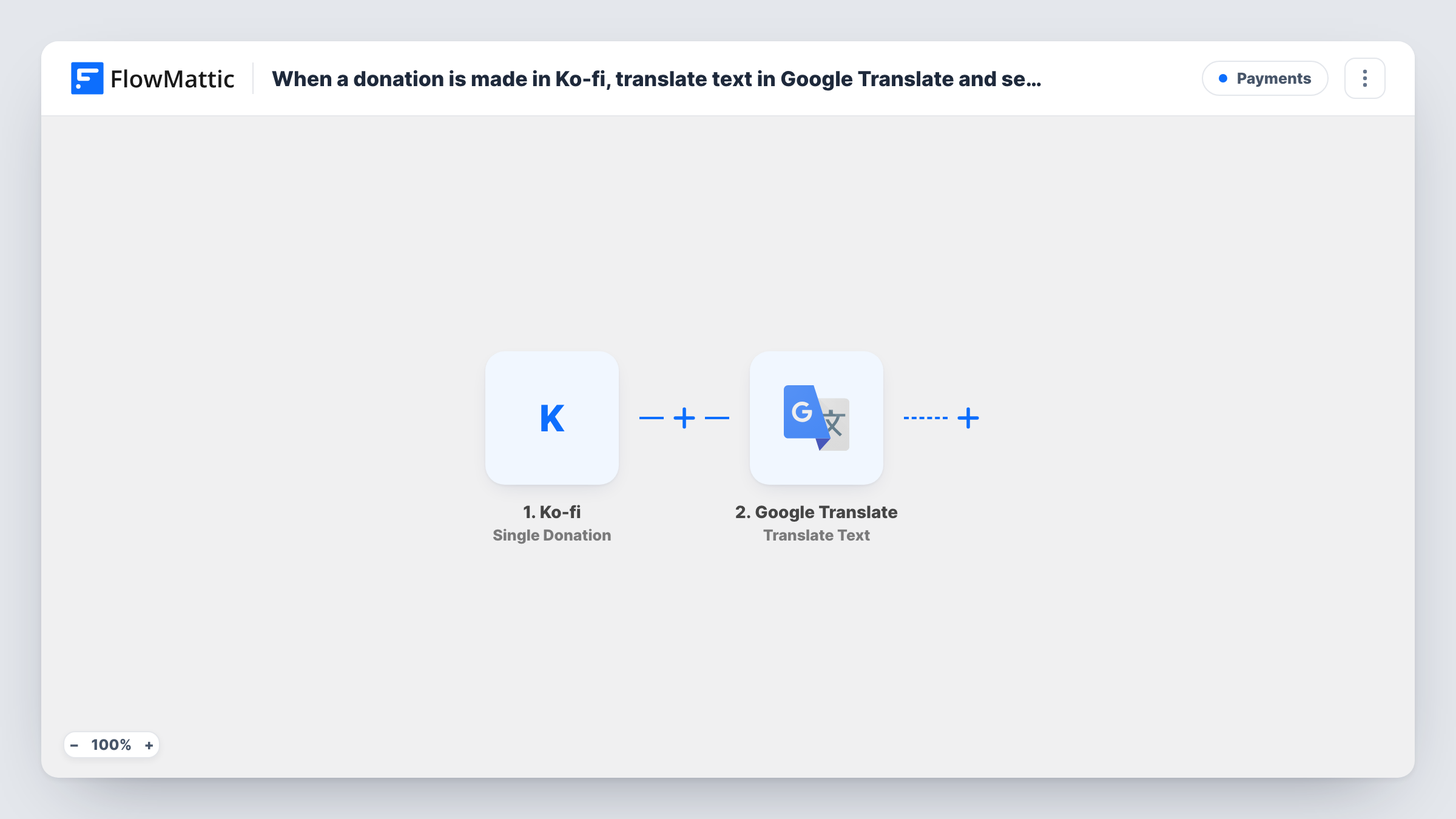
When someone makes a single donation on Ko-fi, FlowMattic translates your thank-you text with Google Translate and sends the translated message by email through FlowMattic’s Email (SMTP) module.
 Ko-fi
Ko-fi
 Google Translate
 Email
Email3 steps Setup ~5 min Used on 2.8k sites Free to import
What this workflow does
Creators on Ko-fi often have supporters who read another language better than theirs. This workflow sends each donor a thank-you in the language you choose, so you can write the message once and still reach an audience abroad in their own words.
The Ko-fi trigger fires when someone makes a single donation. Monthly subscriptions and shop orders are separate Ko-fi events, so they don't start this workflow. The donation details, such as the supporter's name, message and email when Ko-fi sends it, are passed on.
The Google Translate step translates text from one language to another. It ships unmapped: after import, write your thank-you text (you can map the donor's name into it) and choose the target language. The language is fixed per workflow, so every donor gets the same language.
The last step is FlowMattic's Email module, sending through WordPress mail or your SMTP account. Its subject is set to "Thank you for your support" and its body is the translated text. The recipient is not set in the template: map the donor's email from the Ko-fi trigger before you turn the workflow on, and send yourself a test donation first.
Spanish thank-yous for a Latin American audience
An illustrator whose followers are mostly in Mexico and Argentina writes the thank-you in English and has every donor receive it in Spanish.
Japanese replies for a game modder
A modder with a large Japanese following sends each Ko-fi donor a translated note of thanks with the name of the mod they supported.
A personal note without writing every time
A podcaster thanks each single donation with the same warm message in German, so supporters hear back even when the host is traveling.
How this workflow runs
What happens at each step once the workflow is on, and what you need before you import it.
 Ko-fi Single Donation
Fires when someone makes a single donation on your Ko-fi page. The donation's details, such as the supporter's name, message and email, are passed to the next steps.
- Google Translate Translate Text
Translates your thank-you text into another language. The step ships unmapped, so after import write the text, map in the donor's name if you like, and pick the target language.
 Email Send Email
Sends the translated text as the body of an email titled "Thank you for your support". No recipient is set in the template, so map the donor's email from Ko-fi as the address after import.
What you need
- FlowMatticCore
- Ko-fi AccountAccount
- Google Translate AccountAccount
After importing, map your own data. To keep the template universal, not every step is pre-filled. Open each step in the builder and connect your accounts and fields (channels, lists, sheets, recipients) before you switch the workflow on.
Make it yours
Changes worth making after you import it.
- To send the email through Gmail, enter Gmail's SMTP details in the Email step's connection, or swap the step for the Gmail app's Send Email action.
- For donors who speak different languages, put a Router between the Ko-fi trigger and the Google Translate step, and give each route its own Translate Text and Email steps in place of the current pair. Use route conditions that can't both match.
- Add your name and Ko-fi page link at the end of the original text, so the translated email still tells the donor who it's from.
Questions about this workflow
Who receives the Ko-fi thank-you email?
Nobody until you map a recipient. The template sets the subject and body but not the address, so map the donor's email from the Ko-fi trigger into the Email step.
Can each donor get the thank-you in their own language?
Not as imported. The Translate Text step uses one target language. To vary it, you need a value that tells you the donor's language and a Router with a route per language.
Do Ko-fi memberships and shop orders send this email?
No. The trigger is Single Donation. Ko-fi's monthly subscription payments and shop orders are separate events that this template doesn't use.
More Payments workflows
Other ready-to-import templates from the same category.








Import this workflow into your WordPress site
Download the JSON, import it from the Workflows screen and connect your accounts. Every run stays on your server, with no per-task fees.
30-day money-back guarantee Unlimited workflows and runs Self-hosted