

When a subscription becomes past due in SureCart, add a tag to the user in FunnelKit Automations ( Autonami ) and send WhatsApp template message to the user
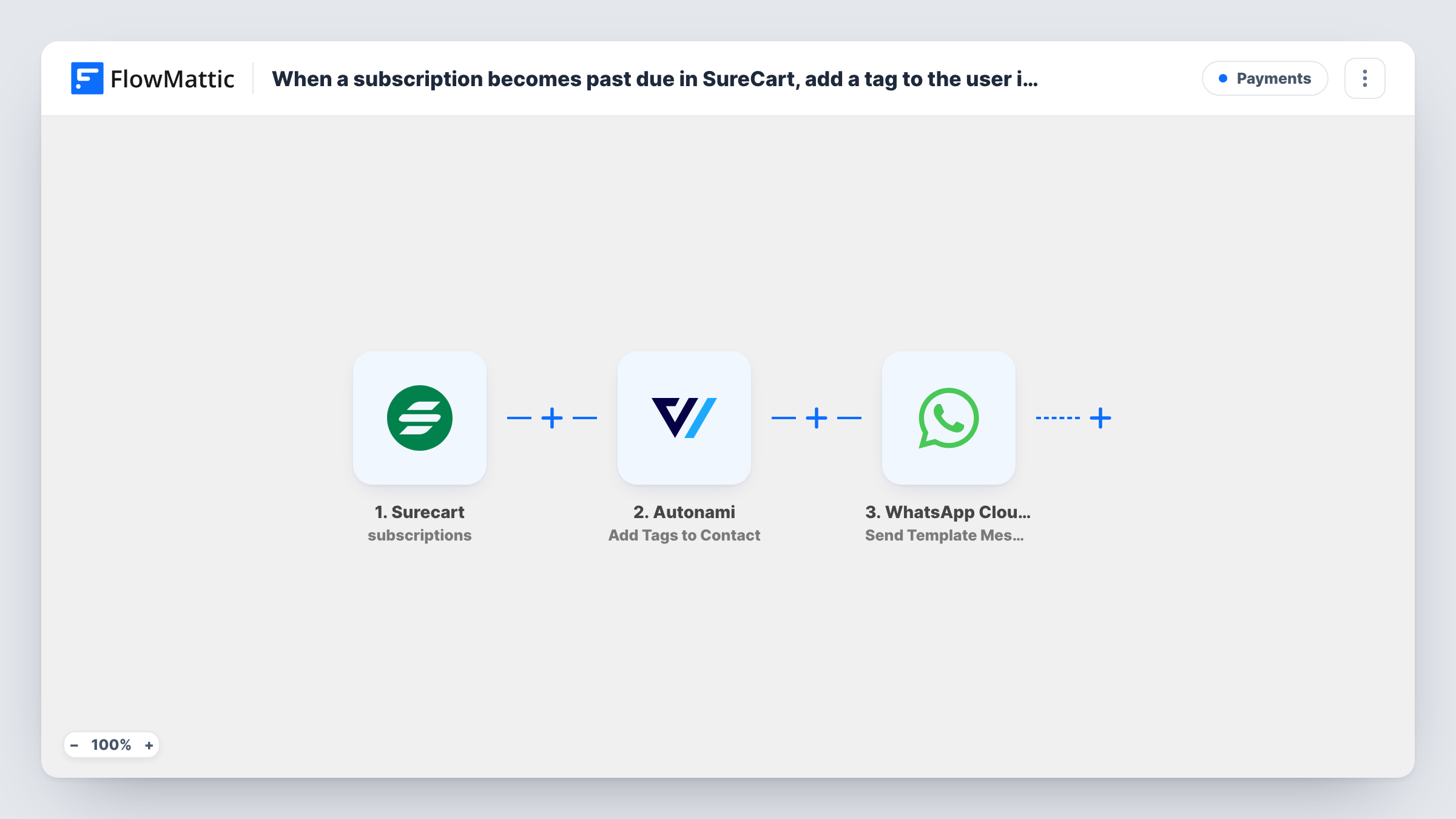
When a SureCart subscription turns past due, FlowMattic adds the customer to FunnelKit Automations, tags them, and sends a WhatsApp template message asking them to sort out the payment.
 Surecart
 Autonami
 WhatsApp Cloud API
4 steps Setup ~8 min Used on 3.5k sites Free to import
What this workflow does
A past-due subscription can simply mean an expired card rather than a decision to leave, and the customer may not know yet. This workflow marks the customer in FunnelKit Automations for your own follow-up emails and messages them on WhatsApp at the same moment.
The SureCart trigger fires when a subscription's status changes to past due. Check in a test run which customer details arrive with it. If the email or phone is missing, add SureCart's Find Customer By ID after the trigger and map from its result.
Next, two FunnelKit Automations steps run. Create New Contact adds the customer, and Add Tags to Contact applies the tag you choose, such as past-due. Both ship unmapped. Map the email and name into the first, then point the second at that contact and pick the tag. Many of your subscribers may already be FunnelKit contacts, so look at what Create New Contact returns for an existing email in Task History.
The last step uses WhatsApp Cloud API Send Template Message. Pick an approved template, such as a payment reminder, and map the customer's phone number with country code and any template variables.
Payment reminders for a membership site
A membership site sends a WhatsApp reminder with a link to update the card when a monthly SureCart subscription goes past due.
Dunning emails in FunnelKit
A software seller's past-due tag starts a FunnelKit email series that reminds the customer over several days, alongside the WhatsApp message.
Segmenting customers at risk
A subscription box shop uses the past-due tag in FunnelKit to keep these customers out of promotional sends until their payment is fixed.
How this workflow runs
What happens at each step once the workflow is on, and what you need before you import it.
 Surecart Subscription past due
Fires when a SureCart subscription's status changes to past due. Check a test run for the customer details it carries before you map the next steps.
- Autonami Create New Contact
Adds the customer as a contact in FunnelKit Automations. The step ships unmapped, so map the email and name. Test with a customer who is already a contact to see what the step returns.
- Autonami Add Tags to Contact
Applies a tag to the FunnelKit contact, such as past-due. Point the step at the contact from step 2 and choose the tag after import; the template sets neither.
- WhatsApp Cloud API Send Template Message
Sends an approved WhatsApp template message to the customer. Pick the template, map the phone number in international format and fill any template variables, such as the first name.
What you need
- FlowMatticCore
- SureCart AccountAccount
- FunnelKit Automations ( Autonami ) PluginPlugin
- WhatsApp Cloud API AccountAccount
After importing, map your own data. To keep the template universal, not every step is pre-filled. Open each step in the builder and connect your accounts and fields (channels, lists, sheets, recipients) before you switch the workflow on.
Make it yours
Changes worth making after you import it.
- Build a FunnelKit automation that starts when the past-due tag is added, so the follow-up emails run without another FlowMattic step.
- Pair this with a second workflow on SureCart's Subscription made active trigger that removes the tag with FunnelKit's Remove Tags From Contact once the payment goes through.
- Include a link to the customer's account or payment page as a template variable, so the WhatsApp message tells them exactly where to update the card.
Questions about this workflow
Do I need an approved WhatsApp template for the SureCart reminder?
Yes. Send Template Message only sends templates that WhatsApp has approved for your business number. Create and get the template approved in your WhatsApp Business account before you set up the step.
What if the SureCart customer is already a FunnelKit contact?
Create New Contact is set to add the customer. How FunnelKit handles an email it already holds is shown in Task History after a test run, so test with an existing contact before you rely on the tag step.
Will the customer get a WhatsApp message every time a payment fails?
The trigger fires when the subscription's status changes to past due. A subscription that recovers and later falls past due again starts a new run and gets another message.
Does the FunnelKit tag come off when the customer pays?
Not with this workflow. Add a separate workflow that removes the tag when the subscription becomes active again.
More Payments workflows
Other ready-to-import templates from the same category.







Import this workflow into your WordPress site
Download the JSON, import it from the Workflows screen and connect your accounts. Every run stays on your server, with no per-task fees.
30-day money-back guarantee Unlimited workflows and runs Self-hosted