

When a form is submitted on Global Patron, add a new lead in HubSpot CRM
Each new Global Patron form submission creates a contact in HubSpot CRM from the answers you map, so leads from your Global Patron forms are in your CRM for your sales team.
 Global Patron
 HubSpot CRM
2 steps Setup ~5 min Used on 3.3k sites Free to import
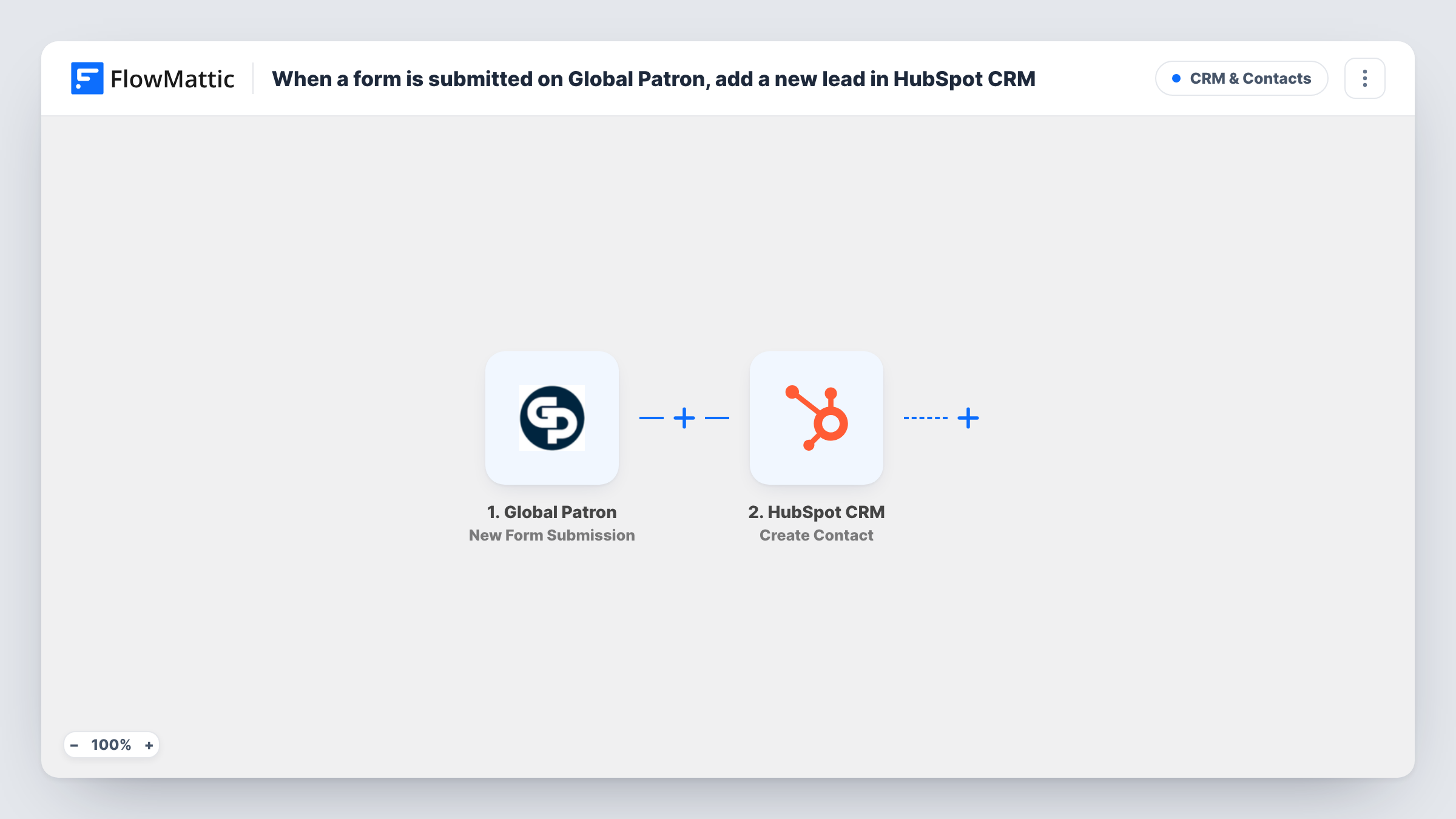
What this workflow does
Global Patron forms collect enquiries and sign-ups, but your sales process probably runs in HubSpot. Copying each submission across by hand is slow, and leads sit unseen while you do it. This workflow creates the HubSpot contact when the form is sent.
Every run starts from a fresh submission on a Global Patron form. FlowMattic collects the submitted answers from the event. The HubSpot CRM step then runs Create Contact, and you map the answers, starting with the email and any name or phone fields, into the new contact.
This HubSpot action never edits an existing record. If the email already belongs to a HubSpot contact, HubSpot may refuse the duplicate, and Task History shows its response for that run. Every submission tries to create a contact, since nothing filters them first.
Membership enquiries
A Global Patron form asks visitors about joining. Each enquirer becomes a HubSpot contact your membership team can call.
Donation or sponsorship leads
People who ask about sponsoring through a Global Patron form land in HubSpot, where your partnerships team tracks the conversation.
Event interest sign-ups
Visitors register interest in an upcoming event through Global Patron, and each one is a HubSpot contact ready for the event emails.
How this workflow runs
What happens at each step once the workflow is on, and what you need before you import it.
 Global Patron New Form Submission
Starts a run when a new form is submitted in Global Patron. The submitted answers become values you can map to HubSpot contact properties.
- HubSpot CRM Create Contact
Turns the Global Patron answers into a fresh HubSpot CRM contact. Connect HubSpot and map the form's email, name and other answers to the contact; a known email may be refused.
What you need
- FlowMatticCore
- Global Patron AccountAccount
- HubSpot CRM AccountAccount
After importing, map your own data. To keep the template universal, not every step is pre-filled. Open each step in the builder and connect your accounts and fields (channels, lists, sheets, recipients) before you switch the workflow on.
Make it yours
Changes worth making after you import it.
- Submit a test entry on your Global Patron form after import, so FlowMattic captures its fields before you map them to HubSpot.
- Expect repeat visitors? Add HubSpot's Get Contact step before Create Contact, if it can look up by email, then a Filter so known contacts skip the create step.
- Add a Filter after the trigger if only some Global Patron forms or answers should create a HubSpot contact, for example a field showing they want to be contacted.
Questions about this workflow
What if the Global Patron submitter is already a HubSpot contact?
Create Contact doesn't update existing records. If HubSpot turns down a repeated address, you can read why in Task History. Add a lookup step first if repeat submitters are common.
Does this create a HubSpot lead or a contact?
A contact, using HubSpot's Create Contact action. How you mark it as a lead depends on the properties you map and your HubSpot setup.
Which Global Patron answers can go into HubSpot?
Any field the New Form Submission trigger sends. Look at the captured data from a test entry to choose what to map to HubSpot properties.
Are earlier Global Patron submissions copied into HubSpot?
No. The workflow reacts only to Global Patron entries sent after you switch it on.
More CRM & Contacts workflows
Other ready-to-import templates from the same category.





Import this workflow into your WordPress site
Download the JSON, import it from the Workflows screen and connect your accounts. Every run stays on your server, with no per-task fees.
30-day money-back guarantee Unlimited workflows and runs Self-hosted