

When a form is submitted on Weblium, add a new lead to HubSpot CRM
Each time a visitor sends a contact form on your Weblium site, this workflow creates a contact in HubSpot CRM from the details they entered, so new leads reach your sales pipeline without retyping.
 Weblium
 HubSpot CRM
2 steps Setup ~5 min Used on 319 sites Free to import
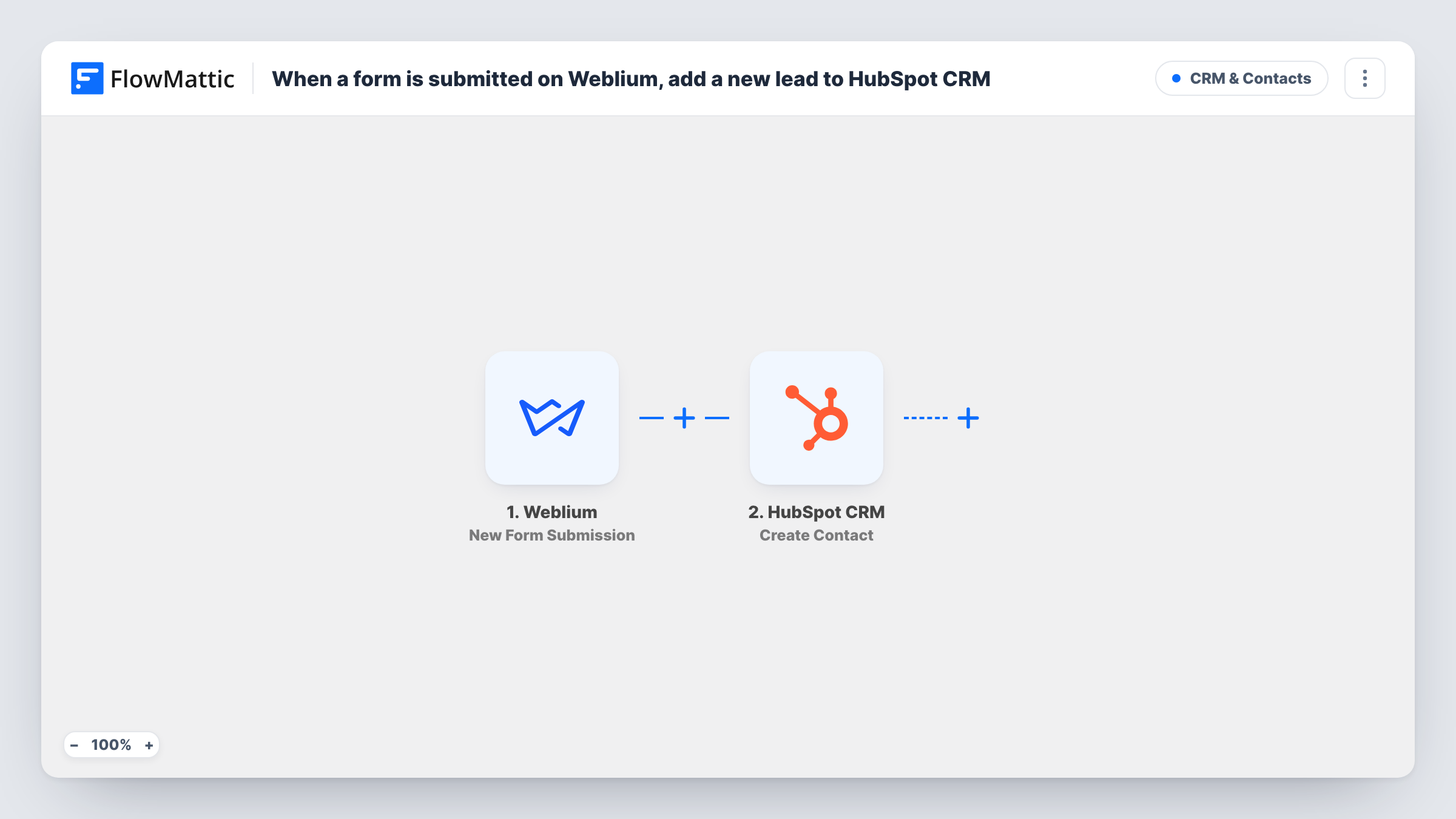
What this workflow does
A form on a Weblium site collects names, emails and messages, but those leads still have to get into your CRM before anyone follows up. Copying them over by hand is slow, and some get missed when the inbox is busy. This workflow moves every Weblium form entry into HubSpot as a contact.
The Weblium trigger fires when someone submits a contact form on your Weblium site. FlowMattic receives the submitted values and hands them to HubSpot CRM, where the Create Contact action adds a new contact record. You decide which form value goes into which contact property when you set up the step.
There is no Filter in between, so every submission becomes a HubSpot contact attempt. Task History logs each run with the data sent and HubSpot's reply, which is where you look if a contact did not appear.
Landing page for a service business
A plumber's Weblium page asks for a callback. Each request becomes a HubSpot contact the office can call, log activity on and move into a deal.
Portfolio site enquiries
A designer's Weblium portfolio has a hire-me form. Prospects land in HubSpot, where follow-up emails and notes stay attached to each person.
Product waitlist
Visitors join a launch waitlist through a Weblium form, and each sign-up is created as a HubSpot contact you can email when the product goes live.
How this workflow runs
What happens at each step once the workflow is on, and what you need before you import it.
 Weblium New Form Submission
Fires whenever a visitor submits a contact form on your Weblium site. The values they typed are passed to the HubSpot step for mapping.
- HubSpot CRM Create Contact
Creates a new contact in HubSpot CRM from the form submission. Map the email address and any name or phone values the form collects into the contact, then check the result with a test submission.
What you need
- FlowMatticCore
- Weblium AccountAccount
- HubSpot CRM AccountAccount
After importing, map your own data. To keep the template universal, not every step is pre-filled. Open each step in the builder and connect your accounts and fields (channels, lists, sheets, recipients) before you switch the workflow on.
Make it yours
Changes worth making after you import it.
- Make the email field required on your Weblium form so HubSpot always gets an address to build the contact around.
- Add a Filter after the trigger if one Weblium site has several forms and only some should create HubSpot contacts, for example by checking a field only the sales form has.
- Submit one test entry after import so FlowMattic captures the form's fields, then map them in the HubSpot step before you switch the workflow on.
Questions about this workflow
What happens if the Weblium visitor is already a HubSpot contact?
Create Contact only creates records. HubSpot may refuse a second contact with the same email address, and Task History shows its response for that run. The submission is not merged into the existing contact.
Which Weblium forms start the workflow?
The trigger fires when a contact form on your Weblium site is submitted. If you only want one form to reach HubSpot, add a Filter that checks a value unique to that form.
Does a HubSpot deal get created as well?
No. The template only creates a contact. You can add another HubSpot action after it if you also want a deal or other record.
Will past Weblium submissions be sent to HubSpot?
No. Only forms submitted after you turn the workflow on reach HubSpot. For earlier Weblium entries, use HubSpot's own contact import.
More CRM & Contacts workflows
Other ready-to-import templates from the same category.






Import this workflow into your WordPress site
Download the JSON, import it from the Workflows screen and connect your accounts. Every run stays on your server, with no per-task fees.
30-day money-back guarantee Unlimited workflows and runs Self-hosted