

When a form is submitted on Zoho Forms, automatically create reminders in Todoist
Each new Zoho Forms entry creates a task in Todoist built from the answers you map, so call-backs, bookings and requests sit in your to-do list as follow-up reminders.
 Zoho Forms
 Todoist
2 steps Setup ~5 min Used on 2.3k sites Productivity Free to import
What this workflow does
A form entry that needs a reply is easy to lose in an inbox. If Todoist is where you keep track of what to do next, each Zoho Forms submission should land there as something to tick off. This workflow turns entries into Todoist tasks you can act on.
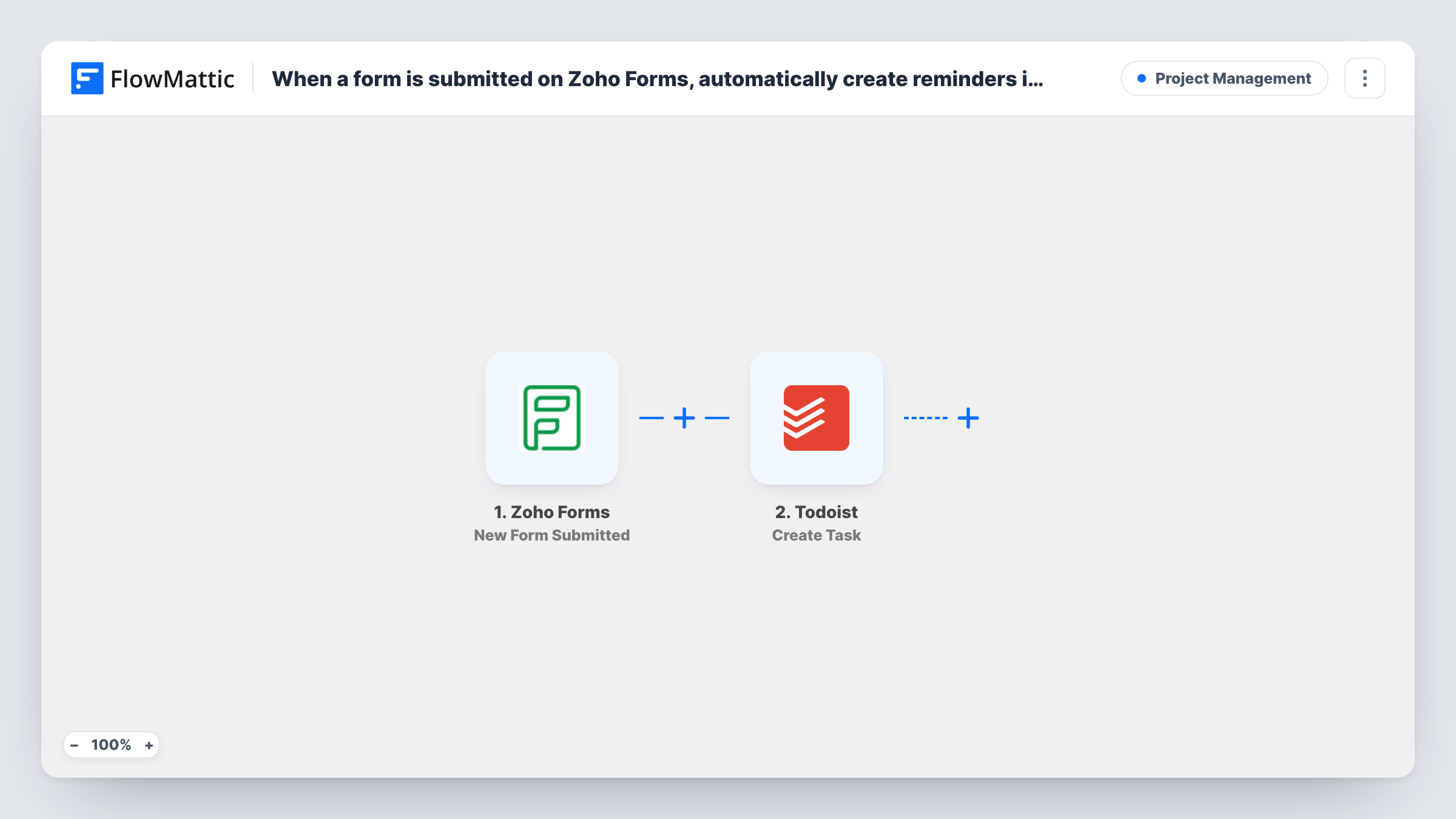
A run begins the moment someone sends a new entry through Zoho Forms. FlowMattic picks up the answers in that entry. The Todoist step then runs Create Task, and you decide how the answers fill the task, such as the person's name and request in the task content.
The reminder here is the Todoist task itself. Whether Todoist alerts you about it depends on what you set in the step and in your Todoist account, so check the step's options after you connect Todoist. One entry gives one task, and repeat entries from the same person give separate tasks.
Call-back requests
A Zoho form on your contact page asks when to call. Each request becomes a Todoist task so the call-back sits in today's list and isn't forgotten.
Equipment or room bookings
Staff book a meeting room or a laptop through a Zoho form, and the office manager gets a Todoist task for each booking to prepare.
Customer feedback follow-up
A feedback form collects complaints and suggestions. Each one appears in a shared Todoist project, where the team assigns and closes them.
How this workflow runs
What happens at each step once the workflow is on, and what you need before you import it.
 Zoho Forms New Form Submitted
Runs whenever someone submits a new entry on your Zoho Forms form. The submitted answers can then be placed into the Todoist task.
- Todoist Create Task
Adds a task to Todoist for the entry. Connect your Todoist account, then map the Zoho Forms answers into the task, and check after connecting which project and date options the step gives you.
What you need
- FlowMatticCore
- Zoho Forms AccountAccount
- Todoist AccountAccount
After importing, map your own data. To keep the template universal, not every step is pre-filled. Open each step in the builder and connect your accounts and fields (channels, lists, sheets, recipients) before you switch the workflow on.
Make it yours
Changes worth making after you import it.
- Submit one test entry in Zoho Forms after import, so FlowMattic captures the answer fields and you can place them into the Todoist task.
- If only some entries need a follow-up, add a Filter after the trigger on a field such as a Request a call back answer, so other entries never reach Todoist.
- Put the submitter's contact details in the task content, if your form asks for them, so you can act on the task without opening Zoho Forms.
Questions about this workflow
Does this create a Todoist reminder or a Todoist task?
A task, using Todoist's Create Task action. The task acts as your reminder; any alert you receive depends on the options you set in the step and in Todoist.
Will each Zoho Forms entry create its own Todoist task?
Yes. There is no Filter as imported, so every new entry runs the Todoist step once, even if the same person submits again.
Can the Todoist task get a due date from the Zoho form?
If the Create Task step offers a due date once Todoist is connected, map a date answer from your form into it. A test entry shows whether Todoist reads the date as you expect.
Are Zoho Forms entries from before import turned into Todoist tasks?
No. Only entries submitted after the workflow is switched on start a run.
More Project Management workflows
Other ready-to-import templates from the same category.




Import this workflow into your WordPress site
Download the JSON, import it from the Workflows screen and connect your accounts. Every run stays on your server, with no per-task fees.
30-day money-back guarantee Unlimited workflows and runs Self-hosted