

When a Getsitecontrol form is submitted, create a contact in LeadConnector V2
Every Getsitecontrol form a visitor submits on your site creates a contact in your LeadConnector (GoHighLevel) sub-account, ready for your follow-up automations there.
 Getsitecontrol
 LeadConnector V2
2 steps Setup ~5 min Used on 1.6k sites Free to import
What this workflow does
Getsitecontrol popups and widgets are good at catching a visitor's details, but the follow-up usually happens in LeadConnector. Without a link between them, you export responses and upload them, and new leads wait in the meantime. This workflow sends each submission over as it arrives.
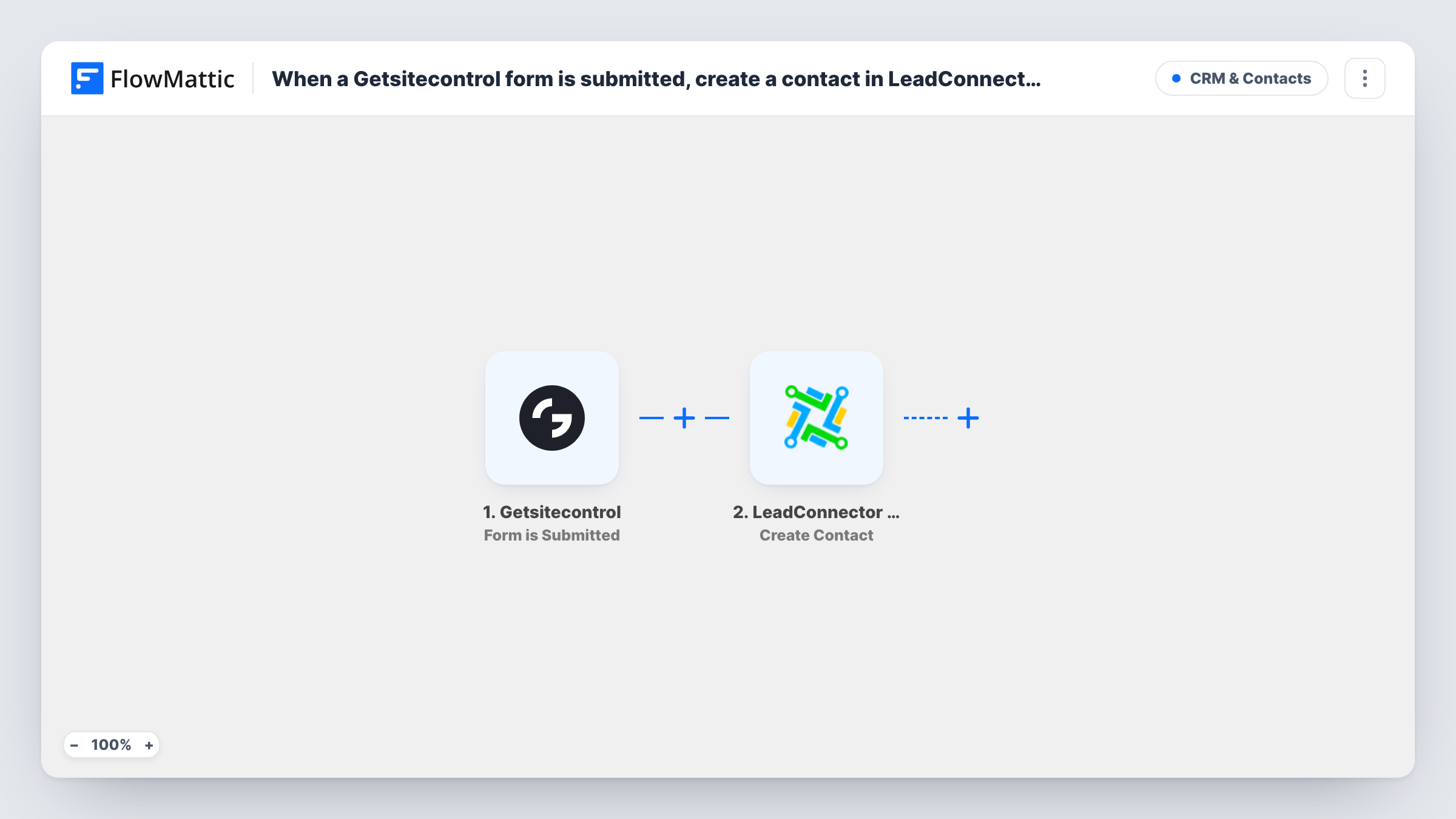
The Getsitecontrol trigger fires when a form is submitted. FlowMattic passes the answers to LeadConnector V2, where the Create Contact action adds a contact at the sub-account level. You map the form's answers, such as the email and name your widget asks for, into the contact.
Once the contact exists in your sub-account, your own LeadConnector workflows and pipelines can pick it up. The template does nothing else in LeadConnector, so tags or campaign enrolment are up to you. Task History shows each run and the reply LeadConnector sent back, which is where you look if a contact didn't appear.
Discount popup for a store
A Getsitecontrol popup offers a code in return for an email. Each sign-up becomes a LeadConnector contact your nurture campaign can reach.
Agency running client sites
Point a client's Getsitecontrol widget at their own LeadConnector sub-account, so their leads arrive where the agency runs the client's follow-up.
Callback request form
Visitors leave a phone number in a Getsitecontrol form. Each one is added as a LeadConnector contact, so your team works the callback list from the CRM instead of the widget's responses.
How this workflow runs
What happens at each step once the workflow is on, and what you need before you import it.
 Getsitecontrol Form is Submitted
Runs when a visitor submits a Getsitecontrol form on your site. Each answer from the form becomes data you can map in the LeadConnector step.
- LeadConnector V2 Create Contact
Creates a contact in your LeadConnector V2 sub-account from the form answers. Connect your account and map the submitted details into the contact, then confirm the result with a test submission.
What you need
- FlowMatticCore
- Getsitecontrol AccountAccount
- LeadConnector V2 AccountAccount
After importing, map your own data. To keep the template universal, not every step is pre-filled. Open each step in the builder and connect your accounts and fields (channels, lists, sheets, recipients) before you switch the workflow on.
Make it yours
Changes worth making after you import it.
- Ask for an email address in your Getsitecontrol form and map it into the contact, so every LeadConnector record has an address your follow-ups can reach.
- Swap Create Contact for LeadConnector's Create or Update a Contact action if visitors may submit more than once, so a repeat submission updates the record instead of trying to add another.
- Submit the form once yourself after import, then map the contact fields from that sample so the answers land in the right places.
- Add a Filter after the trigger if submissions from more than one Getsitecontrol widget reach this workflow and only one of them should create LeadConnector contacts.
Questions about this workflow
What happens if the Getsitecontrol visitor is already a LeadConnector contact?
The step is Create Contact, so it doesn't look for an existing record first. LeadConnector may reject the request or handle the duplicate according to your sub-account settings; Task History shows its reply for that run.
Is LeadConnector V2 the same as GoHighLevel?
Yes. LeadConnector is the platform behind GoHighLevel, and the V2 app in FlowMattic connects to it to create contacts in a sub-account.
Can the LeadConnector contact get a tag from this workflow?
Not as imported. Add LeadConnector's Add Tags to Contact step after Create Contact if your follow-up depends on tags, or let a workflow inside LeadConnector tag new contacts.
More CRM & Contacts workflows
Other ready-to-import templates from the same category.







Import this workflow into your WordPress site
Download the JSON, import it from the Workflows screen and connect your accounts. Every run stays on your server, with no per-task fees.
30-day money-back guarantee Unlimited workflows and runs Self-hosted