

Add MailerPress contact to ActiveCampaign when tag is added to contact
When a tag is added to a MailerPress contact on your WordPress site, this workflow creates or updates that person in ActiveCampaign, so tagged contacts show up in ActiveCampaign without exports.
 MailerPress
 ActiveCampaign
2 steps Setup ~5 min Used on 2.0k sites Free to import
What this workflow does
You may run newsletters from MailerPress on your WordPress site while sales or advanced automations live in ActiveCampaign. Tags are a natural hand-off point: once you tag someone in MailerPress, they are ready for the next stage. This workflow carries the contact across when that happens.
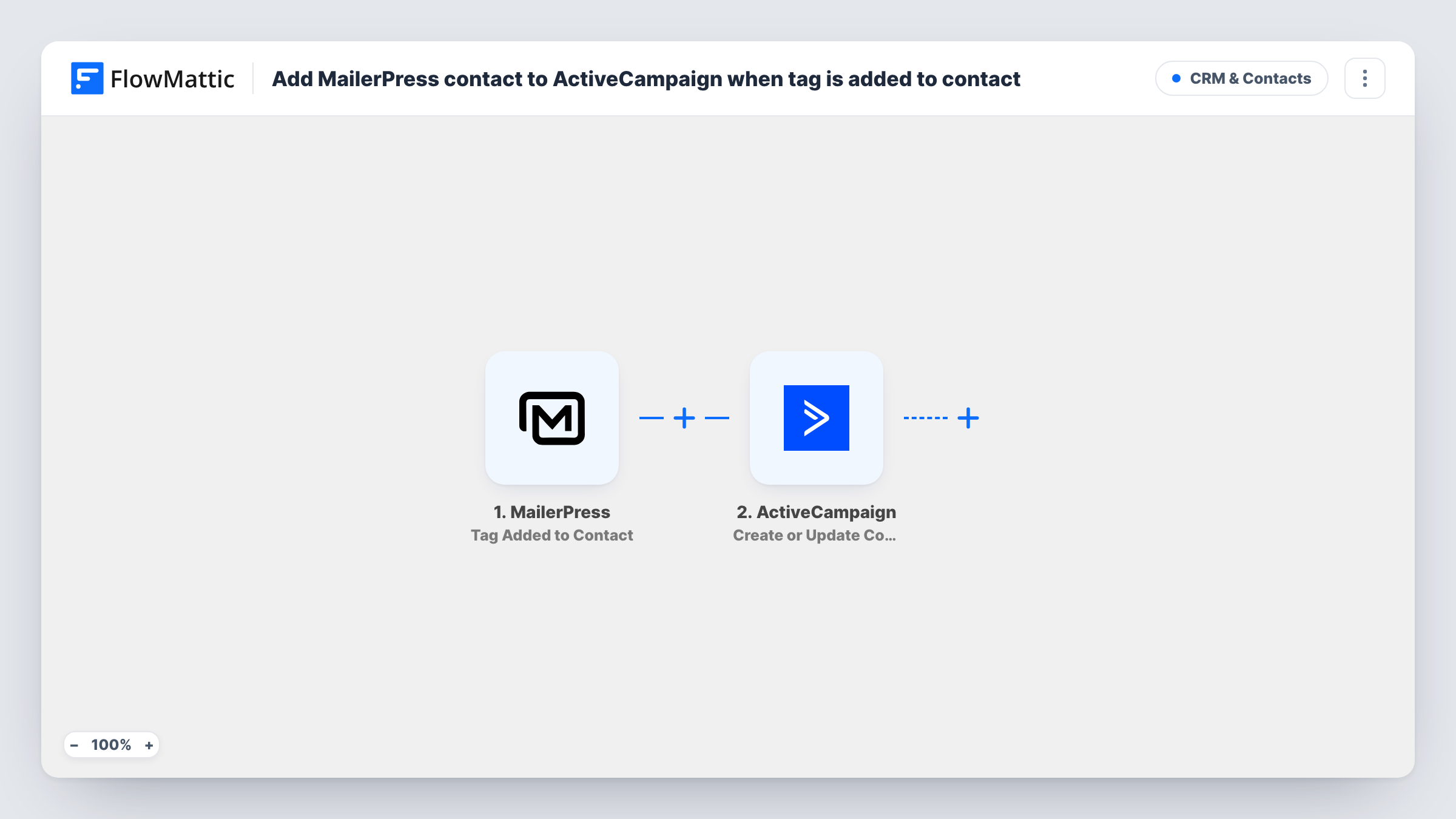
The MailerPress trigger fires when a tag is added to a contact. FlowMattic passes the contact's details to ActiveCampaign, where the Create or Update Contact action adds a new contact or updates the existing one. You map the email address and any name fields you want copied.
As imported, any tag starts the flow, not one specific tag. If you only want certain tags to send people to ActiveCampaign, add a Filter on the tag name. Task History records each run with the data sent, so you can see who was passed across and when.
Hand warm leads to sales
When you tag a MailerPress subscriber as interested in a demo, they are created in ActiveCampaign, where your sales automations pick them up.
Customers moving to a paid program
Tagging a MailerPress contact as a customer copies them to ActiveCampaign, which runs your onboarding emails for paying members.
Keeping two tools in step
Teams that use MailerPress for the blog list and ActiveCampaign for campaigns keep each tagged contact's name and email current in both.
How this workflow runs
What happens at each step once the workflow is on, and what you need before you import it.
 MailerPress Tag Added to Contact
Fires when a tag is added to a contact in MailerPress. The contact's details, and the tag, are passed to the ActiveCampaign step for mapping.
- ActiveCampaign Create or Update Contact
Creates a contact in ActiveCampaign, or updates the existing one. Map the MailerPress email and name fields to the contact, then connect your ActiveCampaign account on import.
What you need
- FlowMatticCore
- MailerPress PluginPlugin
- ActiveCampaign AccountAccount
After importing, map your own data. To keep the template universal, not every step is pre-filled. Open each step in the builder and connect your accounts and fields (channels, lists, sheets, recipients) before you switch the workflow on.
Make it yours
Changes worth making after you import it.
- Add a Filter after the trigger that continues only when the tag name equals the tag you use for the hand-off, so other tags don't send contacts across.
- If you want the same tag in ActiveCampaign, add ActiveCampaign's Add/Remove Tag From Contact action after the contact step and map the tag name from the trigger.
- Tag a test contact in MailerPress after import, then check ActiveCampaign to confirm the contact was created with the fields you mapped.
Questions about this workflow
Does any MailerPress tag send the contact to ActiveCampaign?
Yes, as imported. The trigger fires whenever a tag is added. Add a Filter on the tag name to limit it to the tags you choose.
What if the contact is already in ActiveCampaign?
The Create or Update Contact step updates the existing contact instead of adding a duplicate. Test with a known contact to confirm the result.
Is the MailerPress tag copied to ActiveCampaign?
Not as imported. The step creates or updates the contact only. Add ActiveCampaign's Add/Remove Tag From Contact step after it if you want the tag there too.
What happens if I add two tags to one MailerPress contact?
Each tag added fires the trigger, so the workflow runs once per tag. The contact is updated in ActiveCampaign each time rather than duplicated.
More CRM & Contacts workflows
Other ready-to-import templates from the same category.






Import this workflow into your WordPress site
Download the JSON, import it from the Workflows screen and connect your accounts. Every run stays on your server, with no per-task fees.
30-day money-back guarantee Unlimited workflows and runs Self-hosted