

When a JobScore candidate applies, save them to Airtable and welcome them by email with Gmail
When a candidate applies for a job in JobScore, this workflow saves them as an Airtable record and sends a welcome email from your Gmail account, so every applicant is tracked and hears back right away.
 JobScore
 Airtable
 Gmail
Gmail3 steps Setup ~5 min Used on 2.9k sites Free to import
What this workflow does
Applicants want to know their application arrived, and recruiters often keep a candidate table outside the ATS for reporting or for hiring managers. Doing both for each application takes time that adds up when a role is busy. This workflow covers both as soon as someone applies.
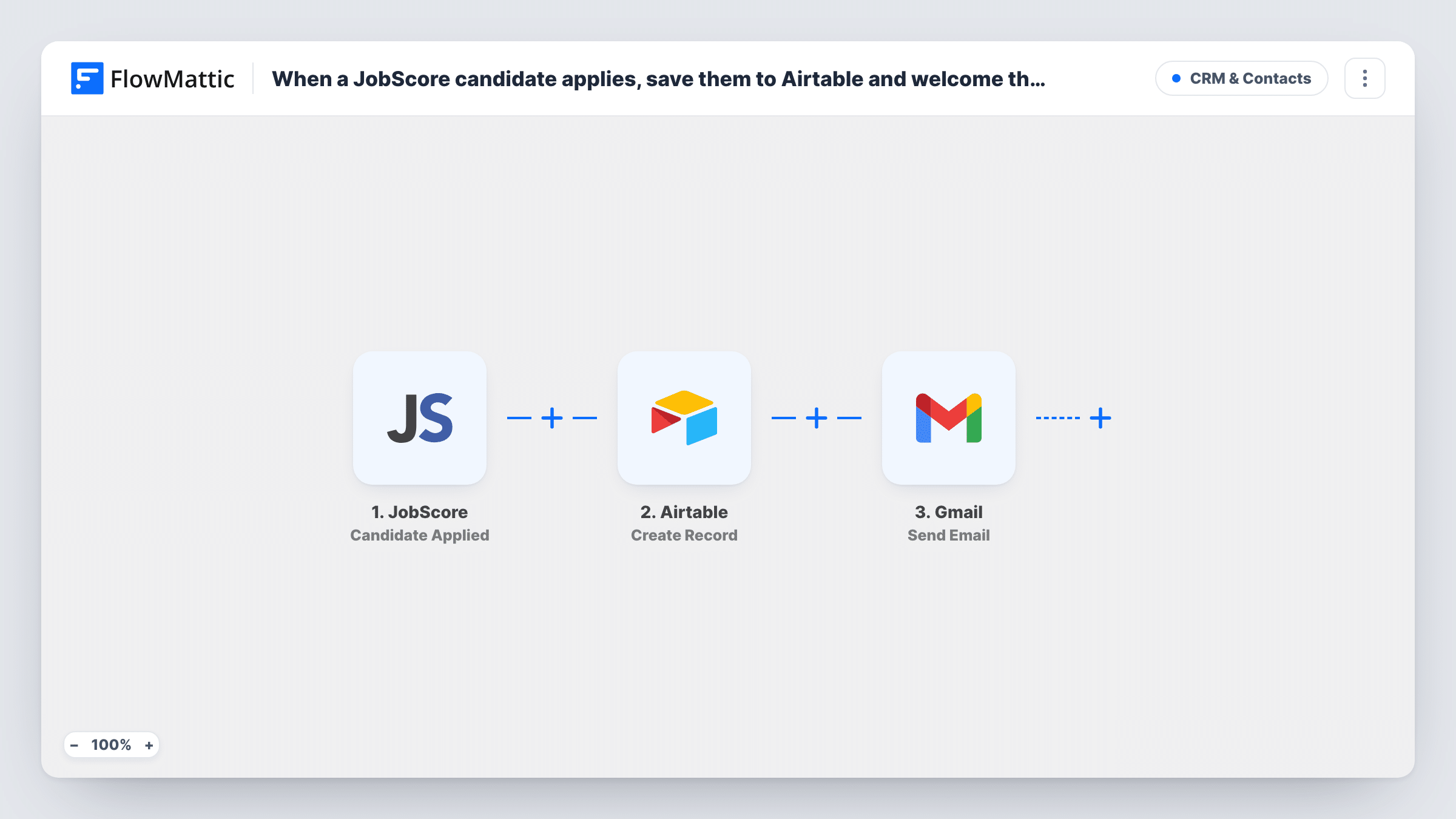
The JobScore trigger fires when a candidate applies for a job. FlowMattic creates a record in Airtable from the candidate's details and the job they applied for. Then Gmail sends an email from your connected account to the candidate's address, with the subject and message you write.
Every application runs both steps, so a person applying to two jobs gets two records and two emails. Task History shows each run and what each step returned.
Small team without ATS seats for managers
Hiring managers browse applicants in a shared Airtable view while the recruiter works in JobScore.
Personal acknowledgement from the recruiter
The welcome email comes from the recruiter's Gmail with their name and signature, so candidates can reply to a real person.
Hiring dashboard
Airtable charts count applications per job each week from the records this workflow creates.
How this workflow runs
What happens at each step once the workflow is on, and what you need before you import it.
 JobScore Candidate Applied
Fires when a candidate applies for a job in JobScore. The candidate's details and the job are passed to Airtable and Gmail.
- Airtable Create Record
Creates a record in the Airtable base and table you choose for the applicant. Map the candidate's name, email and job title to your fields.
- Gmail Send Email
Sends a welcome email from your Gmail account to the candidate. Map their email as the recipient and write a message that can include their name and the job.
What you need
- FlowMatticCore
- JobScore AccountAccount
- Airtable AccountAccount
- Gmail AccountAccount
After importing, map your own data. To keep the template universal, not every step is pre-filled. Open each step in the builder and connect your accounts and fields (channels, lists, sheets, recipients) before you switch the workflow on.
Make it yours
Changes worth making after you import it.
- Check a test application to confirm JobScore sends the candidate's email address. Without one, the Gmail step has no recipient and Task History will show the error.
- Put the job title in the email subject, so applicants who apply to more than one role can tell the messages apart.
- JobScore also has a Candidate Status Changed trigger. A second workflow on it can update your follow-up as applicants move through stages.
Questions about this workflow
Which Gmail address sends the JobScore welcome email?
It goes out from whichever Google account you authorise on the email step. Replies from candidates go to that inbox.
Will a candidate who applies twice get two emails?
Yes. Each application starts its own run, so the candidate gets a new record and a new email for every job they apply to.
Can the email include the candidate's CV?
No. The welcome email carries only the text you compose for the JobScore applicant. It doesn't attach files from JobScore.
More CRM & Contacts workflows
Other ready-to-import templates from the same category.





Import this workflow into your WordPress site
Download the JSON, import it from the Workflows screen and connect your accounts. Every run stays on your server, with no per-task fees.
30-day money-back guarantee Unlimited workflows and runs Self-hosted