

Create SuiteDash contact from new Gravity Forms submissions
Each time a visitor submits a Gravity Forms form on your WordPress site, this workflow creates a contact in SuiteDash from the answers, so new enquiries reach your client portal and CRM without retyping.
 Gravity Forms
 SuiteDash
2 steps Setup ~5 min Used on 2.2k sites Free to import
What this workflow does
Gravity Forms is often the front door for a service business: quote requests, project briefs, consultation bookings. SuiteDash is where those people get managed afterwards, as contacts, clients and portal users. Without a link between the two, someone copies every entry across by hand. This workflow creates the SuiteDash contact for you.
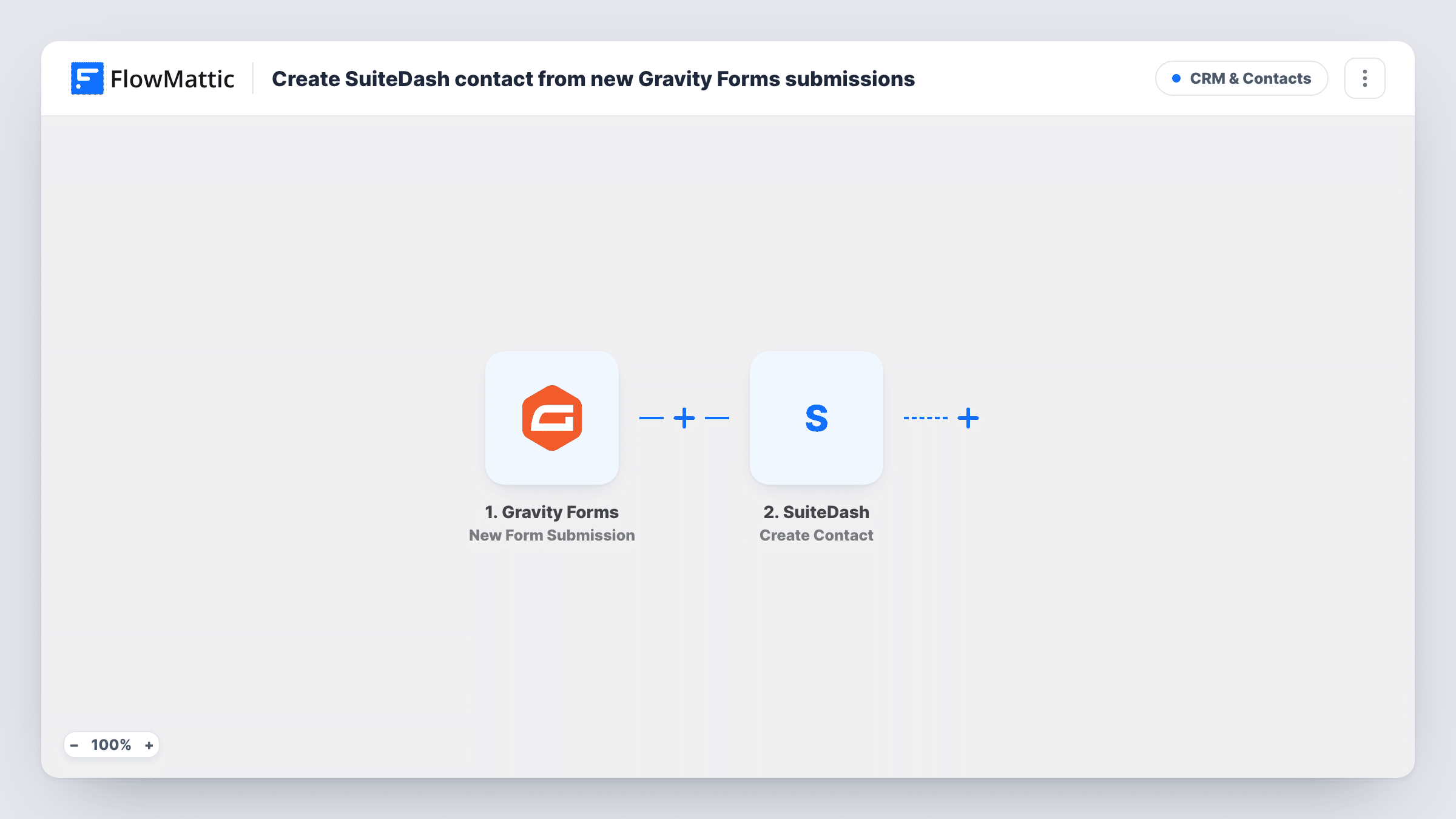
The Gravity Forms trigger, New Form Submission, runs when a form on your site is submitted. FlowMattic receives the submitted fields and passes them to SuiteDash, where Create Contact adds a new contact from the answers you map, such as the name and email fields.
Gravity Forms still saves the entry and sends its notifications as usual, because FlowMattic just reads what was sent. There is no Filter as imported, so every submission the trigger receives creates a contact. Submit a test entry after import to capture the form's fields, map them, and check the result in SuiteDash and in Task History.
Consultation requests for a consultancy
Prospects fill in a Gravity Forms booking request. Each one becomes a SuiteDash contact, so the consultant can follow up from the same system that later holds their projects and invoices.
Project briefs for a design studio
A detailed brief form collects scope and budget. The person behind each brief is added to SuiteDash, ready to be moved on to a client when the work is agreed.
Partner or vendor applications
An application form on your site feeds SuiteDash, giving your team one contact list of applicants to review and contact.
How this workflow runs
What happens at each step once the workflow is on, and what you need before you import it.
 Gravity Forms New Form Submission
Runs when a visitor submits a Gravity Forms form on your site. Every field in the submission becomes available to map into SuiteDash.
- SuiteDash Create Contact
Creates a new contact in SuiteDash from the submission. Connect your SuiteDash account and map the form's name and email fields, plus any others you want on the contact. A test entry shows what the step accepts.
What you need
- FlowMatticCore
- Gravity Forms PluginPlugin
- SuiteDash AccountAccount
After importing, map your own data. To keep the template universal, not every step is pre-filled. Open each step in the builder and connect your accounts and fields (channels, lists, sheets, recipients) before you switch the workflow on.
Make it yours
Changes worth making after you import it.
- Mark the email field as required in the Gravity Forms form editor, so every submission reaches SuiteDash with an address for the contact.
- Add a Filter after the trigger that continues only when a consent or enquiry-type field has the value you want, so newsletter-style entries stay out of SuiteDash.
- Add a second step after SuiteDash, such as a Slack or email notification, so the person who handles new contacts hears about each one.
Questions about this workflow
What if the person is already a SuiteDash contact?
The step is Create Contact, so it tries to add a new contact each time. SuiteDash may reject a duplicate email or create a second contact; run a test with an existing address and check Task History for the response.
Does Gravity Forms still store the entry?
Yes. The workflow reads the submission after it is made, and Gravity Forms keeps the entry and sends its own notifications as before.
Does the person filling in the Gravity Forms form get an email from this workflow?
No. It creates the SuiteDash contact only. Any confirmation the visitor sees or receives comes from your Gravity Forms settings.
Are older Gravity Forms entries sent to SuiteDash?
No. SuiteDash contacts come only from entries submitted once the workflow is active. Existing entries need a separate import.
More CRM & Contacts workflows
Other ready-to-import templates from the same category.






Import this workflow into your WordPress site
Download the JSON, import it from the Workflows screen and connect your accounts. Every run stays on your server, with no per-task fees.
30-day money-back guarantee Unlimited workflows and runs Self-hosted