

When a new registration or order is completed in RegFox, add the registrant as a contact in HubSpot CRM
Each time someone completes a registration or order on your published RegFox page, FlowMattic creates a contact for them in HubSpot CRM, so attendees and buyers are ready for follow-up from your CRM.
 RegFox
 HubSpot CRM
2 steps Setup ~5 min Used on 2.2k sites Free to import
What this workflow does
RegFox handles the sign-up and payment for your events, classes and programs. Your sales or member follow-up, though, may run from HubSpot. Exporting registrant lists and importing them into the CRM after each event leaves people out of your follow-up for days. This workflow creates the HubSpot contact as each registration comes in.
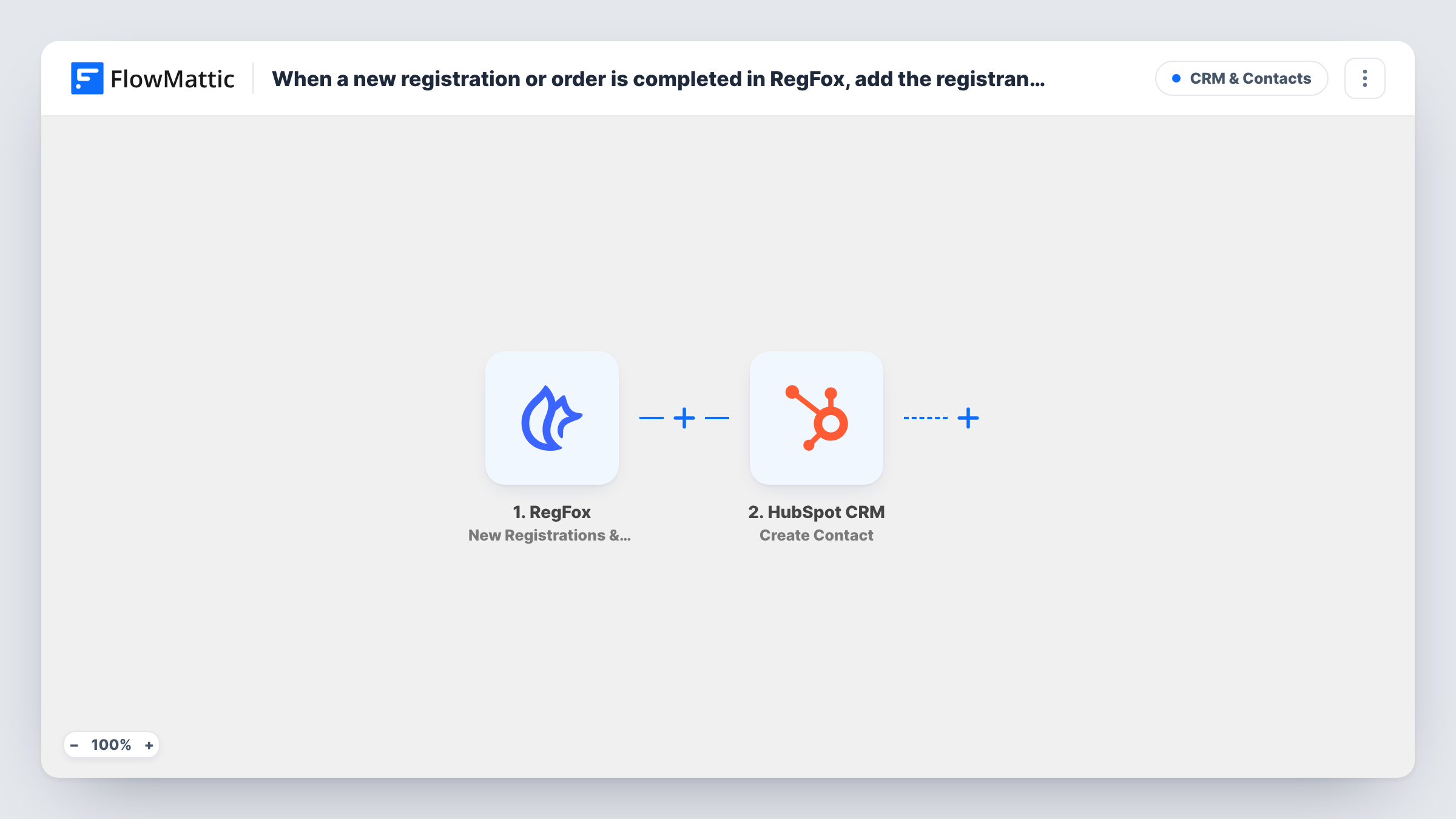
The RegFox trigger, New Registrations & Orders, fires when a registrant completes the process on your published RegFox page. Their registration details become values you can map. The HubSpot CRM step then runs Create Contact, building a contact from the email, name and any other registration answers you assign to HubSpot properties.
HubSpot's Create Contact action has no update mode. If a registrant's email is already in HubSpot, for example from an earlier event, HubSpot may refuse the duplicate, and Task History shows that response on the step. Every completed registration starts a run, so a person who registers for two events reaches HubSpot twice.
Conference attendees into the sales pipeline
Each paid conference registration becomes a HubSpot contact, so your sales team can follow up with attendees from the CRM after the event.
Membership sign-ups for an association
New members who join through a RegFox form appear in HubSpot, where your membership staff keep notes and track renewals.
Workshop registrations for a training company
People booking a paid workshop on RegFox land in HubSpot as contacts you can later invite to related courses.
How this workflow runs
What happens at each step once the workflow is on, and what you need before you import it.
 RegFox New Registrations & Orders
Fires when a new registrant completes a registration or order through your published RegFox page. Their registration answers are passed on to the HubSpot step.
- HubSpot CRM Create Contact
Makes a new HubSpot CRM contact from the RegFox registration. Connect your HubSpot account and map the registrant's email, name and other answers to contact properties.
What you need
- FlowMatticCore
- RegFox AccountAccount
- HubSpot CRM AccountAccount
After importing, map your own data. To keep the template universal, not every step is pre-filled. Open each step in the builder and connect your accounts and fields (channels, lists, sheets, recipients) before you switch the workflow on.
Make it yours
Changes worth making after you import it.
- Make email a required field on your RegFox form, so every registration carries an address for the HubSpot contact.
- If you run several RegFox events, map the event name into a HubSpot contact property so you can tell later which event brought each contact in.
- Complete one test registration on your RegFox page after import, so FlowMattic captures the registration fields before you map the HubSpot step.
Questions about this workflow
What happens when a RegFox registrant is already a HubSpot contact?
This template never updates anyone in HubSpot. The CRM may reject a second contact with that email, and the step's entry in Task History will show its answer. The existing contact is not changed by this workflow.
Does a free RegFox registration start the workflow too?
The trigger fires for each registrant who completes your published RegFox page. Make a test registration of the kind you offer and check Task History to confirm it starts a run.
Are past RegFox registrations sent to HubSpot?
No. Only registrations completed after you switch the workflow on create contacts. Import earlier registrants into HubSpot from a RegFox export.
Can existing HubSpot contacts be updated from RegFox instead?
Not with this template. It only creates contacts. To update people already in HubSpot you would need to change the HubSpot step and test it on a contact you know is there.
More CRM & Contacts workflows
Other ready-to-import templates from the same category.





Import this workflow into your WordPress site
Download the JSON, import it from the Workflows screen and connect your accounts. Every run stays on your server, with no per-task fees.
30-day money-back guarantee Unlimited workflows and runs Self-hosted