

When a Malcolm! workflow is completed, add a new row to Google Sheets
Each time a workflow is completed in your Malcolm! account, this FlowMattic workflow adds a row to Google Sheets with the completion details, building a log you can filter, count and share.
 Malcolm!
 Google Sheets
2 steps Setup ~5 min Used on 462 sites Free to import
What this workflow does
When a workflow finishes in Malcolm!, the record of it stays in the Malcolm! app. Reporting on finished workflows is often easier in a spreadsheet, where you can count completions by week, share them with a manager or combine them with other data. Copying each completion across by hand is easy to skip. This FlowMattic workflow keeps the log for you.
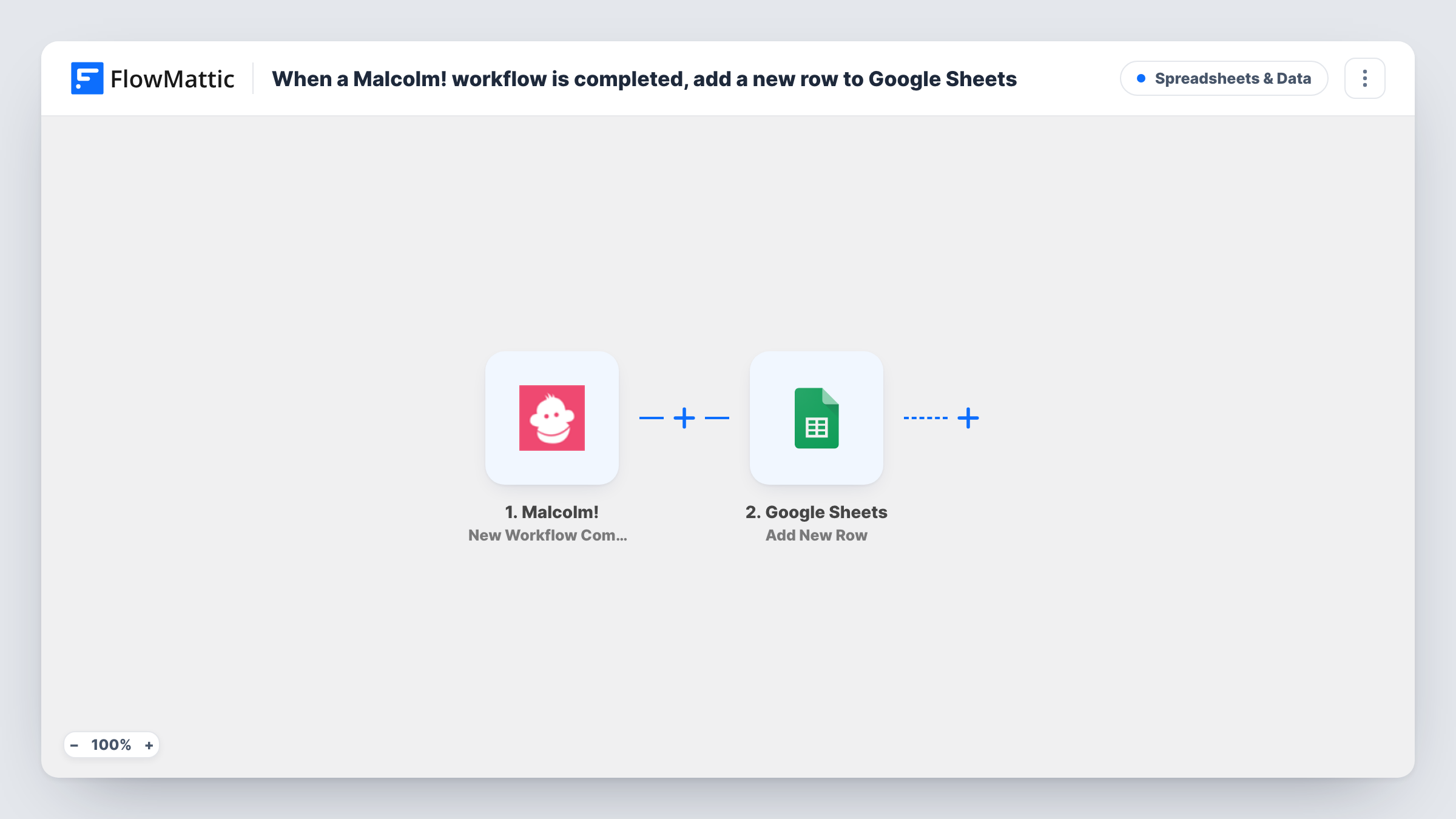
The Malcolm! trigger, New Workflow Completion, fires when a workflow is completed. FlowMattic receives the data that event carries and passes it to Google Sheets. The Add New Row step writes the values you map into a new row of the spreadsheet you choose.
One completion gives one row, so the sheet becomes a running history. Run a test completion to see which fields Malcolm! sends, such as the workflow name or the person who finished it, before you set up the columns. Task History lists each run with the data it wrote.
Onboarding completion report
An HR team counts how many new starters finished their Malcolm! onboarding workflow each month, straight from the sheet.
Client process tracking
An agency logs every client that finishes a Malcolm! intake workflow and shares the sheet with account managers who don't use the Malcolm! app.
Combining with other data
A second tab looks up each completion against a customer list, so you can see which accounts have finished setup.
How this workflow runs
What happens at each step once the workflow is on, and what you need before you import it.
 Malcolm! New Workflow Completion
Fires when a workflow in your Malcolm! account is completed. The completion data Malcolm! sends becomes available to map into the spreadsheet.
- Google Sheets Add New Row
Writes one new row per completion to the Google Sheets spreadsheet you select. Map the Malcolm! fields to columns and connect your Google account.
What you need
- FlowMatticCore
- Malcolm! AccountAccount
- Google Sheets AccountAccount
After importing, map your own data. To keep the template universal, not every step is pre-filled. Open each step in the builder and connect your accounts and fields (channels, lists, sheets, recipients) before you switch the workflow on.
Make it yours
Changes worth making after you import it.
- Add a column for the completion date, so you can group and chart finished workflows by week or month in the sheet.
- If you run several Malcolm! workflows, map the workflow name into a column, if the event includes it, so you can filter the log by workflow.
- Add a Filter after the trigger that continues only for the workflow you care about, if you want a sheet for one process alone.
Questions about this workflow
Which Malcolm! completion details reach Google Sheets?
Whatever fields the New Workflow Completion event carries. Complete a test workflow after import to see them, then map the ones you need to columns.
Are earlier Malcolm! completions added to the sheet?
No. Only completions after you turn the workflow on create rows.
Can I send Malcolm! completions somewhere other than Google Sheets?
Yes. Keep the Malcolm! trigger and replace the Google Sheets step with another app's action, such as a chat message or a CRM update.
Do I need anything in Malcolm! to connect it?
You connect your Malcolm! account in the trigger step on import. Then complete a test workflow to confirm events arrive in FlowMattic.
More Spreadsheets & Data workflows
Other ready-to-import templates from the same category.




Import this workflow into your WordPress site
Download the JSON, import it from the Workflows screen and connect your accounts. Every run stays on your server, with no per-task fees.
30-day money-back guarantee Unlimited workflows and runs Self-hosted