

When a new booking is created in SimplyBook.me, add the client to Mailchimp
Each new SimplyBook.me booking adds the client to your Mailchimp audience, or updates them if they’re already there, so everyone who books with you can be reached by your email campaigns.
 SimplyBook.me
 Mailchimp
2 steps Setup ~5 min Used on 596 sites Free to import
What this workflow does
Clients who book through SimplyBook.me are people you already know want your service. Their details sit in the booking system, though, while your newsletters and offers go out from Mailchimp. Exporting clients and importing them into Mailchimp every few weeks leaves gaps. This workflow adds each client as they book.
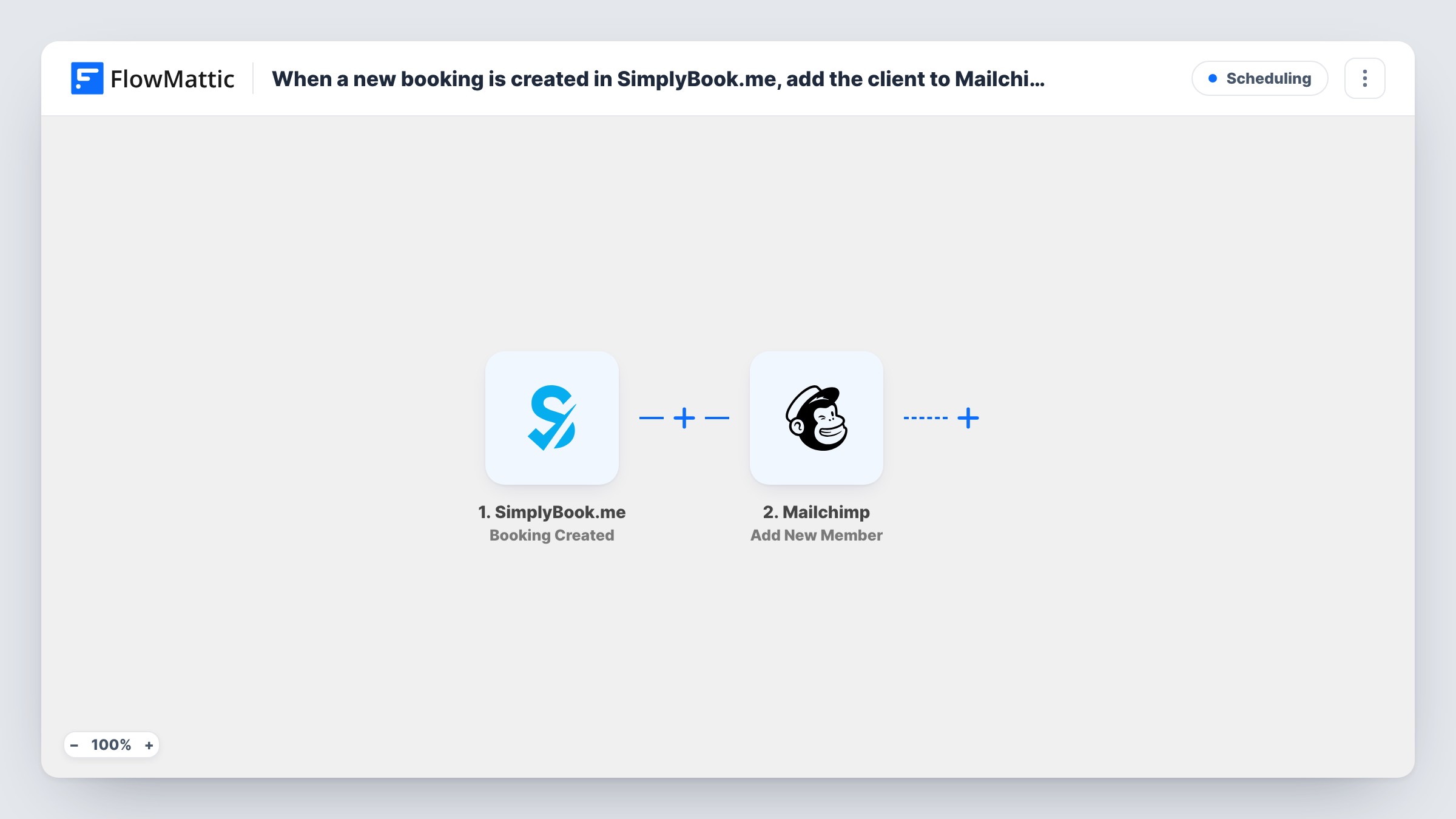
The SimplyBook.me trigger, Booking Created, fires when a new booking is created. FlowMattic receives the booking and client details, such as name and email address. The Mailchimp step runs Add New Member, which adds the client to the audience you pick, or updates them if they already exist there.
Because Add New Member updates existing members, a regular client who books again is not added twice. Their record is refreshed with the values from the newer booking, so a blank field in that booking can replace what Mailchimp held. Changed or cancelled bookings don't start a run, since the trigger only reacts to new ones. Every run is logged in Task History along with the response from Mailchimp.
Salon sending seasonal offers
A hair salon takes appointments through SimplyBook.me. Every client who books joins the Mailchimp audience that receives the salon's holiday offers.
Clinic newsletter for patients
A physiotherapy practice emails exercise tips each month. New patients reach the Mailchimp list from their first booking, with no spreadsheet export in between.
Tutor building a parent mailing list
Parents book lessons through SimplyBook.me. Adding them to Mailchimp lets the tutor send term dates and holiday course news to every family at once.
How this workflow runs
What happens at each step once the workflow is on, and what you need before you import it.
 SimplyBook.me Booking Created
Fires when a new booking is created in your SimplyBook.me account. Make a test booking after connecting so FlowMattic captures the client fields to map.
- Mailchimp Add New Member
Adds the client to your Mailchimp audience, or updates the member if that email is already there. Map the client's email address and name from the booking, and connect your Mailchimp account.
What you need
- FlowMatticCore
- SimplyBook.me AccountAccount
- Mailchimp AccountAccount
After importing, map your own data. To keep the template universal, not every step is pre-filled. Open each step in the builder and connect your accounts and fields (channels, lists, sheets, recipients) before you switch the workflow on.
Make it yours
Changes worth making after you import it.
- If your SimplyBook.me booking form asks clients whether they want emails, add a Filter after the trigger that continues only when they said yes.
- Run a second workflow on SimplyBook.me's Booking Cancelled trigger if you want to act on cancellations, such as a note in a Google Sheet for follow-up.
- Use a Router to send clients of different services to different Mailchimp audiences, one Add New Member step per route, keyed on the service name in the booking.
Questions about this workflow
What happens when a returning SimplyBook.me client books again?
Add New Member updates the existing Mailchimp member instead of adding a second one. Values from the newer booking replace the stored ones, including blank ones.
Are past SimplyBook.me clients added to Mailchimp?
No. Only bookings created after the workflow is switched on start a run. Export older clients from SimplyBook.me and import them into Mailchimp yourself.
Does cancelling a SimplyBook.me booking remove the client from Mailchimp?
No. This workflow reacts only to new bookings. The client stays in your Mailchimp audience until you remove them or they unsubscribe.
Which Mailchimp audience do SimplyBook.me clients join?
The one you choose in the Add New Member step when you connect your Mailchimp account. Run a test booking to check the client appears there.
More Scheduling workflows
Other ready-to-import templates from the same category.








Import this workflow into your WordPress site
Download the JSON, import it from the Workflows screen and connect your accounts. Every run stays on your server, with no per-task fees.
30-day money-back guarantee Unlimited workflows and runs Self-hosted