

When a meeting is rescheduled in Appointlet, add a record in Airtable
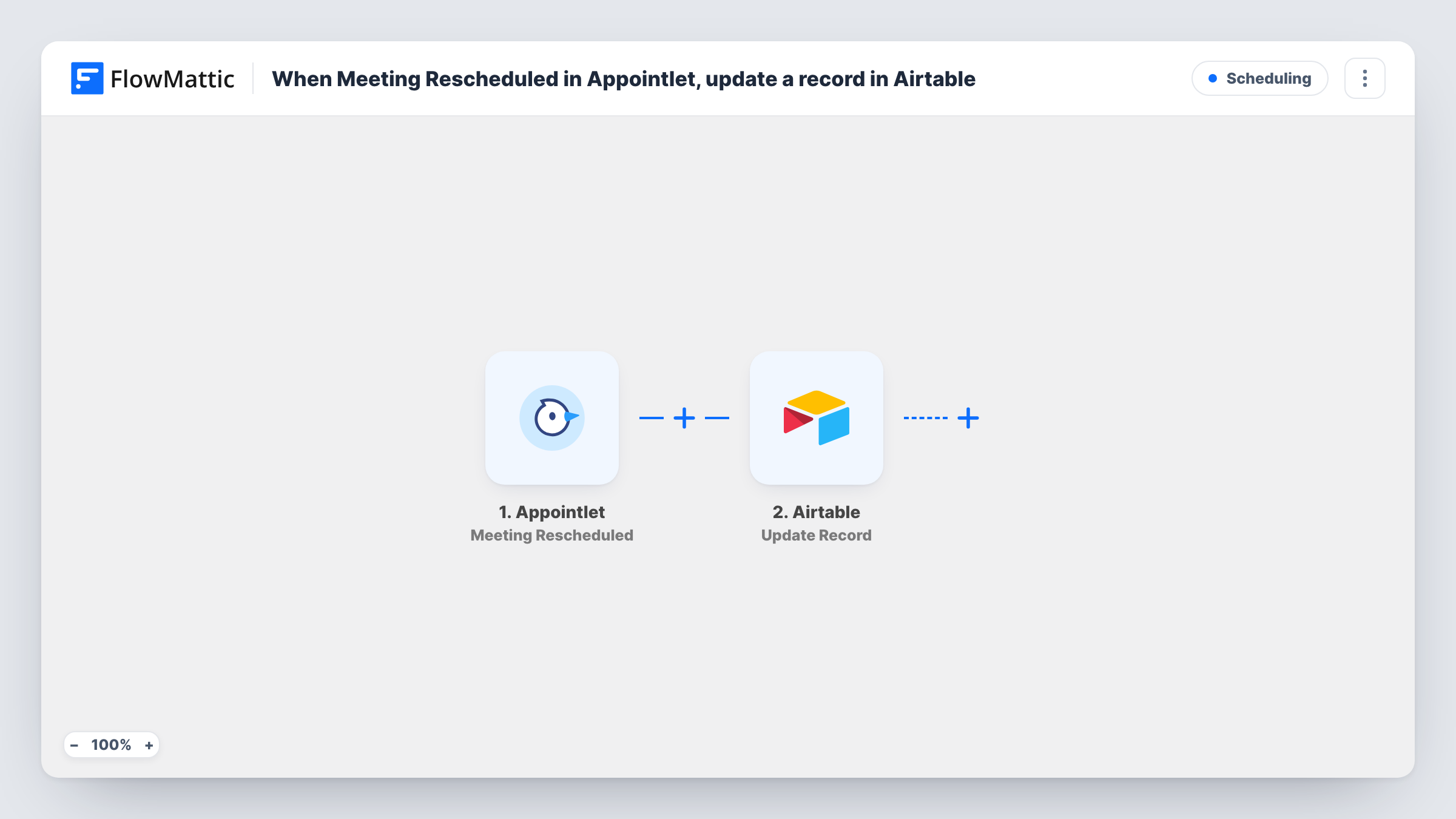
Every time a meeting is rescheduled in Appointlet, FlowMattic creates a new record in your Airtable table, building a log of each moved meeting with the details you map.
 Appointlet
 Airtable
2 steps Setup ~5 min Used on 2.6k sites Free to import
What this workflow does
Rescheduled meetings are easy to lose track of. Appointlet shows the new time, but it doesn't give you a running list of who moved what and how often. This workflow writes each reschedule into Airtable, where you can sort, group and count them.
The Appointlet trigger fires when a meeting is rescheduled. The meeting details Appointlet sends, such as the invitee and the new time, are passed to the next step. Reschedule a test booking after import to see which fields arrive.
The Airtable step then creates a new record. It ships unmapped: after import you connect Airtable, choose the base and table, and map the Appointlet values into your fields. A table with columns for the invitee, their email, the meeting type and the new start time is a simple place to begin.
The step always adds a record and never edits an existing one. A meeting moved twice shows up as two records, which is what you want from a reschedule log. If you'd rather keep one row per meeting that changes over time, this template isn't built for that.
Spotting clients who move meetings often
A consultant groups the Airtable log by invitee email and sees which clients reschedule most before planning their week.
Sales team reschedule tracking
A sales manager keeps a table of rescheduled demos with the rep and new time, and reviews it in the weekly pipeline meeting.
Reporting for a service desk
A clinic's front desk counts reschedules per month in Airtable to see how often appointment slots change.
How this workflow runs
What happens at each step once the workflow is on, and what you need before you import it.
 Appointlet Meeting Rescheduled
Fires when a meeting booked through Appointlet is rescheduled. The meeting and invitee details Appointlet provides become available for mapping into Airtable.
- Airtable Create Record
Adds one fresh Airtable record per reschedule, in the base and table you pick. Nothing is mapped in the template, so match the Appointlet fields, such as invitee and new time, to your Airtable columns after import.
What you need
- FlowMatticCore
- Appointlet AccountAccount
- Airtable AccountAccount
After importing, map your own data. To keep the template universal, not every step is pre-filled. Open each step in the builder and connect your accounts and fields (channels, lists, sheets, recipients) before you switch the workflow on.
Make it yours
Changes worth making after you import it.
- Add a date field in Airtable for the reschedule time and map it from the trigger, so you can filter the log by week or month.
- Set up a second workflow on Appointlet's Meeting Cancelled trigger that writes to the same Airtable table with a status field, so cancellations and reschedules sit side by side.
- Run one test reschedule and check Task History before mapping, so you can see the exact names of the fields Appointlet sends.
Questions about this workflow
Does the Airtable record update when a meeting is rescheduled again?
No. Each reschedule creates a new record, so a meeting moved twice appears twice. That gives you a full history rather than a single changing row.
Which Appointlet details end up in Airtable?
Only the values you map in the Create Record step. The template leaves it empty, so choose your base and table and match the fields after import.
Are new Appointlet bookings logged too?
No. This workflow only runs on reschedules. To log new bookings, import a second workflow on Appointlet's Meeting Scheduled trigger with its own Airtable step.
More Scheduling workflows
Other ready-to-import templates from the same category.





Import this workflow into your WordPress site
Download the JSON, import it from the Workflows screen and connect your accounts. Every run stays on your server, with no per-task fees.
30-day money-back guarantee Unlimited workflows and runs Self-hosted