

When a booking notification is received in SimplyBook.me, send an SMS via Twilio
Whenever SimplyBook.me sends a booking notification to FlowMattic, this workflow texts a message through Twilio, so a client or a staff member hears about the booking by SMS without anyone sending it by hand.
 SimplyBook.me
 Twilio
2 steps Setup ~5 min Used on 605 sites Free to import
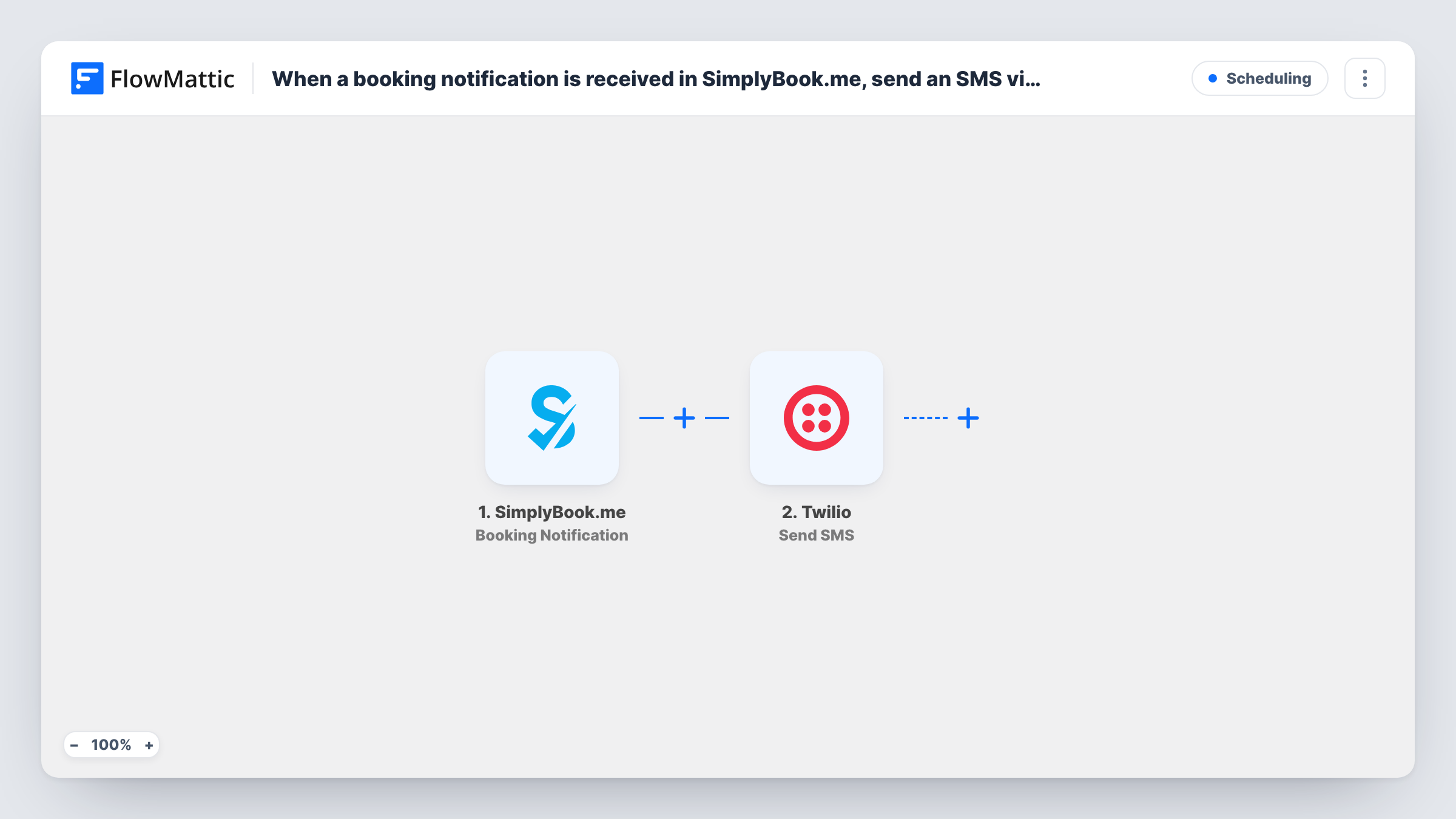
What this workflow does
A booking that only lives in your SimplyBook.me dashboard is easy to miss. A text message reaches people on their phone, whether that is the client who booked or the staff member who takes the appointment. This workflow turns each SimplyBook.me booking notification into an SMS sent from your Twilio number.
The SimplyBook.me trigger, Booking Notification, fires whenever SimplyBook.me sends a notification about a booking. Whatever booking data arrives with it is available for mapping. The Twilio step then sends an SMS: you choose who receives it and write the text, adding booking details from the trigger where they help.
Booking Notification is a general event. FlowMattic also lists separate SimplyBook.me triggers for Booking Created, Booking Updated and Booking Cancelled, so if you only want texts for new bookings, swap the trigger for Booking Created. Check a test run to see which details the notification carries; if the client's phone number isn't among them, send the text to a fixed staff number instead. Task History logs every run along with Twilio's response.
Salon owner alerted on her phone
Each SimplyBook.me booking notification sends a text to the owner's mobile, so she sees activity on the schedule while working with a client.
Tutors texting students about a session
When the notification includes the student's phone number, the tutor's business sends them an SMS with the session time from the booking.
On-call staff at a repair shop
A technician gets a text for every booking notification, so a same-day appointment doesn't sit unseen in the SimplyBook.me admin.
How this workflow runs
What happens at each step once the workflow is on, and what you need before you import it.
 SimplyBook.me Booking Notification
Fires when SimplyBook.me sends a booking notification. The booking data in that notification becomes available to map in the Twilio step; a test booking shows exactly what comes through.
- Twilio Send SMS
Sends a text through your connected Twilio account. Set the recipient, either a number from the booking data or a fixed staff number, and write the message with any booking details you want included.
What you need
- FlowMatticCore
- SimplyBook.me AccountAccount
- Twilio AccountAccount
After importing, map your own data. To keep the template universal, not every step is pre-filled. Open each step in the builder and connect your accounts and fields (channels, lists, sheets, recipients) before you switch the workflow on.
Make it yours
Changes worth making after you import it.
- To text only about brand-new appointments, replace the trigger with SimplyBook.me's Booking Created event, which FlowMattic lists as its own trigger.
- Run a test booking right after import and check which fields the notification includes before you map the phone number and message text.
- Add a second Twilio Send SMS step if both the client and a staff member should get a text from the same notification.
Questions about this workflow
Which SimplyBook.me events count as a booking notification?
The trigger fires whenever SimplyBook.me sends a booking notification to FlowMattic. For narrower events, FlowMattic also has Booking Created, Booking Updated and Booking Cancelled triggers you can use instead.
Can the Twilio SMS go to the client who booked?
Yes, when the booking data includes the client's phone number. Map it as the recipient. Check a test run first; if no number comes through, send the text to your own team instead.
Do I need a Twilio account for the SimplyBook.me texts?
Yes. The SMS is sent from a number in your Twilio account, which you connect to FlowMattic after you import the workflow.
Does this replace SimplyBook.me's own reminders?
No. The workflow adds a Twilio text on top of whatever SimplyBook.me already sends. It doesn't change any settings in your SimplyBook.me account.
More Scheduling workflows
Other ready-to-import templates from the same category.







Import this workflow into your WordPress site
Download the JSON, import it from the Workflows screen and connect your accounts. Every run stays on your server, with no per-task fees.
30-day money-back guarantee Unlimited workflows and runs Self-hosted