

When a new contact is created in Freshdesk, add a new member to Mailchimp list
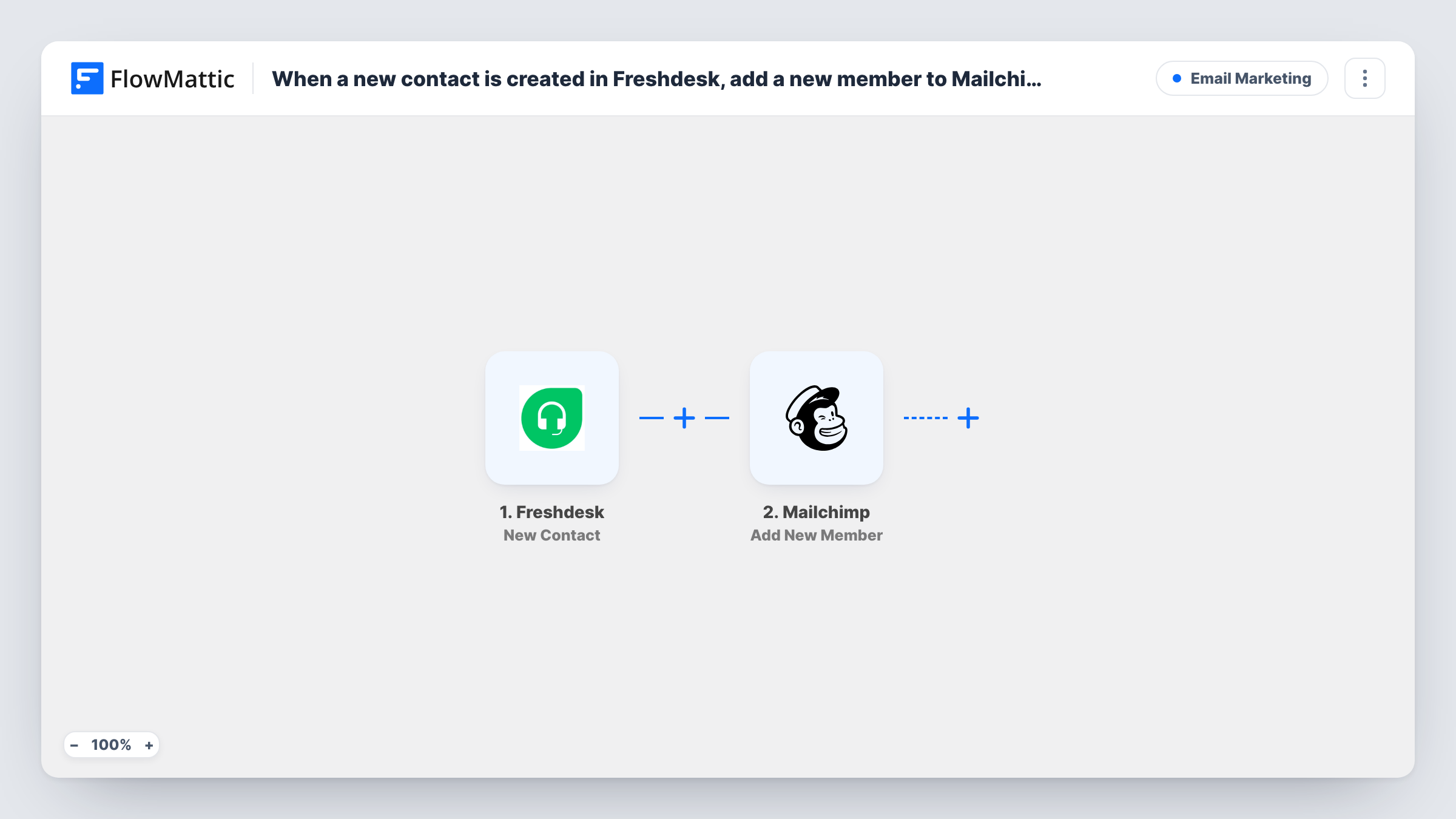
When a new contact is created in Freshdesk, this workflow adds them to your Mailchimp audience, or updates them if they are already there, so the people your support team talks to can get your email updates.
 Freshdesk
 Mailchimp
2 steps Setup ~5 min Used on 3.3k sites Free to import
What this workflow does
Your support desk meets customers your marketing list may never have seen. If you send product news or service notices from Mailchimp, those people should be on the audience too. Copying them across from Freshdesk is slow, and new contacts slip through. This workflow handles it for each new contact.
The Freshdesk trigger, New Contact, fires when a contact is created and passes the contact's details to FlowMattic. The second step runs Mailchimp Add New Member, which adds the person to the audience you pick, or updates them if they already exist there.
Freshdesk contacts are created for many reasons, including someone opening a ticket. Make sure you have permission to send marketing email to them, or keep them in an audience you only use for service messages. A contact without an email address can't be added to Mailchimp, and Task History shows that error.
Service notices for customers
Each new Freshdesk contact is added to an audience used for outage and maintenance notices, so customers who reached out hear about planned work.
Customers added by your support agents
Agents create contacts in Freshdesk for customers who phone in. Those contacts reach Mailchimp without the marketing team asking for an export.
A separate audience for support contacts
Point the step at an audience kept just for support contacts, so you can send them help content without mixing them into your main newsletter.
How this workflow runs
What happens at each step once the workflow is on, and what you need before you import it.
 Freshdesk New Contact
Runs whenever Freshdesk gets a new contact, whether an agent adds them or they arrive with a ticket. Connect your Freshdesk account, and the contact's details become available to map into Mailchimp.
- Mailchimp Add New Member
Adds the Freshdesk contact to your chosen Mailchimp audience, or updates the member if that email is already there. Map the contact's email address and any other details you want in Mailchimp.
What you need
- FlowMatticCore
- Freshdesk AccountAccount
- Mailchimp AccountAccount
After importing, map your own data. To keep the template universal, not every step is pre-filled. Open each step in the builder and connect your accounts and fields (channels, lists, sheets, recipients) before you switch the workflow on.
Make it yours
Changes worth making after you import it.
- Add a Filter after the trigger that continues only when the Freshdesk email field is not empty, so phone-only contacts don't reach Mailchimp.
- Use a test contact with your own address after import and check the Mailchimp audience to see how the member is added.
- If only some customers should join, filter on a Freshdesk value such as the company or a custom field you use to mark consent.
Questions about this workflow
What if the Freshdesk contact is already on my Mailchimp audience?
Add New Member updates an existing member instead of adding them twice, so the person stays a single entry in the audience.
Do existing Freshdesk contacts get added to Mailchimp?
No. Only contacts created after the workflow is turned on are sent to Mailchimp.
Will updating a Freshdesk contact change their Mailchimp details?
No. The trigger fires for new contacts only, so later edits in Freshdesk are not sent to Mailchimp.
Is it fine to email every Freshdesk contact from Mailchimp?
That depends on the permission you have from them. Many support contacts never asked for marketing email, so check before you send campaigns to this audience.
More Email Marketing workflows
Other ready-to-import templates from the same category.









Import this workflow into your WordPress site
Download the JSON, import it from the Workflows screen and connect your accounts. Every run stays on your server, with no per-task fees.
30-day money-back guarantee Unlimited workflows and runs Self-hosted