

When a new Facebook lead is captured, create a record in FlowMattic Tables
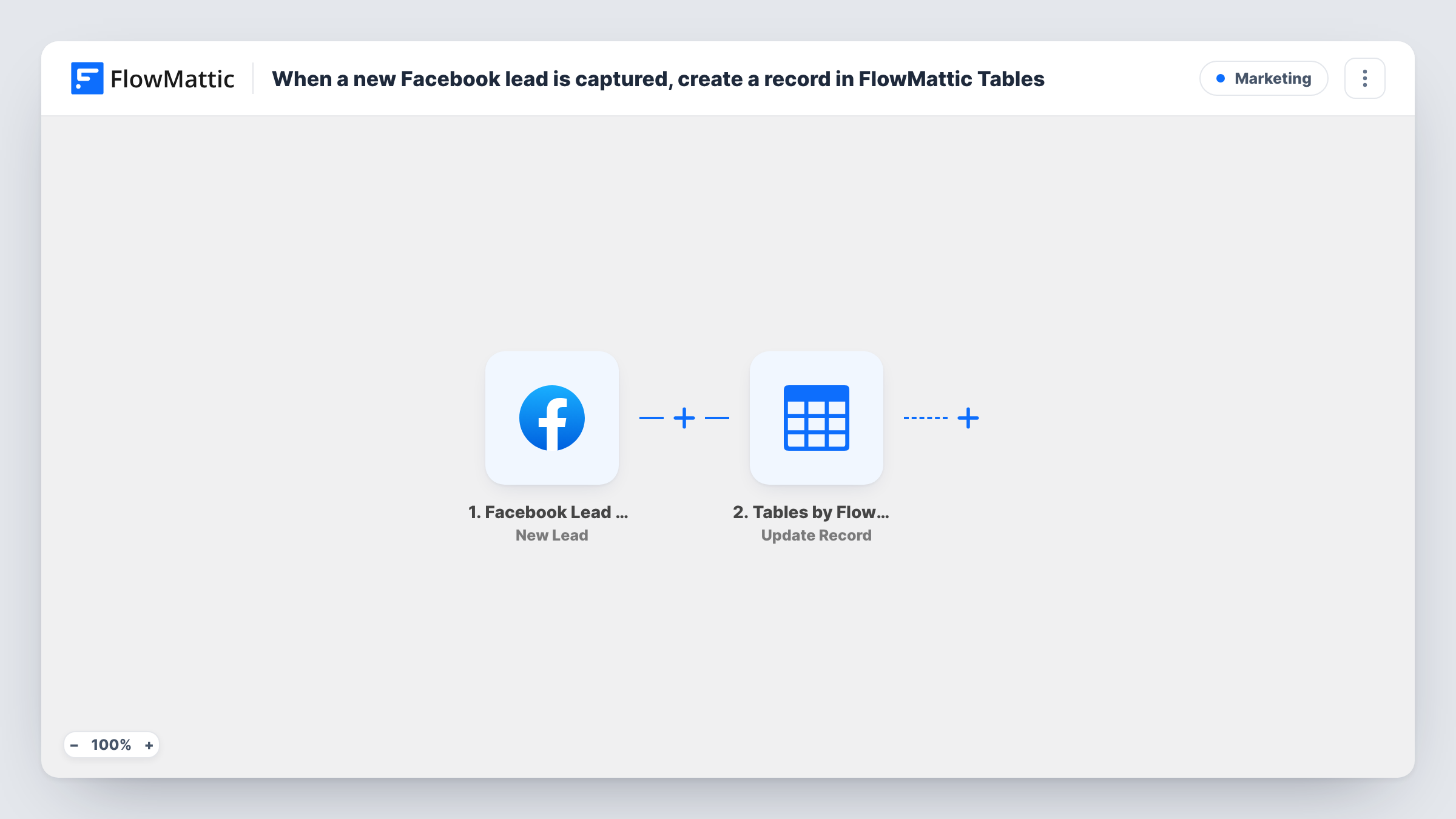
Each new lead from your Facebook Lead Ads forms is stored as a record in a FlowMattic Tables table on your WordPress site, with the answers you map.
 Facebook Lead Ads
 Tables by FlowMattic
2 steps Setup ~5 min Used on 375 sites Free to import
What this workflow does
Leads collected through Facebook Lead Ads sit in Meta's tools until someone downloads them, and by then a few are already stale. This workflow keeps your own copy of every lead in FlowMattic Tables, the database that comes with FlowMattic, so the list is on your site and ready for follow-up.
The Facebook Lead Ads New Lead trigger fires when a lead is created on your connected page's lead form. The lead's answers, such as name, email and phone, plus any custom questions you added to the form, are passed to FlowMattic.
The FlowMattic Tables New Record step then adds the lead as a row. It ships unmapped, so build a table with the columns you need, choose it in the step after import and map each lead answer to a column. A column for the ad or form name helps when you run more than one campaign, if that detail is in the trigger data.
Every new lead becomes its own row, including test leads you submit while setting up. Use Meta's lead ads testing tool to send one before going live, then open Task History to check the record that was created.
Lead list for a local service business
A roofing company running Facebook lead ads keeps every enquiry in a FlowMattic table that the office manager works through each morning.
Comparing campaigns in one place
A marketer running several lead forms stores all leads in one table with a form column, then sorts it to see which campaign brings in the most enquiries.
Backup copy of leads on your own site
An agency keeps a copy of each client's Facebook leads in FlowMattic Tables, so the data stays available even if access to the ad account changes.
How this workflow runs
What happens at each step once the workflow is on, and what you need before you import it.
 Facebook Lead Ads New Lead
Starts a run each time someone fills in one of your Facebook lead forms. The lead's contact details and answers to your form questions are passed on.
- Tables by FlowMattic New Record
Saves the lead as a new row in a FlowMattic Tables table. Map each lead answer into a column after import, since the template leaves the mapping empty.
What you need
- FlowMatticCore
- Facebook Lead Ads AccountAccount
After importing, map your own data. To keep the template universal, not every step is pre-filled. Open each step in the builder and connect your accounts and fields (channels, lists, sheets, recipients) before you switch the workflow on.
Make it yours
Changes worth making after you import it.
- Add a status column to the table, such as new, contacted or won, and update it by hand as you follow up, turning the table into a simple lead tracker.
- Put an Email or Slack step after the Tables step to alert your sales team about each new lead with the name and phone number.
- Map the lead's creation time into a date column, so you can see how quickly leads are being contacted.
- If you run several lead forms, map the form name or ID into its own column, if the trigger sends it, to tell campaigns apart.
Questions about this workflow
Do I need a separate database to store Facebook leads?
No. FlowMattic Tables comes with FlowMattic and keeps the records on your WordPress site. You only need a Facebook account with access to the page that runs the lead ads.
Are custom questions from my lead form saved?
Yes, if you map them. The trigger passes the lead's answers to FlowMattic, and you choose which column each answer goes into in the New Record step.
Will leads collected before I set this up be added to the table?
No. The trigger only reacts to leads that arrive while the workflow is switched on. Download older leads from Meta and import them separately if you want them in the table.
What happens if the same person submits the Facebook form twice?
Each submission is a new lead, so the table gets two rows. Nothing in the template checks for an existing record.
More Marketing workflows
Other ready-to-import templates from the same category.






Import this workflow into your WordPress site
Download the JSON, import it from the Workflows screen and connect your accounts. Every run stays on your server, with no per-task fees.
30-day money-back guarantee Unlimited workflows and runs Self-hosted