

When a new form entry is received, notify the team on Slack
Each new Piotnet Forms entry on your WordPress site posts a message to a Slack channel your team watches, with the answers you choose to include.
 Piotnet Forms
 Slack
2 steps Setup ~5 min Used on 1.2k sites Free to import
What this workflow does
Form entries that only reach one inbox depend on one person reading it. When a team shares the work of replying, a Slack channel is a better place for them. This workflow posts every new Piotnet Forms entry to the channel you pick.
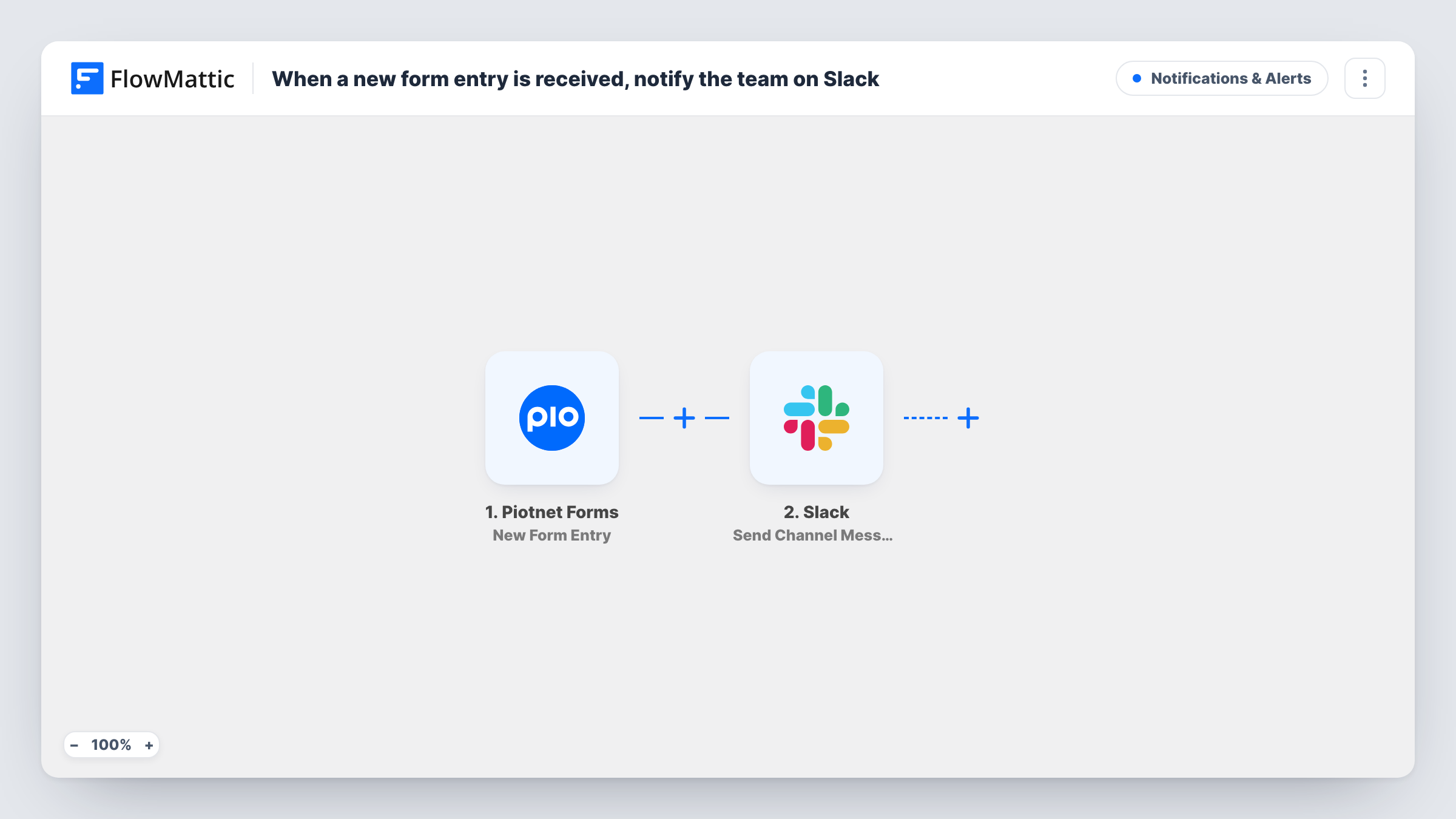
The Piotnet Forms trigger fires when a new form entry is received on your site and passes the submitted fields to FlowMattic. The second step, Send Channel Message in Slack, posts a message to a channel. You write the message and place form answers in it, for example the sender's name, email and what they asked for.
The entry itself is not changed. Piotnet Forms handles it as before, and Slack just gets a copy of the details you map. Each run is listed in Task History, which helps when you want to confirm that a particular entry was posted.
Contact form for a small team
Your Piotnet contact form posts to #enquiries. Whoever is free picks up the entry and replies to the sender.
Booking or quote requests
A quote form built with Piotnet Forms sends each request to a channel where the estimator sees the details and starts working on a price.
Internal request forms
Staff submit IT or facilities requests through a Piotnet form on your intranet, and each one appears in the channel of the team that handles it.
How this workflow runs
What happens at each step once the workflow is on, and what you need before you import it.
 Piotnet Forms New Form Entry
Runs when a new entry is received from a Piotnet Forms form on your site. The submitted fields are passed on so they can be placed in the Slack message.
- Slack Send Channel Message
Sends a message to the Slack channel you set. Write the text and map in the Piotnet Forms answers you want the team to read, then post a test entry to check the layout.
What you need
- FlowMatticCore
- Piotnet Forms PluginPlugin
- Slack AccountAccount
After importing, map your own data. To keep the template universal, not every step is pre-filled. Open each step in the builder and connect your accounts and fields (channels, lists, sheets, recipients) before you switch the workflow on.
Make it yours
Changes worth making after you import it.
- If several Piotnet forms run on your site and you only want alerts for one, add a Filter after the trigger that checks for that form.
- Add a Google Sheets step after Slack to keep a running list of entries alongside the alerts.
- Write the Slack message with the sender's email on its own line so a teammate can copy it easily when replying.
Questions about this workflow
Do I need a Slack account with access to the channel?
Yes. The Slack account you connect in FlowMattic must be able to post in the channel you choose for Piotnet Forms alerts.
Will every Piotnet Forms entry post to Slack?
Yes, as imported. There is no Filter, so each new form entry runs the Slack step.
Does the workflow change how Piotnet Forms stores or emails entries?
No. It only reads the new entry. Your form's own settings, including any email actions, work as they did before.
More Notifications & Alerts workflows
Other ready-to-import templates from the same category.





Import this workflow into your WordPress site
Download the JSON, import it from the Workflows screen and connect your accounts. Every run stays on your server, with no per-task fees.
30-day money-back guarantee Unlimited workflows and runs Self-hosted