

When a new form is submitted in NeetoForm, create a new row in Google Sheets
Every new NeetoForm response is written to a new row in the Google Sheets spreadsheet you pick, with each answer in the column you map it to.
 NeetoForm
 Google Sheets
2 steps Setup ~5 min Used on 2.2k sites Free to import
What this workflow does
NeetoForm collects responses well, but colleagues who track, sort or report on them often work in a spreadsheet. Exporting a file every few days leaves the sheet out of date between exports. This workflow writes each response into Google Sheets when it is submitted.
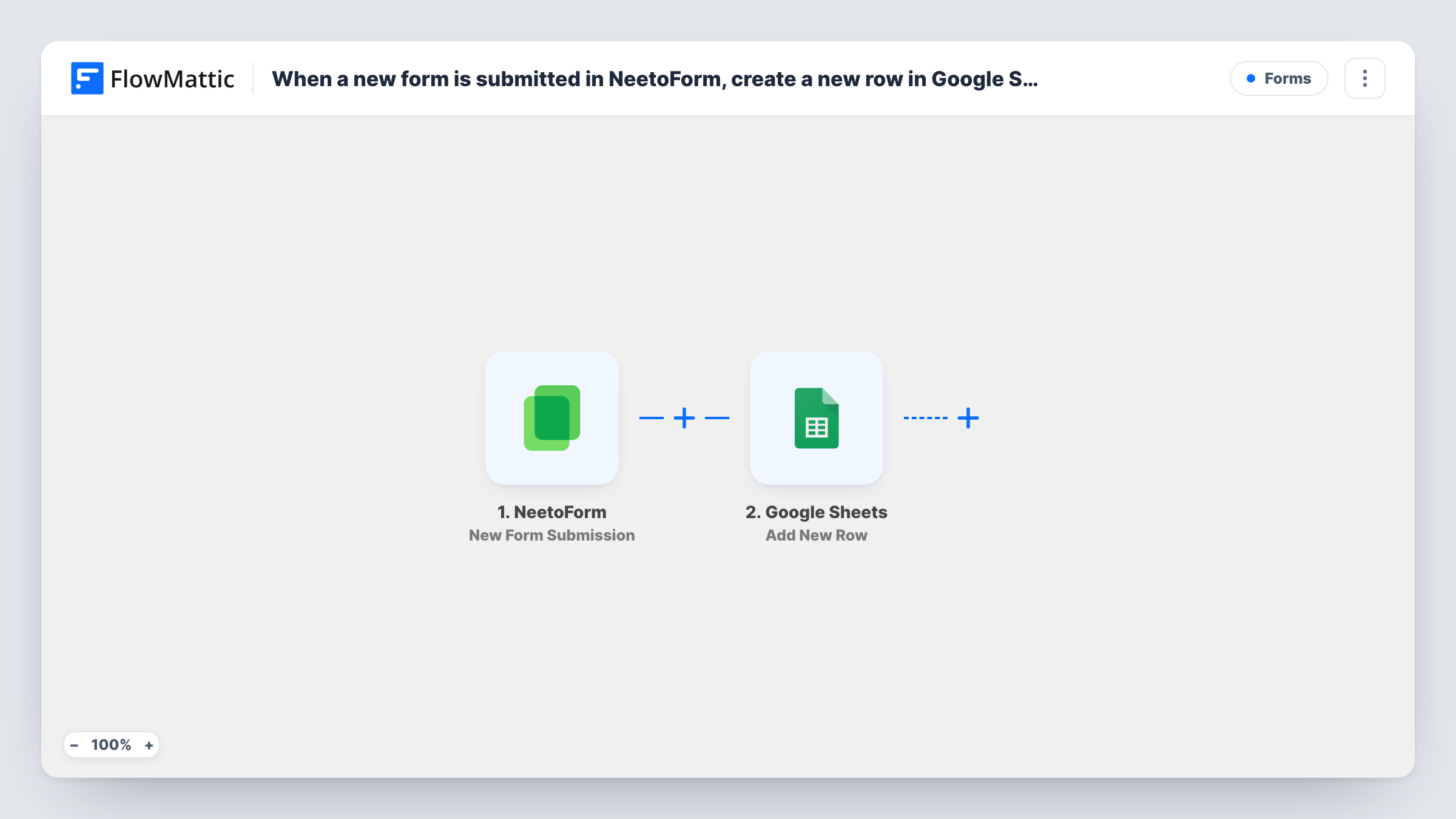
A run starts whenever a new response is submitted to your NeetoForm form. FlowMattic passes the answers to Google Sheets, where Add New Row appends a row to the spreadsheet and sheet you choose. Every NeetoForm answer lands in the column you assign it.
Each response adds exactly one row. There is no duplicate check, so if someone submits twice, they appear twice. Only responses submitted after you switch the workflow on are written; older ones stay in NeetoForm. Submit a test response after import to capture the fields, then finish mapping the columns.
Job application tracker
Applications from a NeetoForm careers form land in a sheet where the hiring team adds columns for interview stage and notes.
Customer feedback log
Feedback responses build up in a spreadsheet that the product team sorts by rating during its weekly review.
Event RSVPs for the organiser
RSVPs fill a shared sheet the venue coordinator reads to plan seating, without needing a NeetoForm login.
How this workflow runs
What happens at each step once the workflow is on, and what you need before you import it.
 NeetoForm New Form Submission
Fires when someone submits a response to your NeetoForm form. All answers are passed to Google Sheets for mapping.
- Google Sheets Add New Row
Appends a row to the Google Sheets spreadsheet and sheet you pick for each NeetoForm response. Pair each NeetoForm answer with a sheet column, then connect Google.
What you need
- FlowMatticCore
- NeetoForm AccountAccount
- Google Sheets AccountAccount
After importing, map your own data. To keep the template universal, not every step is pre-filled. Open each step in the builder and connect your accounts and fields (channels, lists, sheets, recipients) before you switch the workflow on.
Make it yours
Changes worth making after you import it.
- Give the spreadsheet column headings before mapping, so the NeetoForm answers are simple to match up.
- Add a Filter after the trigger if only certain responses belong in the sheet, for example those with a particular answer to one question.
- Add a Slack step after the row is written so the team hears about each new response as well.
Questions about this workflow
Are past NeetoForm responses added to the sheet?
No. Only responses submitted after you turn on the workflow create rows. Export older ones from NeetoForm if you need them in the sheet.
What if the same person submits the NeetoForm twice?
You get two rows. Add New Row doesn't look for existing entries, so each response is written separately.
Can I add NeetoForm questions to the sheet later?
Yes. Add the column in Google Sheets, submit a test response, then map the new answer in the Add New Row step.
More Forms workflows
Other ready-to-import templates from the same category.







Import this workflow into your WordPress site
Download the JSON, import it from the Workflows screen and connect your accounts. Every run stays on your server, with no per-task fees.
30-day money-back guarantee Unlimited workflows and runs Self-hosted