

When a new form is submitted in Tripetto, file the submission data into Box for archiving
Each Tripetto form response is saved to Box as a new plain text file holding the answers you map, giving you a file-by-file archive of submissions in the Box folder you choose.
 Tripetto
 Box
Box2 steps Setup ~5 min Used on 2.6k sites Free to import
What this workflow does
Form responses are easy to lose track of when they only live inside the form tool. Some teams need each submission kept as its own document, in the same place as the rest of their files, for records, audits or sharing with people who don't use Tripetto. This workflow writes one file per response into Box.
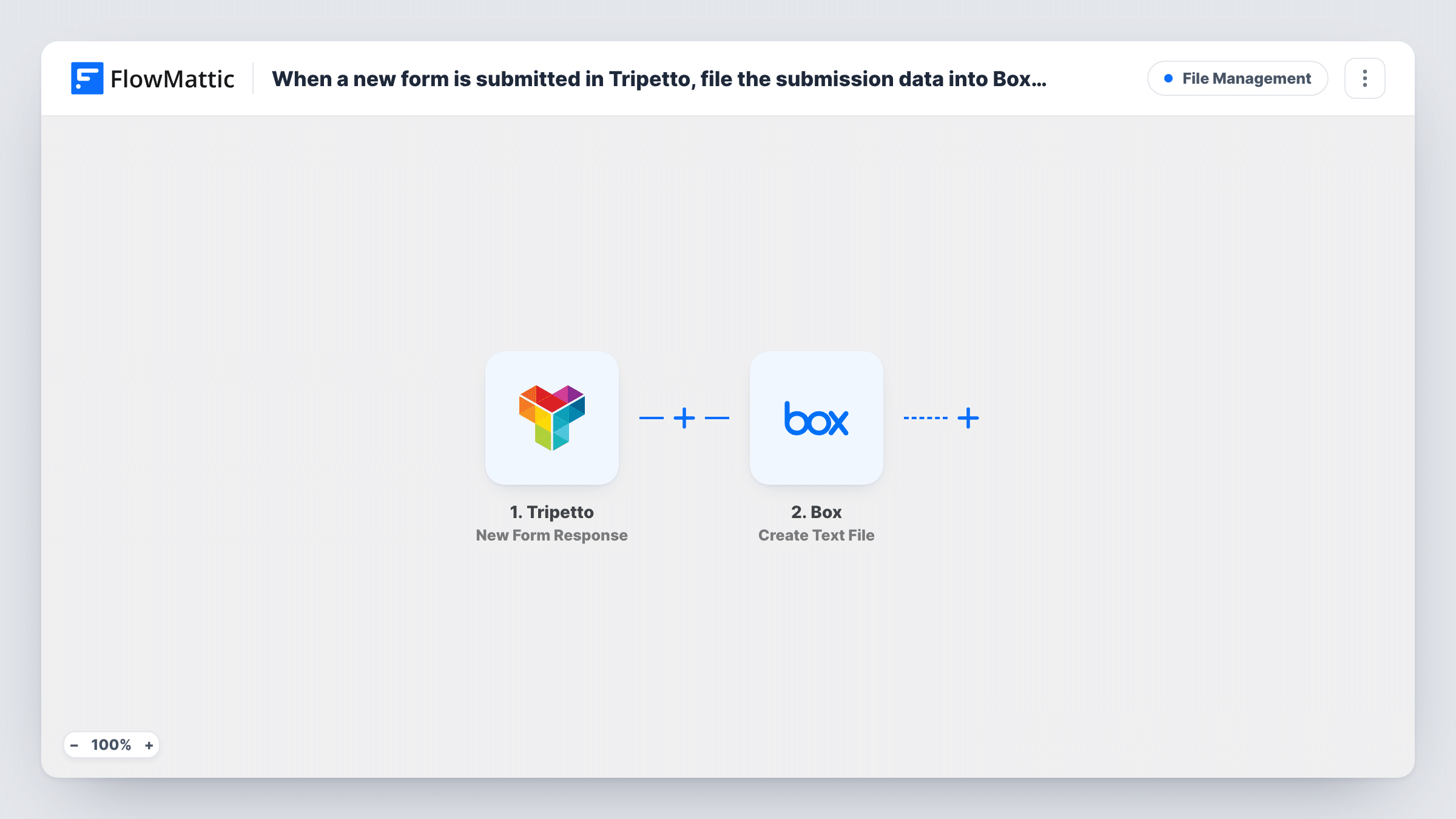
The Tripetto trigger fires when a new form is submitted and passes the answers to FlowMattic. The Create Text File step in Box then makes a brand new .txt file from the plain text content you build. You write that content yourself, placing each answer under a label, and you can use a value such as the respondent's name or the date in the file name.
The file is plain text, not a PDF or spreadsheet, and file uploads in the form aren't copied into Box by this step. Each response makes one new file; nothing is overwritten or merged. Task History lists every run and Box's response.
Consent and intake records for a clinic
A Tripetto intake form collects patient details and consent answers. Each response becomes its own text file in a Box folder your admin team already manages.
Grant or award applications
Applicants answer a long Tripetto form. Reviewers open one text file per applicant in Box instead of scrolling through a results table.
Incident reports on a construction site
Site staff file a Tripetto incident form from their phones. Each report is kept as a dated file in the project's Box folder.
How this workflow runs
What happens at each step once the workflow is on, and what you need before you import it.
 Tripetto New Form Response
Fires when a new Tripetto form response is submitted. Every answer is passed on so you can place it in the text file.
- Box Create Text File
Creates a new .txt file in Box from the plain text you specify. Build the content from the Tripetto answers, set a file name, and connect your Box account on import.
What you need
- FlowMatticCore
- Tripetto AccountAccount
- Box AccountAccount
After importing, map your own data. To keep the template universal, not every step is pre-filled. Open each step in the builder and connect your accounts and fields (channels, lists, sheets, recipients) before you switch the workflow on.
Make it yours
Changes worth making after you import it.
- Put a unique value in the file name, such as the respondent's email or the submission time, so two responses don't produce files with the same name.
- Add a line at the top of the content with the form name and date, so each file still makes sense when someone opens it on its own later.
- Want a folder per respondent? Add Box's Create Folder step before this one and save the file into the folder it returns.
Questions about this workflow
What format is the Box file?
Plain text (.txt). The step creates a text file from the content you write, so there is no layout, table or PDF formatting.
Are files uploaded in Tripetto copied to Box?
No. Create Text File only writes the text you give it. You can include a file link in the text if Tripetto sends one in the response data.
What if two Tripetto responses use the same file name?
Box may reject the second file if the name already exists in that folder; Task History would show the response. Add a unique value to the name to avoid it.
Are earlier Tripetto responses archived?
No. Only responses submitted after you turn the workflow on create files. Export older ones from Tripetto if you need them in Box.
More File Management workflows
Other ready-to-import templates from the same category.







Import this workflow into your WordPress site
Download the JSON, import it from the Workflows screen and connect your accounts. Every run stays on your server, with no per-task fees.
30-day money-back guarantee Unlimited workflows and runs Self-hosted