

When a new form is submitted in Tripetto, schedule automated workflows via Integrately
Each Tripetto form response is sent to Integrately, where it can start an automation you build there, so your Tripetto answers reach the apps you have already connected in Integrately.
 Tripetto
 Integrately
2 steps Setup ~5 min Used on 752 sites Free to import
What this workflow does
You may already run automations in Integrately for apps your WordPress site doesn't talk to. When a Tripetto form gathers answers, this workflow passes them across, so the Integrately side can take over and do whatever you set it up to do.
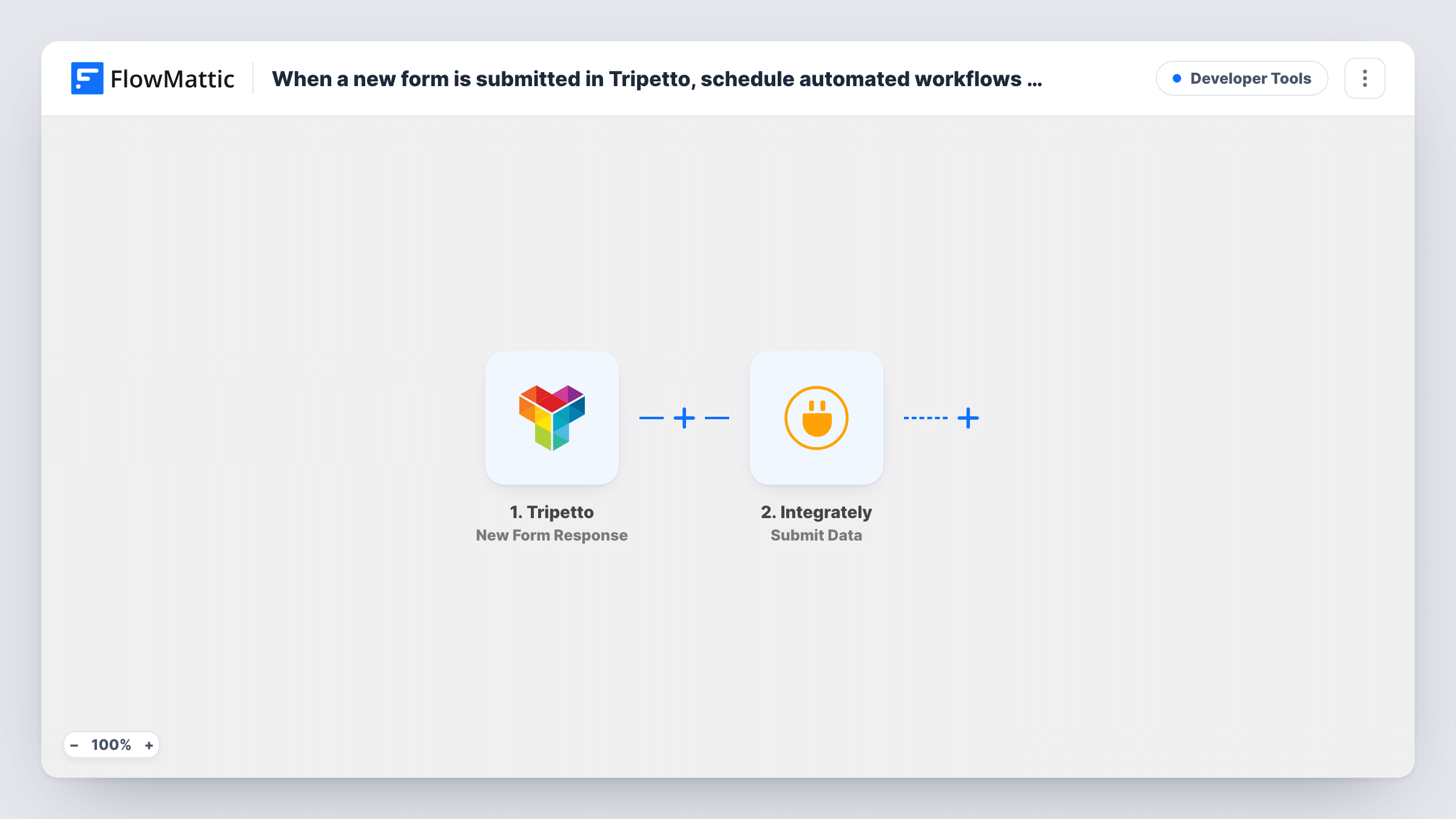
The Tripetto trigger fires when a new form is submitted. FlowMattic then uses the Integrately Submit Data step to send the answers you map to Integrately, where an automation that starts by receiving data picks them up.
FlowMattic's job ends once the data is sent. What happens next, including any delays or schedules, is set in the Integrately automation, not in this template. Each Tripetto response sends one payload, and Task History shows what was sent and Integrately's reply.
Reaching apps you already run in Integrately
Your Integrately account already connects to a CRM you use. Tripetto answers arrive there and the Integrately automation adds the lead.
Follow-up emails sent from Integrately
A Tripetto response reaches an Integrately automation you built, which sends a follow-up through an email tool you connected in Integrately.
Splitting work between two tools
Your team builds WordPress-side steps in FlowMattic and other automations in Integrately. This template hands each Tripetto response from one to the other.
How this workflow runs
What happens at each step once the workflow is on, and what you need before you import it.
 Tripetto New Form Response
Fires when someone submits your Tripetto form. The answers are passed on so you can choose which ones to send to Integrately.
- Integrately Submit Data
Sends the Tripetto answers you map to Integrately. Point it at your Integrately automation, then send a test response to confirm the data arrives there.
What you need
- FlowMatticCore
- Tripetto AccountAccount
- Integrately AccountAccount
After importing, map your own data. To keep the template universal, not every step is pre-filled. Open each step in the builder and connect your accounts and fields (channels, lists, sheets, recipients) before you switch the workflow on.
Make it yours
Changes worth making after you import it.
- Build the receiving automation in Integrately before you turn this on. Then send one Tripetto test response and map its fields on the Integrately side.
- Add a Filter after the trigger if only some Tripetto answers should go to Integrately, for example when a chosen option matches a value.
- Send clearly named fields, such as email and full_name, to Integrately. Short, plain names are easier to pick out when you map them there.
Questions about this workflow
Do I need an Integrately account?
Yes. The data goes to an automation in your Integrately account that starts by receiving data. FlowMattic only sends the Tripetto answers to it.
Where do I set timing for what Integrately does with a response?
In Integrately. This template sends each Tripetto response as soon as it arrives. Any waiting or timing belongs in the Integrately automation, or in a Delay step you add in FlowMattic.
Are old Tripetto responses sent across?
No. Only responses submitted after the workflow is switched on are sent. Earlier answers stay in Tripetto.
Could FlowMattic do the whole job instead of Integrately?
Often, yes. If the app you need is in FlowMattic, replace the Integrately step with that app's action and keep the whole flow on your WordPress site.
More Developer Tools workflows
Other ready-to-import templates from the same category.






Import this workflow into your WordPress site
Download the JSON, import it from the Workflows screen and connect your accounts. Every run stays on your server, with no per-task fees.
30-day money-back guarantee Unlimited workflows and runs Self-hosted