

Send data to a webhook when API Polling detects a change in the API response
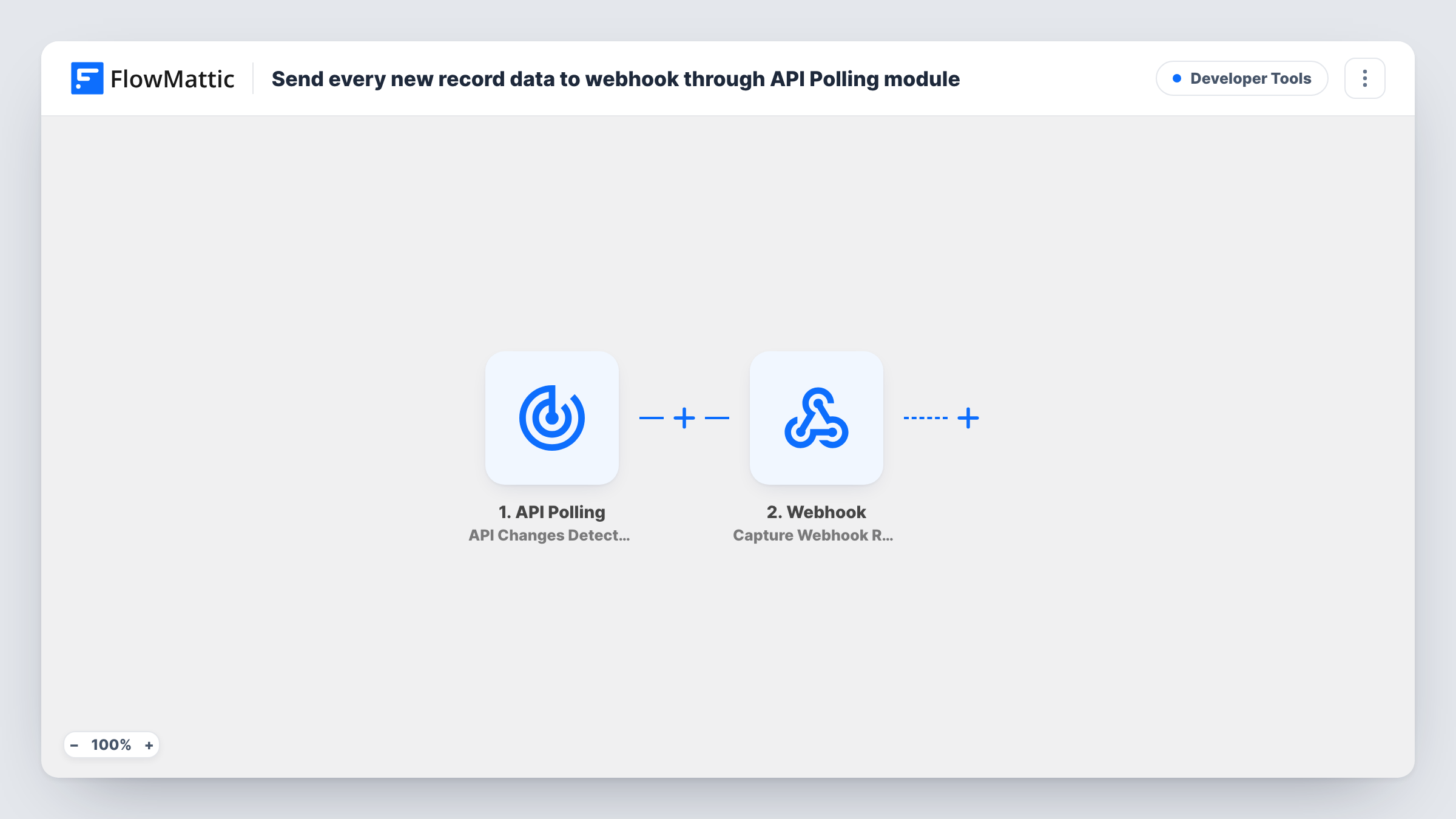
FlowMattic polls your API on a schedule and, when the response changes (new records, edits or removals), forwards the data to your webhook endpoint through Submit Data to Webhook. Set the API URL and the webhook URL after import.
 API Polling
 Webhook Outgoing
2 steps Setup ~5 min Used on 556 sites Free to import
How this workflow runs
What happens at each step once the workflow is on, and what you need before you import it.
 API Polling API Changes Detected
The workflow starts automatically when app detects changes in the API response in API Polling. FlowMattic captures that data for the steps below.
- Webhook Outgoing Submit Data to Webhook
Webhook Outgoing — send data to a webhook URL using POST method in JSON format. Data is mapped from earlier steps; connect your Webhook Outgoing account on import.
What you need
- FlowMatticCore
After importing, map your own data. To keep the template universal, not every step is pre-filled. Open each step in the builder and connect your accounts and fields (channels, lists, sheets, recipients) before you switch the workflow on.
More Developer Tools workflows
Other ready-to-import templates from the same category.






Import this workflow into your WordPress site
Download the JSON, import it from the Workflows screen and connect your accounts. Every run stays on your server, with no per-task fees.
30-day money-back guarantee Unlimited workflows and runs Self-hosted