

When a new form is submitted in Webapi.ai, create a new record in Smartsheet
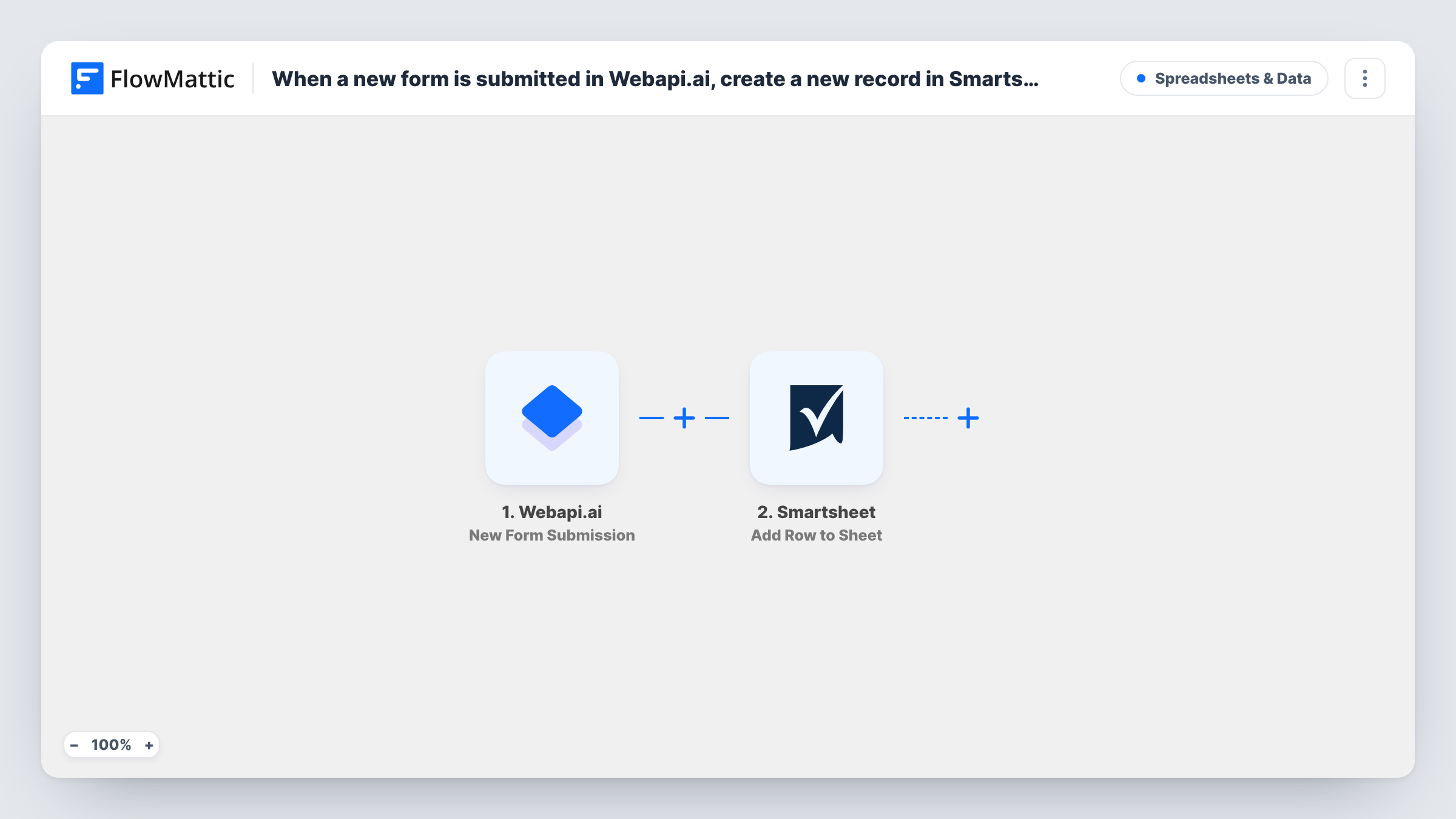
When someone submits a form in Webapi.ai, FlowMattic adds their answers to a Smartsheet sheet as a new row, so your team can track every response in one shared place.
 Webapi.ai
 Smartsheet
2 steps Setup ~5 min Used on 1.7k sites Free to import
What this workflow does
A form inside Webapi.ai collects answers, but your team may plan and assign work in Smartsheet. Copying each response across by hand is slow and easy to forget. This workflow moves the answers over the moment they arrive.
The Webapi.ai trigger fires when a form response is received. FlowMattic then runs the Add Row to Sheet action in Smartsheet, writing the answers you mapped into a new row of the sheet you select. Each response gets its own row, and existing rows are left alone.
Once the row exists, everything Smartsheet does with rows is available: assign an owner, set a status, or build a report. Task History records each run, so you can check what was sent if a row looks wrong.
Chatbot lead capture
A Webapi.ai form collects a visitor's name, company and need. Each response becomes a Smartsheet row your sales team assigns and works through.
Support intake tracking
Customers report a problem through a Webapi.ai form. The Smartsheet row gives the support team a place to set priority and status.
Event interest list
People register interest through a form, and the organiser counts responses and plans seating from the Smartsheet sheet.
How this workflow runs
What happens at each step once the workflow is on, and what you need before you import it.
 Webapi.ai New Form Submission
Fires when a Webapi.ai form response is received. The submitted answers are passed on for mapping in the Smartsheet step.
- Smartsheet Add Row to Sheet
Writes the mapped Webapi.ai answers into a new row at the bottom of your chosen Smartsheet sheet. Connect your Smartsheet account on import.
What you need
- FlowMatticCore
- Webapi.ai AccountAccount
- Smartsheet AccountAccount
After importing, map your own data. To keep the template universal, not every step is pre-filled. Open each step in the builder and connect your accounts and fields (channels, lists, sheets, recipients) before you switch the workflow on.
Make it yours
Changes worth making after you import it.
- Add a Filter after the trigger if you only want some responses in Smartsheet, for example ones where a chosen option matches a value.
- Add a status or owner column in Smartsheet and leave it out of the mapping, so your team fills it in by hand as they pick up each response.
- Submit a test response after import so FlowMattic captures the form's fields, then map them to your Smartsheet columns.
Questions about this workflow
Does each Webapi.ai response create a new Smartsheet row?
Yes. The Add Row to Sheet action adds a row for every response, even when the same person submits again.
Do the Smartsheet columns need to exist first?
Yes. Set up the columns in your sheet before mapping, so you can choose which answer goes into each one.
Will old Webapi.ai responses be copied?
No. Only responses received after you turn the workflow on reach Smartsheet.
More Spreadsheets & Data workflows
Other ready-to-import templates from the same category.




Import this workflow into your WordPress site
Download the JSON, import it from the Workflows screen and connect your accounts. Every run stays on your server, with no per-task fees.
30-day money-back guarantee Unlimited workflows and runs Self-hosted