

When a new form submission is received in MightyForms, add a new row to a Google Sheets spreadsheet
Each new MightyForms submission is written to a new row in the Google Sheets spreadsheet you pick, so responses build up in a sheet you can sort, filter and share with your team.
 MightyForms
 Google Sheets
2 steps Setup ~5 min Used on 2.2k sites Free to import
What this workflow does
MightyForms collects your responses, but many teams work from a spreadsheet: they sort it, add notes in extra columns and share it with people outside the form tool. Exporting new entries every few days leaves the sheet behind. This workflow copies each response across when it is submitted.
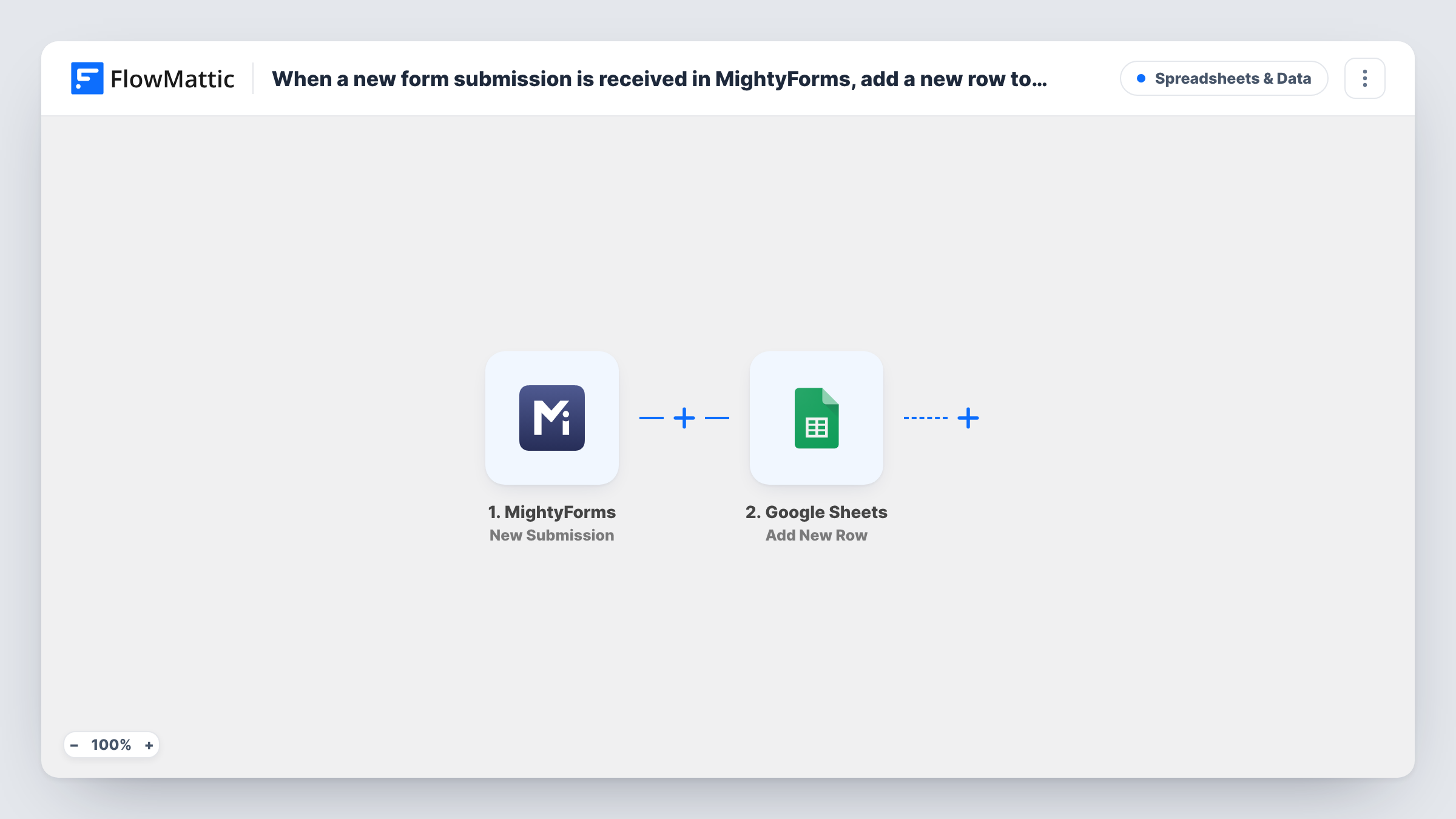
The MightyForms trigger fires on the New Submission event and passes the form's answers to FlowMattic. The Add New Row step in Google Sheets writes those answers into the columns you map, one row per response.
Your MightyForms entries stay where they are; the sheet is a copy. Because each submission adds a row, someone who submits twice appears twice. Task History lists every run with the answers that went to the sheet, which is handy when a row seems to be missing.
Event registrations for a venue team
Attendees sign up through a MightyForms form. Venue staff work from the Google Sheet to plan seating and print a check-in list.
Customer feedback for a product team
Feedback answers land in a shared sheet, where the product team adds a column to mark each one as reviewed.
Job applications shared with a hiring panel
Applicants submit a MightyForms form. Panel members without a MightyForms login read the applications in the spreadsheet.
How this workflow runs
What happens at each step once the workflow is on, and what you need before you import it.
 MightyForms New Submission
Runs when a new response is submitted to your MightyForms form. Each answer in the response is passed on so you can map it into a sheet column.
- Google Sheets Add New Row
Adds a row to the Google Sheets spreadsheet and worksheet you select. Map each MightyForms answer to a column and connect your Google account.
What you need
- FlowMatticCore
- MightyForms AccountAccount
- Google Sheets AccountAccount
After importing, map your own data. To keep the template universal, not every step is pre-filled. Open each step in the builder and connect your accounts and fields (channels, lists, sheets, recipients) before you switch the workflow on.
Make it yours
Changes worth making after you import it.
- Type the column headers into the first row of the sheet before you map the step, one for each MightyForms answer you want to keep.
- Add a column mapped to the run date so you can sort responses by when they arrived.
- To keep test entries out, add a Filter after the trigger that stops responses whose email contains your own domain.
Questions about this workflow
Are older MightyForms responses copied to the sheet?
No. Only responses submitted after you switch the workflow on are added. Export earlier ones from MightyForms if you need them in the sheet.
Can I send two MightyForms forms to the same Google Sheet?
Yes. Import the workflow once for each form and point both Google Sheets steps at the same spreadsheet, or at separate worksheets in it.
If I add a new question to my MightyForms form, does the sheet pick it up?
Not on its own. Add a column for it in the sheet, then map the new answer in the Google Sheets step.
More Spreadsheets & Data workflows
Other ready-to-import templates from the same category.





Import this workflow into your WordPress site
Download the JSON, import it from the Workflows screen and connect your accounts. Every run stays on your server, with no per-task fees.
30-day money-back guarantee Unlimited workflows and runs Self-hosted