

When a new form submission is received in Voiceform, add a subscriber to ActiveCampaign
Each new Voiceform response creates or updates a contact in ActiveCampaign from the answers you map, so survey respondents are in your email marketing account without manual imports.
 Voiceform
 ActiveCampaign
2 steps Setup ~5 min Used on 3.1k sites Free to import
What this workflow does
Voiceform collects answers by voice, video or text, and many of those respondents are people you want to email later. Exporting responses and importing them into ActiveCampaign is a chore you have to remember. This workflow sends each respondent across as they submit.
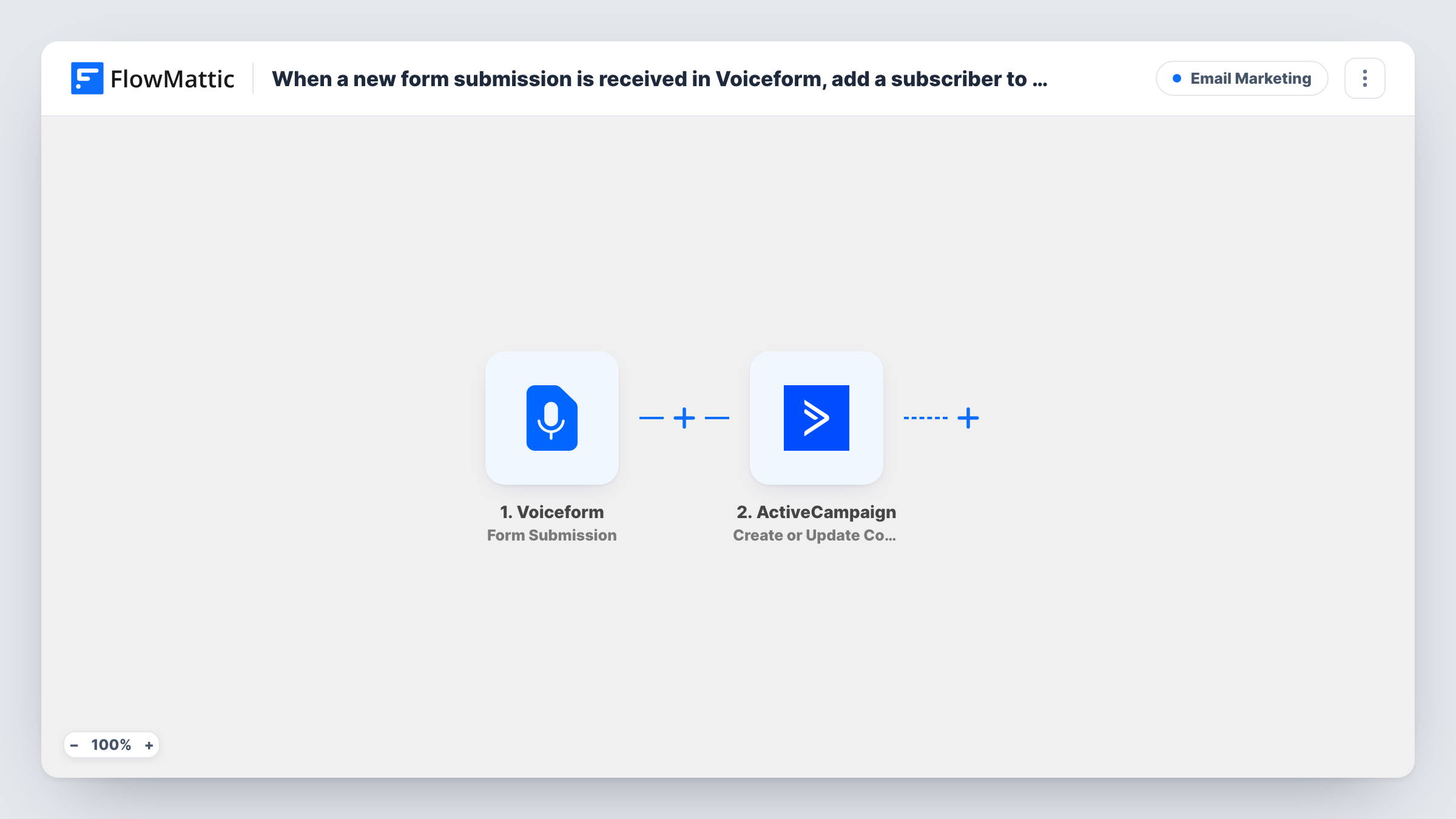
Every completed Voiceform response kicks off a run. FlowMattic passes the response to the Create or Update Contact action in ActiveCampaign. If no contact has that email, one is created. If one exists, it is updated with the new details instead of being duplicated.
The title talks about subscribers. This step works on the contact record; whether the person is also put on a list depends on what the step lets you set. Check it on a test run, and add ActiveCampaign's Subscribe or Unsubscribe Contact From List action after it if you need list membership. Task History shows each run and ActiveCampaign's response.
Customer feedback survey
Customers who leave voice feedback in Voiceform are added or updated in ActiveCampaign, so you can send them a thank-you sequence.
Lead qualification quiz
Prospects answering a short Voiceform quiz end up as ActiveCampaign contacts, ready for the nurture emails your team writes.
Webinar follow-up questions
Attendees who answer a follow-up Voiceform are kept current in ActiveCampaign, with their latest details on the contact.
How this workflow runs
What happens at each step once the workflow is on, and what you need before you import it.
 Voiceform Form Submission
Fires when a new response is submitted to your Voiceform. The answers are passed on for mapping into ActiveCampaign.
- ActiveCampaign Create or Update Contact
Creates a new ActiveCampaign contact from the response, or updates the existing contact if one already has that email. Map the respondent's email and any name answers you collect.
What you need
- FlowMatticCore
- Voiceform AccountAccount
- ActiveCampaign AccountAccount
After importing, map your own data. To keep the template universal, not every step is pre-filled. Open each step in the builder and connect your accounts and fields (channels, lists, sheets, recipients) before you switch the workflow on.
Make it yours
Changes worth making after you import it.
- Make email a required question in your Voiceform, so ActiveCampaign always receives an address to match or create the contact by.
- Add the Subscribe or Unsubscribe Contact From List action after this step if the respondent needs to be on a particular ActiveCampaign list.
- Add ActiveCampaign's Add/Remove Tag From Contact action after the contact step to tag respondents with the survey's name, so you can segment them later.
Questions about this workflow
Will a repeat Voiceform respondent create a duplicate in ActiveCampaign?
No. The step creates or updates, so a person with the same email is updated rather than added again.
Is the Voiceform respondent added to an ActiveCampaign list?
Not unless the step lets you choose one. Test it after import, and add the Subscribe or Unsubscribe Contact From List action if you need list membership.
Can survey answers be stored on the ActiveCampaign contact?
You can map answers that Voiceform sends in its data to the contact details the step offers. Run a test to see which fields are available on each side.
More Email Marketing workflows
Other ready-to-import templates from the same category.






Import this workflow into your WordPress site
Download the JSON, import it from the Workflows screen and connect your accounts. Every run stays on your server, with no per-task fees.
30-day money-back guarantee Unlimited workflows and runs Self-hosted