

When a new form submission is received in Weblium, store the details in Google Sheets
Whenever someone submits a contact form on your Weblium site, this workflow adds their details to a new Google Sheets row, so every enquiry is stored in one spreadsheet.
 Weblium
 Google Sheets
2 steps Setup ~5 min Used on 1.6k sites Free to import
What this workflow does
A Weblium site makes it easy to put a contact form on a page. Keeping track of what comes in is another matter, especially when several people need to see the enquiries. A shared Google Sheet solves that, and this workflow fills it for you.
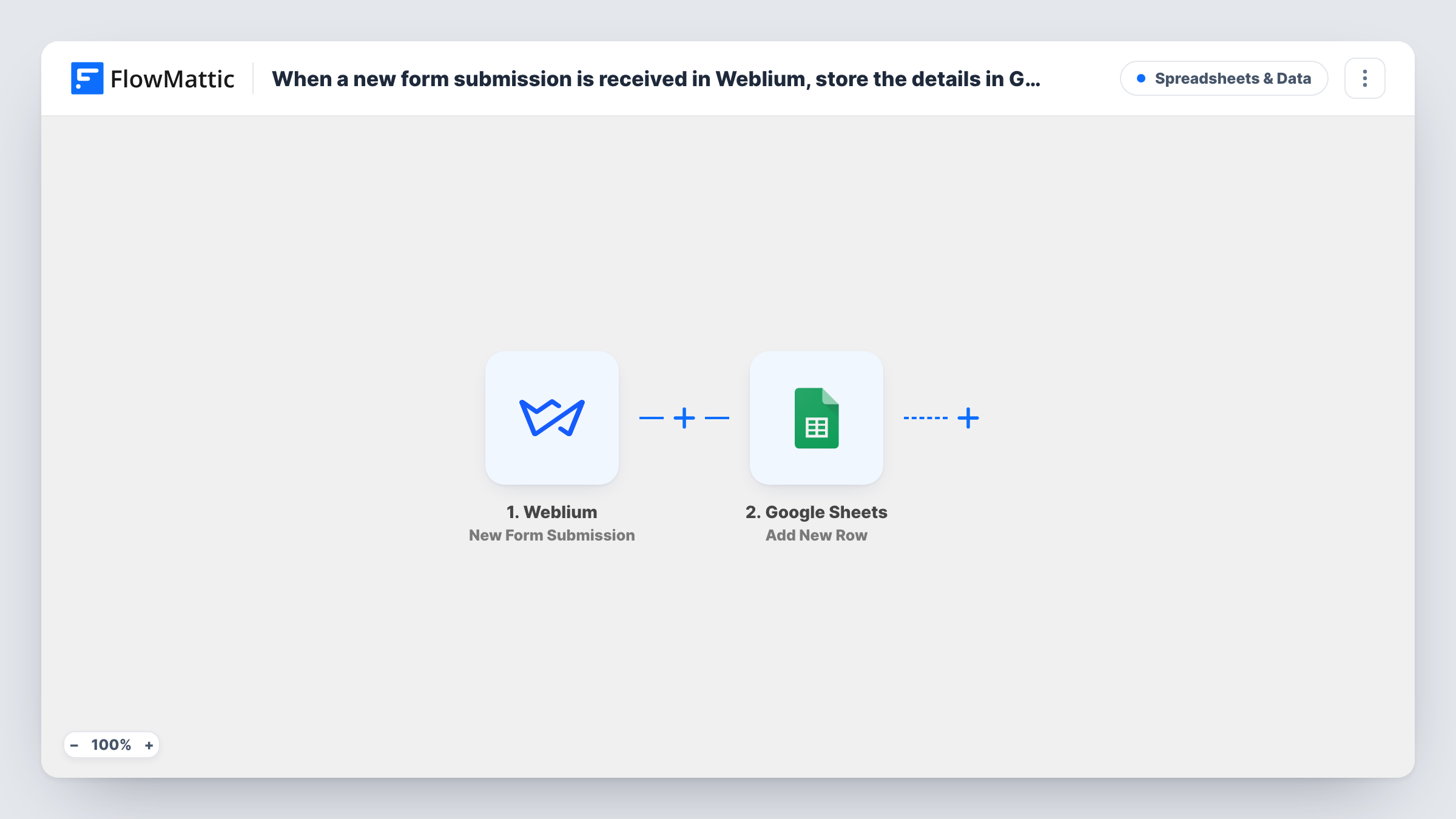
The Weblium trigger fires when a contact form on your Weblium site has been submitted. FlowMattic collects the submitted values and sends them to Google Sheets, where Add New Row writes them into the spreadsheet you select. You match each column to a field from the form.
Each submission becomes its own row, and no Filter holds any back. The sheet then works as a simple enquiry log you can sort, comment on and share. Task History records each run if you need to check what was sent.
Enquiries for a small studio
A photography studio's Weblium contact form fills a Google Sheet, where the owner marks each enquiry as quoted or booked in an extra column.
Shared lead list for a sales pair
Two people answer enquiries from a Weblium site. Working from the same sheet, they can see who has already replied to whom.
Counting enquiries by month
With a date column mapped, a quick pivot table shows how many people got in touch each month through the site.
How this workflow runs
What happens at each step once the workflow is on, and what you need before you import it.
 Weblium New Form Submission
Fires when a contact form on your Weblium site has been submitted. The form's values are passed on so you can place them in spreadsheet columns.
- Google Sheets Add New Row
Adds a row to the Google Sheets spreadsheet you choose with the Weblium form values. Connect your Google account and map each column to a form field.
What you need
- FlowMatticCore
- Weblium AccountAccount
- Google Sheets AccountAccount
After importing, map your own data. To keep the template universal, not every step is pre-filled. Open each step in the builder and connect your accounts and fields (channels, lists, sheets, recipients) before you switch the workflow on.
Make it yours
Changes worth making after you import it.
- Add header names to the first row of your sheet before mapping, so each column shows up by name in the Add New Row step.
- Submit the Weblium form yourself once after import. The test gives FlowMattic real values to show while you map the columns.
- To have a person told about each enquiry as well, add an Email or Slack step after Google Sheets with the visitor's details in the message.
Questions about this workflow
Will enquiries sent before import show up in the sheet?
No. The trigger only reacts to Weblium forms submitted after you turn the workflow on.
Does Weblium still send me its usual form notifications?
The workflow doesn't change anything in Weblium. It only receives the submission, so your existing notification settings stay as they are.
Can I send Weblium submissions to a CRM instead of a sheet?
Yes. Replace the Google Sheets step with a CRM action from FlowMattic, or add one after it, and map the form values there.
More Spreadsheets & Data workflows
Other ready-to-import templates from the same category.




Import this workflow into your WordPress site
Download the JSON, import it from the Workflows screen and connect your accounts. Every run stays on your server, with no per-task fees.
30-day money-back guarantee Unlimited workflows and runs Self-hosted