

When a new form submission is received in WPForms, upload the files to Google Drive
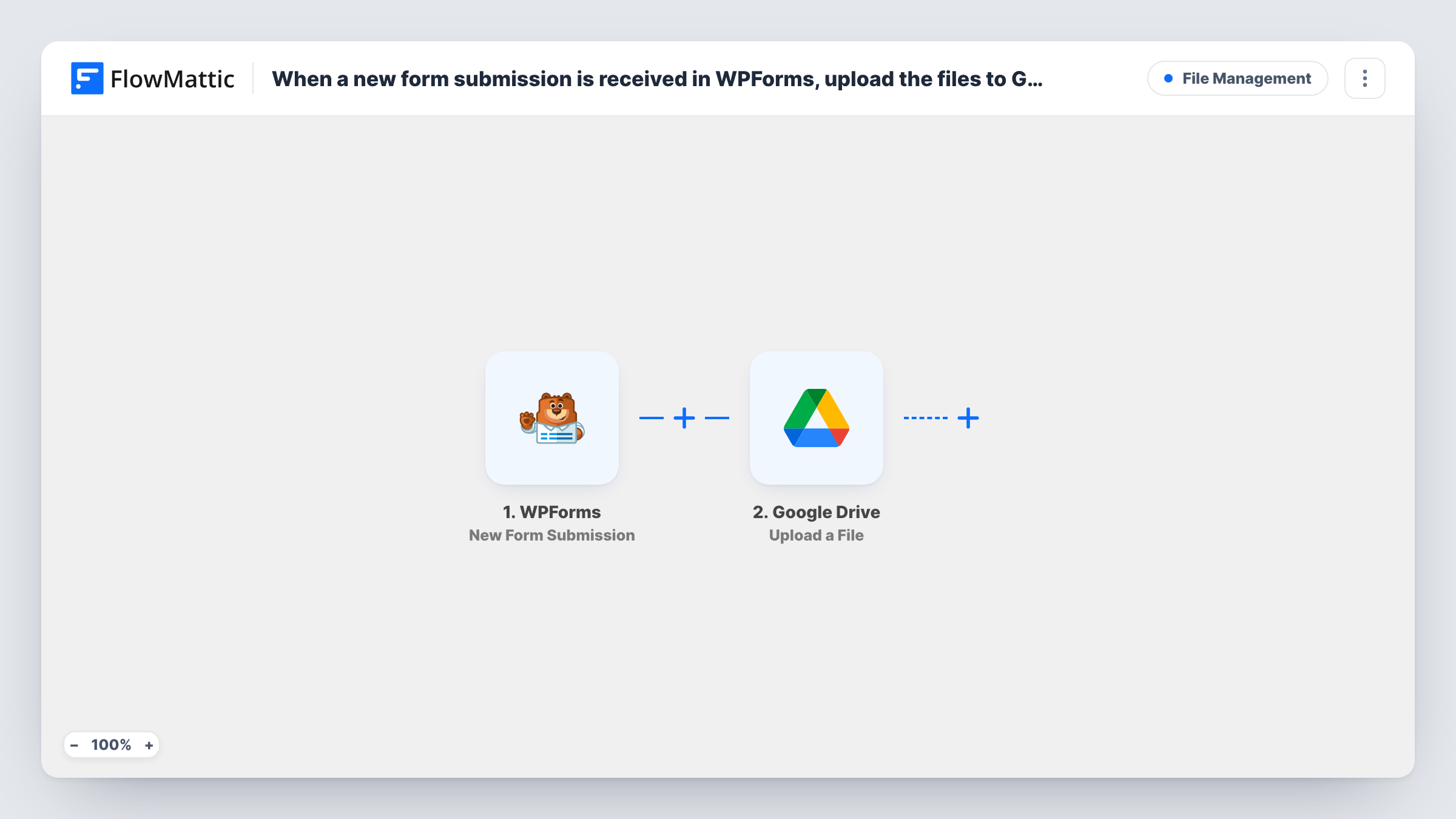
When a visitor submits a WPForms form, this workflow uploads the attached file to the Google Drive folder you choose, so form uploads are stored in Drive as well as on your site.
 WPForms
 Google Drive
2 steps Setup ~5 min Used on 1.2k sites Free to import
What this workflow does
Forms that accept files, such as CVs, photos or signed documents, leave those uploads on your WordPress server. Your team often wants them in Google Drive instead, where they can share, comment on and organise them. This workflow copies the upload to Drive for each new entry.
The WPForms trigger runs when someone submits a form on your site. The submitted fields, including the file upload field, are passed to the Google Drive step. That step uploads a file to the Drive folder you select, using the file you map from the submission.
The template has a single upload step, so it handles the file you map into it. If your form has more than one upload field, add another Upload a File step for each extra field. WPForms keeps its own copy of the entry and the file, because the workflow only reads the submission. Run a test entry after import and check Task History to confirm the file arrived in Drive as expected.
Job applications with a CV
Applicants attach a CV to a WPForms application form. Each CV is uploaded to a hiring folder in Google Drive that the recruiting team already shares.
Client document collection
An accountant asks clients to upload statements through a WPForms form. The files go to a Drive folder where the team reviews them.
Photo contest entries
Entrants submit a photo through the form. Every image is copied to one Drive folder so judges can browse all entries together.
How this workflow runs
What happens at each step once the workflow is on, and what you need before you import it.
 WPForms New Form Submission
Starts a run for every new WPForms entry on your site. All submitted fields, including any file upload field, become available to map in the Google Drive step.
- Google Drive Upload a File
Sends the file from the entry to a Google Drive folder you set. Connect your Google account and map the form's file upload field as the file to upload.
What you need
- FlowMatticCore
- WPForms PluginPlugin
- Google Drive AccountAccount
After importing, map your own data. To keep the template universal, not every step is pre-filled. Open each step in the builder and connect your accounts and fields (channels, lists, sheets, recipients) before you switch the workflow on.
Make it yours
Changes worth making after you import it.
- Add a second Upload a File step if your form has two upload fields, such as a CV and a cover letter, and map the other field into it.
- Use a Filter after the trigger that continues only when the upload field is not empty, so entries without a file do not run the upload step.
- Submit a test entry with a real file after import. Then check the Google Drive step in Task History to see how the file field came through and confirm the upload.
Questions about this workflow
Does the WPForms form need a file upload field?
Yes. The Google Drive step needs a file to upload, and in this flow that comes from the form submission. Add a file upload field to your WPForms form and map it in the Drive step.
Are the files removed from my WordPress site after the Drive upload?
No. The workflow only reads the submission and uploads a copy to Google Drive. WPForms keeps the entry and file as it normally would.
What happens when someone submits the form without attaching a file?
The upload step still runs, because nothing in the template checks for a file first. Task History will show the Google Drive response for that run. Add a Filter if you want to skip those entries.
Can each WPForms upload go to a different Google Drive folder?
As imported, every file goes to the one folder set in the step. Use a Router with a condition per folder, each route holding its own Upload a File step, to split them.
More File Management workflows
Other ready-to-import templates from the same category.




Import this workflow into your WordPress site
Download the JSON, import it from the Workflows screen and connect your accounts. Every run stays on your server, with no per-task fees.
30-day money-back guarantee Unlimited workflows and runs Self-hosted