

Upload files to Parsio on Elementor form submission
When a visitor uploads a document through an Elementor Pro form, this workflow sends the file to Parsio, so the parser can pull data out of it without anyone downloading and re-uploading it.
 Elementor
 Parsio
2 steps Setup ~5 min Used on 1.9k sites Free to import
What this workflow does
Forms are a common way to collect documents: invoices from suppliers, CVs from applicants, receipts for claims. Getting data out of those files usually means opening each one and retyping it. Parsio extracts that data for you, but only once the file is in a Parsio inbox. This workflow puts it there each time the form is sent.
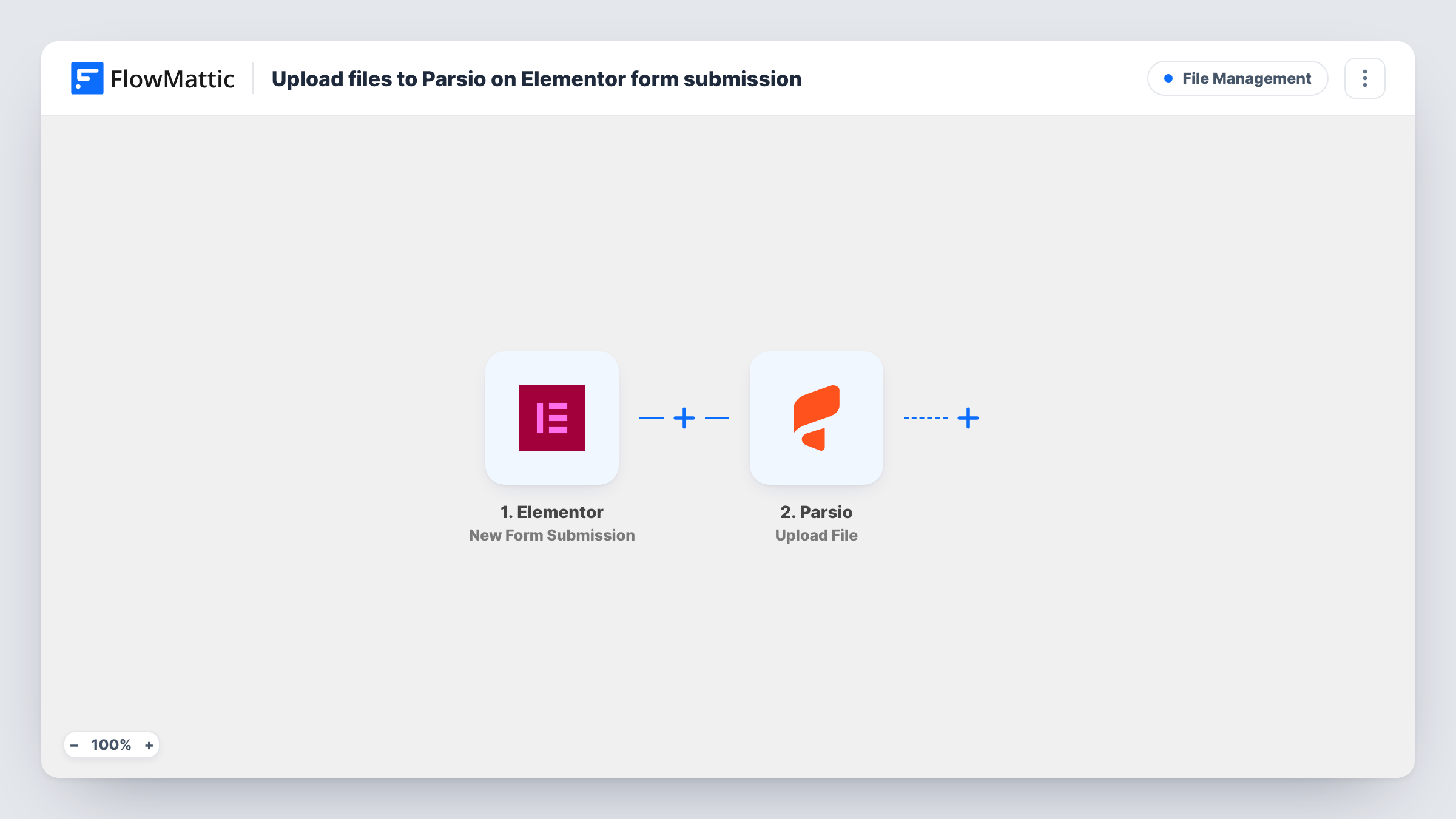
The Elementor trigger, New Form Submission, fires when someone submits a form built with Elementor Pro. The submitted fields, including the upload field, become data you can map. FlowMattic then runs Upload File in Parsio, and you map the uploaded file from the submission into that step.
There is no Filter, so every submission of the form starts a run, whether or not a file was attached. Parsio does its parsing after the upload, and this template stops there. Use a separate workflow, or Parsio's own exports, to do something with the parsed results.
Supplier invoices sent through a portal form
Suppliers upload invoices on an Elementor form on your site. Each file goes to a Parsio inbox set up to read invoice numbers, dates and totals.
Job applications with a CV upload
Your careers page has an Elementor form with a CV upload. Parsio receives each CV, ready for its parser to pull out names, contact details and experience.
Expense receipts from staff
Employees submit receipts on an internal Elementor form. The files reach Parsio for extraction instead of waiting in a shared mailbox.
How this workflow runs
What happens at each step once the workflow is on, and what you need before you import it.
 Elementor New Form Submission
Fires when someone submits an Elementor Pro form on your site. Every field from the form, including the file upload, can be mapped into the Parsio step.
- Parsio Upload File
Uploads a file to Parsio. Connect your Parsio account and map the upload field from the Elementor submission into this step, then confirm with a test entry that the document arrives.
What you need
- FlowMatticCore
- Elementor PluginPlugin
- Parsio AccountAccount
After importing, map your own data. To keep the template universal, not every step is pre-filled. Open each step in the builder and connect your accounts and fields (channels, lists, sheets, recipients) before you switch the workflow on.
Make it yours
Changes worth making after you import it.
- Make the upload field required in your Elementor form, so every submission carries a file for Parsio.
- If the same form is used on several pages for different documents, add a Filter on a hidden field or the form name so only the right uploads reach this Parsio inbox.
- Submit a test entry with a real document after import, then check in Task History what the upload field holds and what Parsio returned.
Questions about this workflow
Do I need Elementor Pro for this Parsio workflow?
Yes. The form widget and its submissions are part of Elementor Pro, so it must be active on the same WordPress site as FlowMattic.
What happens if an Elementor submission has no file?
The run still reaches the Parsio step, because nothing checks for an upload. Parsio has no file to take and Task History shows its reply. A required upload field avoids this.
Does this send Parsio's parsed data anywhere?
No. The template ends after the upload. Parsio parses the document on its side, and you handle the results in Parsio or in another workflow.
Can a form with several upload fields send each file to Parsio?
The Parsio step handles the file you map. For a second upload field, add a second Upload File step and map that field into it.
More File Management workflows
Other ready-to-import templates from the same category.






Import this workflow into your WordPress site
Download the JSON, import it from the Workflows screen and connect your accounts. Every run stays on your server, with no per-task fees.
30-day money-back guarantee Unlimited workflows and runs Self-hosted