

When a new form submission received for Contact Form 7, create a new lead in MailBluster
Every Contact Form 7 submission on your WordPress site is sent to MailBluster as a new lead, built from the form fields you map, so people who contact you can join your email list.
 Contact Form 7
 Mailbluster
2 steps Setup ~5 min Used on 3.4k sites Free to import
What this workflow does
Contact Form 7 delivers each message to an inbox, and the sender's address usually stays there. If you send newsletters or campaigns through MailBluster, those people never reach your list unless someone copies them over. This workflow sends each submission to MailBluster for you.
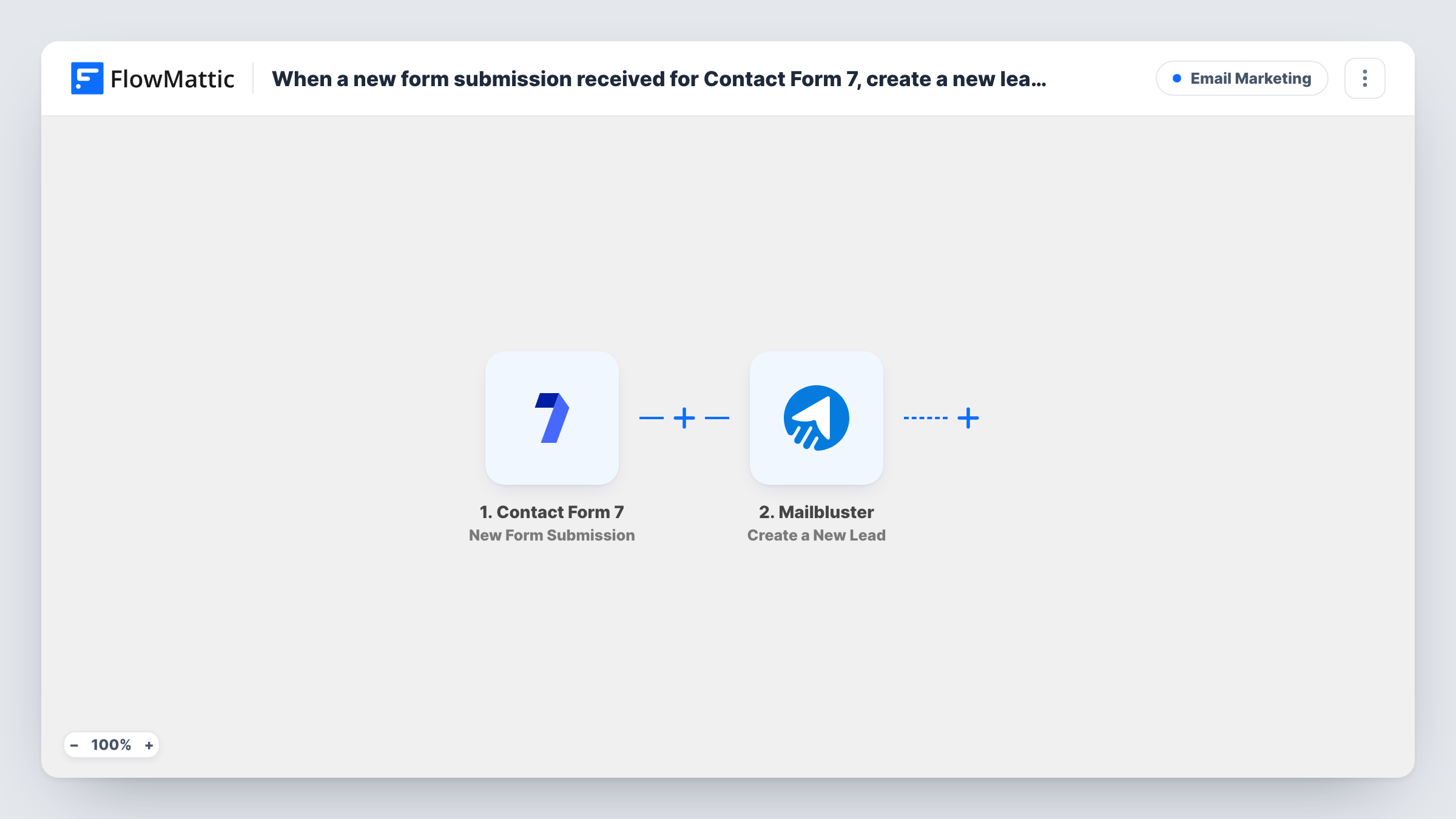
The Contact Form 7 trigger runs whenever one of your forms is submitted, and FlowMattic captures every field from it. The MailBluster step then creates a new lead. Map the form's email field into it, along with any name fields your form collects.
Because there is no Filter, each submission creates a lead, including messages from people who only wanted a quick answer. If your form has a newsletter checkbox, the tips show how to send only the people who ticked it. Contact Form 7 keeps sending its usual email, and Task History shows what reached MailBluster on each run.
A newsletter sign-up form in the footer
A short Contact Form 7 form with just a name and email feeds MailBluster, so footer sign-ups go straight onto the list you send campaigns to.
Quote requests for a freelancer
A web designer's quote form sends each enquirer to MailBluster as a lead, ready for the occasional portfolio update they email out.
Contact form with a consent box
A shop adds a newsletter checkbox to its contact form and a Filter on it, so only visitors who opt in become MailBluster leads.
How this workflow runs
What happens at each step once the workflow is on, and what you need before you import it.
 Contact Form 7 New Form Submission
Starts when someone sends any of your Contact Form 7 forms. All of the submitted fields are passed to the MailBluster step.
- Mailbluster Create a New Lead
Adds the person who wrote in to MailBluster as a fresh lead. Connect your MailBluster account, map the form's email and name fields, and send a test entry to confirm the lead appears.
What you need
- FlowMatticCore
- Contact Form 7 PluginPlugin
- Mailbluster AccountAccount
After importing, map your own data. To keep the template universal, not every step is pre-filled. Open each step in the builder and connect your accounts and fields (channels, lists, sheets, recipients) before you switch the workflow on.
Make it yours
Changes worth making after you import it.
- Add a Filter after the trigger that continues only when your newsletter acceptance or checkbox field is ticked, so people who just asked a question are not added.
- Use email* in the Contact Form 7 form tag so the email field is required and MailBluster always gets an address.
- Submit the form once after import so FlowMattic captures its fields, then map them in the MailBluster step before turning the workflow on.
Questions about this workflow
What if the email is already a MailBluster lead?
The step creates a new lead and does not look for an existing one first, so MailBluster decides what happens with a repeated address. Send a test with a known lead and check the response in Task History.
Does every Contact Form 7 submission become a MailBluster lead?
Yes, as imported. Add a Filter after the trigger if only some submissions, such as those with a ticked consent box, should be sent.
Will Contact Form 7 still email me after I connect MailBluster?
Yes. The workflow only listens for submissions and leaves your form's mail settings as they are.
Are earlier Contact Form 7 messages sent to MailBluster?
No. Contact Form 7 does not store submissions by default, and the trigger only picks up new ones, so only entries made after you turn the workflow on are sent.
More Email Marketing workflows
Other ready-to-import templates from the same category.





Import this workflow into your WordPress site
Download the JSON, import it from the Workflows screen and connect your accounts. Every run stays on your server, with no per-task fees.
30-day money-back guarantee Unlimited workflows and runs Self-hosted