

When a new lead is captured in OpenRead.io, add the lead data to Google Spreadsheet
Each lead your OpenRead.io lead magnet captures goes into a new Google Sheets row, so you have one spreadsheet of sign-ups to review, share or import into other tools.
 OpenRead.io
 Google Sheets
2 steps Setup ~5 min Used on 3.1k sites Free to import
What this workflow does
A lead magnet only pays off when someone follows up with the people who downloaded it. If the leads sit inside OpenRead.io, your team has to log in to see them. This workflow copies each one into a Google Sheets spreadsheet the moment it is captured.
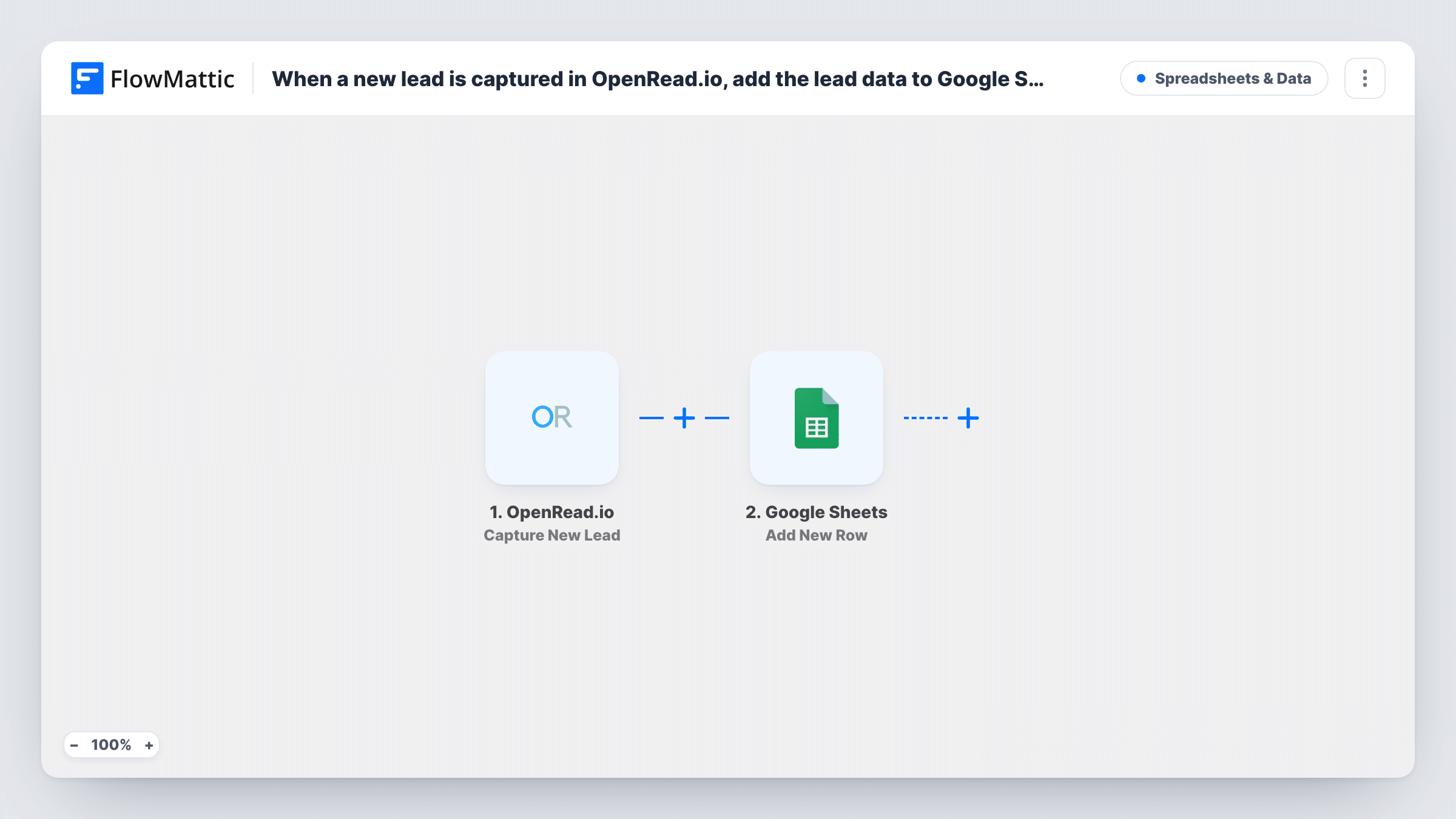
The OpenRead.io trigger is Capture New Lead. Each lead it captures starts a run, and the lead's data becomes available to map. The Google Sheets step then adds a row to your spreadsheet with the columns you pick, such as name and email.
One lead gives one row, with nothing filtered out. You can see each run in Task History, including what OpenRead.io sent.
Follow-up list for a sales rep
A rep works down the sheet each morning, calling or emailing the people who grabbed your guide the day before.
Comparing lead magnets
You run several OpenRead.io lead magnets. Mapping the source into a column shows which one brings in the most sign-ups.
Staging leads for your email tool
You review the sheet, remove test entries and then import the clean list into your newsletter tool in one go.
How this workflow runs
What happens at each step once the workflow is on, and what you need before you import it.
 OpenRead.io Capture New Lead
Starts a run each time OpenRead.io captures a new lead. The lead's details are passed to the next step for mapping.
- Google Sheets Add New Row
Puts the OpenRead.io lead into a new row of the spreadsheet you choose. Map the lead fields to your columns and connect your Google account on import.
What you need
- FlowMatticCore
- OpenRead.io AccountAccount
- Google Sheets AccountAccount
After importing, map your own data. To keep the template universal, not every step is pre-filled. Open each step in the builder and connect your accounts and fields (channels, lists, sheets, recipients) before you switch the workflow on.
Make it yours
Changes worth making after you import it.
- Capture a test lead through your OpenRead.io funnel after import so FlowMattic shows the fields it sends, then map them to the sheet.
- Add a Filter after the trigger that stops entries whose email contains your own domain, so your test sign-ups stay out of the sheet.
- Want leads in your CRM too? Add a step after Google Sheets that creates a contact in it, using the same OpenRead.io fields.
Questions about this workflow
Will leads captured before I import this reach Google Sheets?
No. The trigger reacts to new leads, so only those captured after you turn the workflow on create rows.
Which OpenRead.io lead details can I put in the sheet?
Any field the Capture New Lead trigger delivers. A test lead shows the full list, and you map only the ones you need.
Does the same person get a second row if they sign up again?
Yes. Each capture is a separate run, so a repeat sign-up adds another row. Remove duplicates in the sheet, or add Google Sheets' Lookup Row Data step and a Filter before the new row is added.
More Spreadsheets & Data workflows
Other ready-to-import templates from the same category.




Import this workflow into your WordPress site
Download the JSON, import it from the Workflows screen and connect your accounts. Every run stays on your server, with no per-task fees.
30-day money-back guarantee Unlimited workflows and runs Self-hosted