

When a new lead is created in Outgrow, add them as a subscriber in MailerLite
Each new lead captured by your Outgrow quiz, calculator or assessment is created or updated as a subscriber in MailerLite, ready for the emails you send there.
 Outgrow
 MailerLite
2 steps Setup ~5 min Used on 2.1k sites Free to import
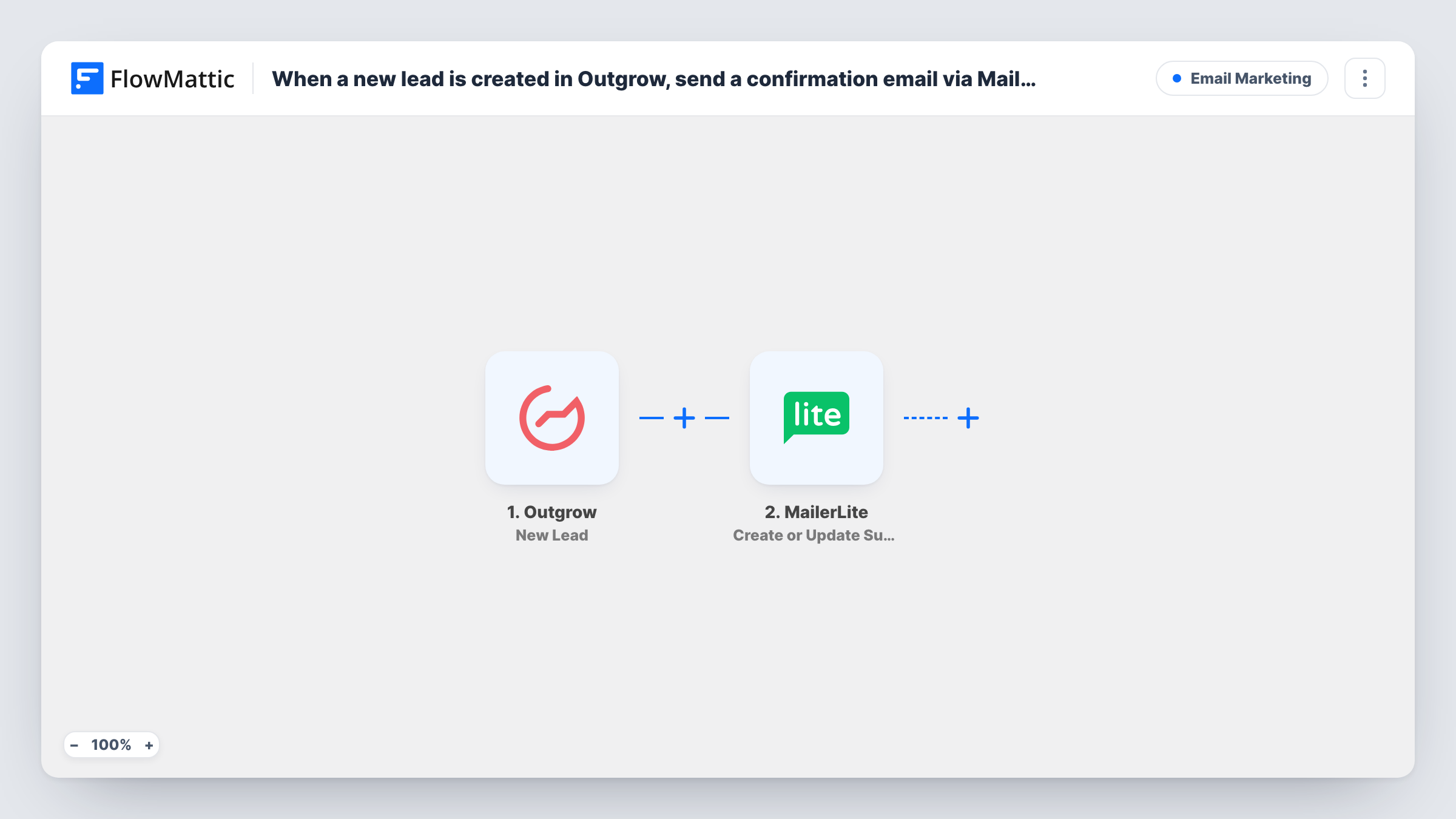
What this workflow does
Outgrow quizzes and calculators collect leads, but the follow-up usually happens in your email tool. Moving leads across by hand is a chore that is easy to put off. This workflow sends each lead to MailerLite as Outgrow captures it, so your email campaigns and automations can reach them.
The Outgrow trigger fires when a new lead is created in your Outgrow content. The details the visitor entered on the lead form, such as name and email, are passed on, along with whatever else Outgrow includes about the lead.
The MailerLite step creates a new subscriber, or updates the existing one when the email is already in your account. FlowMattic describes it as working with custom fields too, so you can store quiz answers or a result next to the contact. The step ships unmapped: after import you connect MailerLite and map at least the lead's email.
Outgrow can only pass on an email address when your lead form collects one. Submit a test lead first and open Task History to see the exact fields Outgrow sent and how MailerLite responded.
Quiz results in your email list
A skincare brand runs a skin-type quiz in Outgrow, and each lead lands in MailerLite with their quiz outcome in a custom field for tailored product emails.
Calculator leads for a sales follow-up
A solar installer's savings calculator sends each lead to MailerLite, where an automation emails them a guide about the next step.
Assessment takers for a course launch
A business coach collects leads from a readiness assessment and adds them to MailerLite before announcing a new program.
How this workflow runs
What happens at each step once the workflow is on, and what you need before you import it.
 Outgrow New Lead
Fires when Outgrow records a new lead from your quiz, calculator or other content. The lead form answers, such as name and email, are available to map into MailerLite.
- MailerLite Create or Update Subscriber
Creates the lead as a MailerLite subscriber, or updates the existing subscriber with that email, including custom fields you map. The step ships unmapped, so map the email and any other lead details after import.
What you need
- FlowMatticCore
- Outgrow AccountAccount
- MailerLite AccountAccount
After importing, map your own data. To keep the template universal, not every step is pre-filled. Open each step in the builder and connect your accounts and fields (channels, lists, sheets, recipients) before you switch the workflow on.
Make it yours
Changes worth making after you import it.
- Add MailerLite's Add Subscriber to a Group action after the Create or Update Subscriber step to put Outgrow leads in their own group. The subscriber already exists at that point.
- Create MailerLite custom fields for the Outgrow result or score before mapping, so each lead's outcome is stored with them.
- If you run several Outgrow experiences, put a Filter between the Outgrow trigger and the MailerLite step that checks which content the lead came from, using a value a test lead shows.
Questions about this workflow
What if the Outgrow lead is already a MailerLite subscriber?
The step updates that subscriber instead of creating a new one, so the details you map overwrite their current values. Test with an existing address if you want to see exactly which fields change.
Does this send a confirmation email to the Outgrow lead?
Not by itself. The workflow only adds or updates the subscriber. Build the confirmation or welcome email in MailerLite, for example as an automation that starts when someone joins a group.
Can quiz answers from Outgrow reach MailerLite?
Yes, if Outgrow includes them in the lead data and you map them to MailerLite custom fields. A test lead in Task History shows what Outgrow sends.
More Email Marketing workflows
Other ready-to-import templates from the same category.





Import this workflow into your WordPress site
Download the JSON, import it from the Workflows screen and connect your accounts. Every run stays on your server, with no per-task fees.
30-day money-back guarantee Unlimited workflows and runs Self-hosted