

When a new lead is created in Pagemaker, create a task in ClickUp
Every lead that comes in through a Pagemaker landing page form becomes a new task in ClickUp, so following up with each prospect is tracked as work with a place in your team’s lists.
 Pagemaker
 ClickUp
2 steps Setup ~5 min Used on 529 sites Productivity Free to import
What this workflow does
A lead from a landing page is only useful if someone contacts them. When leads sit in an inbox or a separate dashboard, follow-up depends on someone remembering to check. This workflow turns every Pagemaker lead into a ClickUp task, so each prospect shows up as a job your team can assign, date and close.
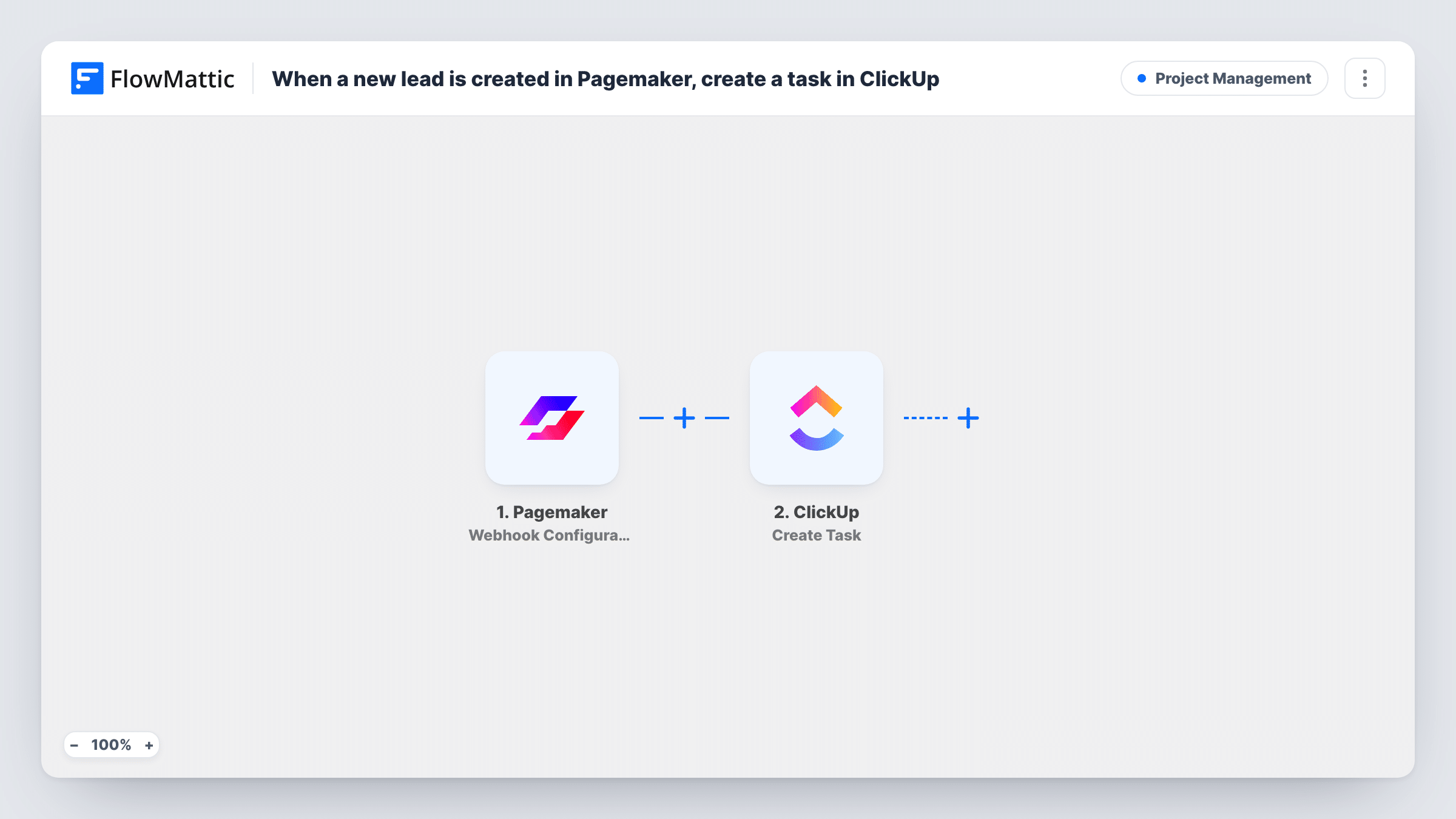
The Pagemaker trigger works through a webhook and fires when a lead is created from a landing page form. FlowMattic then sends the lead's data to ClickUp, where Create Task adds a new task. You decide which lead details go into the task when you map the step.
No conditions sit between the two steps, so one lead means one task. If a person submits twice, you get two tasks. Each run, with the lead data and ClickUp's reply, appears in Task History.
Free consultation requests
A coach runs a Pagemaker page offering a discovery call, and every request becomes a ClickUp task to book the call.
Quote requests for a trades business
Homeowners ask for a quote on a landing page, and the office team works through the ClickUp tasks to schedule site visits.
Demo sign-ups for a software product
Each demo request from a Pagemaker page creates a task the sales team picks up, so none waits in an unread inbox.
How this workflow runs
What happens at each step once the workflow is on, and what you need before you import it.
 Pagemaker Webhook Configuration
Fires when a lead is created from a Pagemaker landing page form, received through a webhook. If Pagemaker asks for a URL, use the one FlowMattic shows.
- ClickUp Create Task
Adds a new task in ClickUp built from the Pagemaker lead. Connect your ClickUp account and map lead values into the task; a test lead shows the result.
What you need
- FlowMatticCore
- Pagemaker AccountAccount
- ClickUp AccountAccount
After importing, map your own data. To keep the template universal, not every step is pre-filled. Open each step in the builder and connect your accounts and fields (channels, lists, sheets, recipients) before you switch the workflow on.
Make it yours
Changes worth making after you import it.
- Map the lead's email and phone into the task so whoever takes it can contact the person without opening Pagemaker.
- Add a Filter after the trigger if only some of your landing pages should create ClickUp tasks, using a value that tells the pages apart.
- Add a FluentCRM or Mailchimp step after ClickUp if you also want each Pagemaker lead on an email list.
Questions about this workflow
Does every Pagemaker lead create a ClickUp task?
Yes, as imported. There is no condition, so each lead that reaches FlowMattic produces one task.
Which Pagemaker details end up in each ClickUp task?
Whatever you map from the Pagemaker lead. Submit a test lead after import, then map its values into the task and check the new task in ClickUp.
Will older Pagemaker leads become ClickUp tasks?
No. Only leads that arrive after the trigger is set up start a run.
More Project Management workflows
Other ready-to-import templates from the same category.





Import this workflow into your WordPress site
Download the JSON, import it from the Workflows screen and connect your accounts. Every run stays on your server, with no per-task fees.
30-day money-back guarantee Unlimited workflows and runs Self-hosted