

When a new lead is identified in Happierleads, create a new record in Smartsheet
Each lead that Happierleads identifies from your website traffic is added as a row in a Smartsheet sheet, giving your sales team one shared list of new prospects to work through.
 Happierleads
 Smartsheet
2 steps Setup ~5 min Used on 1.4k sites Free to import
What this workflow does
Happierleads identifies leads from the visitors to your website, but sales teams often plan their follow-up somewhere else. If yours works in Smartsheet, copying each lead across takes time and some get missed. This workflow puts every newly identified lead into a sheet straight away.
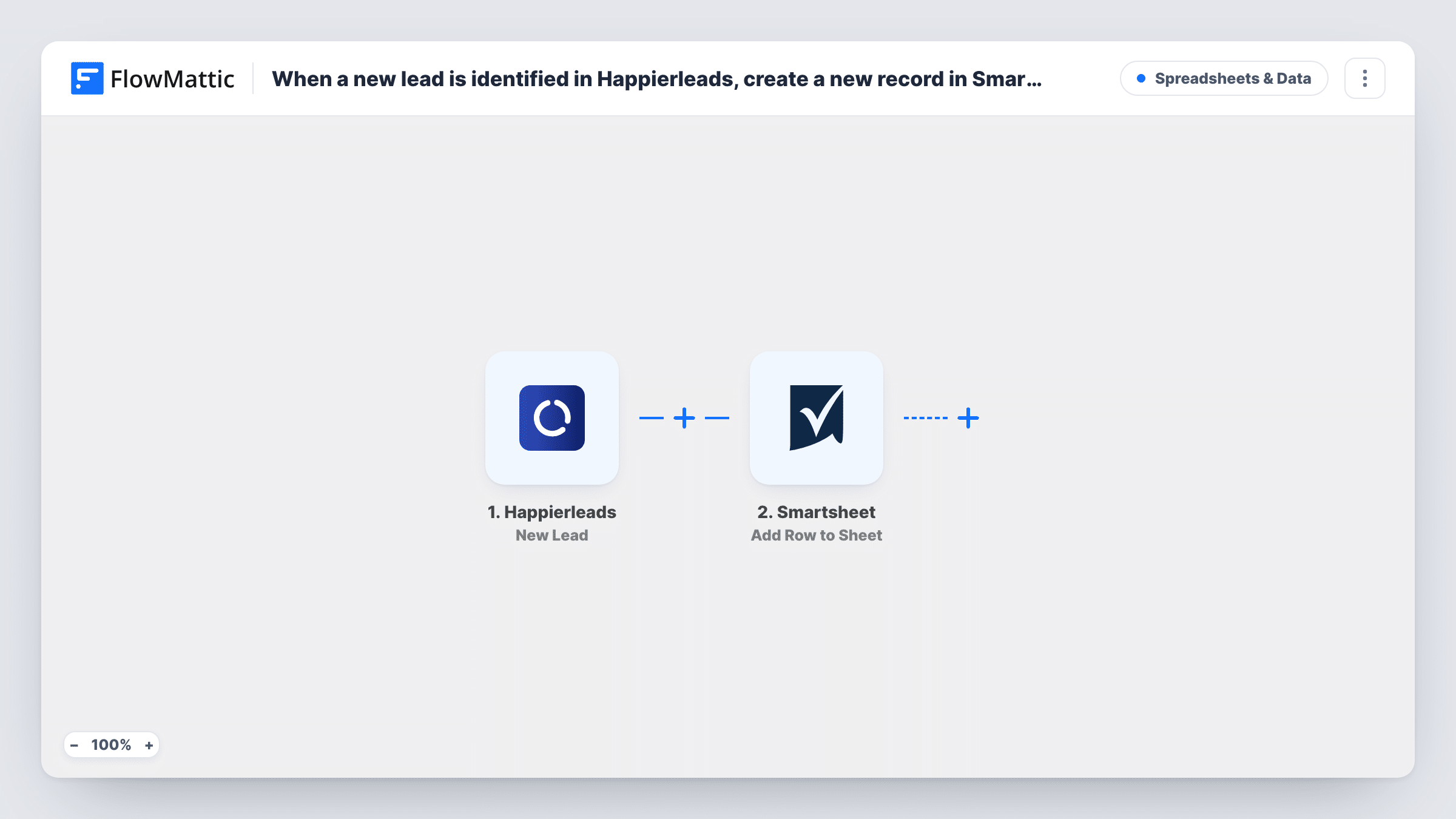
The Happierleads trigger starts a run each time Happierleads names a new lead. FlowMattic captures the lead data Happierleads sends. The Smartsheet step, Add Row to Sheet, then adds a row to the sheet you choose, with each column filled from a lead field you map.
What you can put in the sheet depends on what Happierleads includes with each lead, so capture a real one before setting up your columns. Every new lead adds a row, and nothing is filtered out as imported. Once the rows are in Smartsheet, your team can assign owners and track progress there.
Sales prospect sheet
Each lead Happierleads identifies among your site's visitors becomes a Smartsheet row that a rep can claim and follow up.
Agency reporting on site visitors
An agency runs Happierleads on a client's site and keeps the identified leads in a Smartsheet sheet shared with that client.
Account-based marketing lists
Marketing collects identified leads in Smartsheet and reviews them weekly to choose accounts for targeted outreach.
How this workflow runs
What happens at each step once the workflow is on, and what you need before you import it.
 Happierleads New Lead
Runs for every lead Happierleads newly picks out of your site traffic. The lead's data is captured for mapping into Smartsheet.
- Smartsheet Add Row to Sheet
Writes the lead into a new row of your chosen Smartsheet sheet. Connect Smartsheet, choose the sheet and map the Happierleads lead fields to its columns.
What you need
- FlowMatticCore
- Happierleads AccountAccount
- Smartsheet AccountAccount
After importing, map your own data. To keep the template universal, not every step is pre-filled. Open each step in the builder and connect your accounts and fields (channels, lists, sheets, recipients) before you switch the workflow on.
Make it yours
Changes worth making after you import it.
- Wait for Happierleads to identify a lead after import, then open the captured data to see which fields you can map before setting up the sheet's columns.
- Add a Filter after the trigger if you only want some leads in the sheet, using a field the captured Happierleads lead includes.
- Add empty Owner and Status columns in Smartsheet that the workflow leaves blank, so your team can fill them in as they work each lead.
Questions about this workflow
What Happierleads data ends up in the Smartsheet row?
Only the fields you map. The available fields come from what Happierleads sends with each new lead, which you can see once a lead is captured.
Will the same Happierleads lead be added to Smartsheet twice?
The workflow adds a row each time the New Lead trigger fires. It doesn't check the sheet for an existing row first.
Are leads Happierleads found earlier copied to Smartsheet?
No. Only leads identified after you turn the workflow on reach the sheet.
Can the Smartsheet rows be assigned to a rep automatically?
Not as imported. The step fills only the columns you map from the lead, so owners are assigned by hand in Smartsheet.
More Spreadsheets & Data workflows
Other ready-to-import templates from the same category.




Import this workflow into your WordPress site
Download the JSON, import it from the Workflows screen and connect your accounts. Every run stays on your server, with no per-task fees.
30-day money-back guarantee Unlimited workflows and runs Self-hosted