

When a New Lead received in Facebook Lead Ads, Create Task in Taskade
Every new lead from your Facebook Lead Ads forms becomes a task in a Taskade project, with the person’s answers in it, so someone on your team owns the follow-up.
 Facebook Lead Ads
 Taskade
2 steps Setup ~5 min Used on 1.8k sites Productivity Free to import
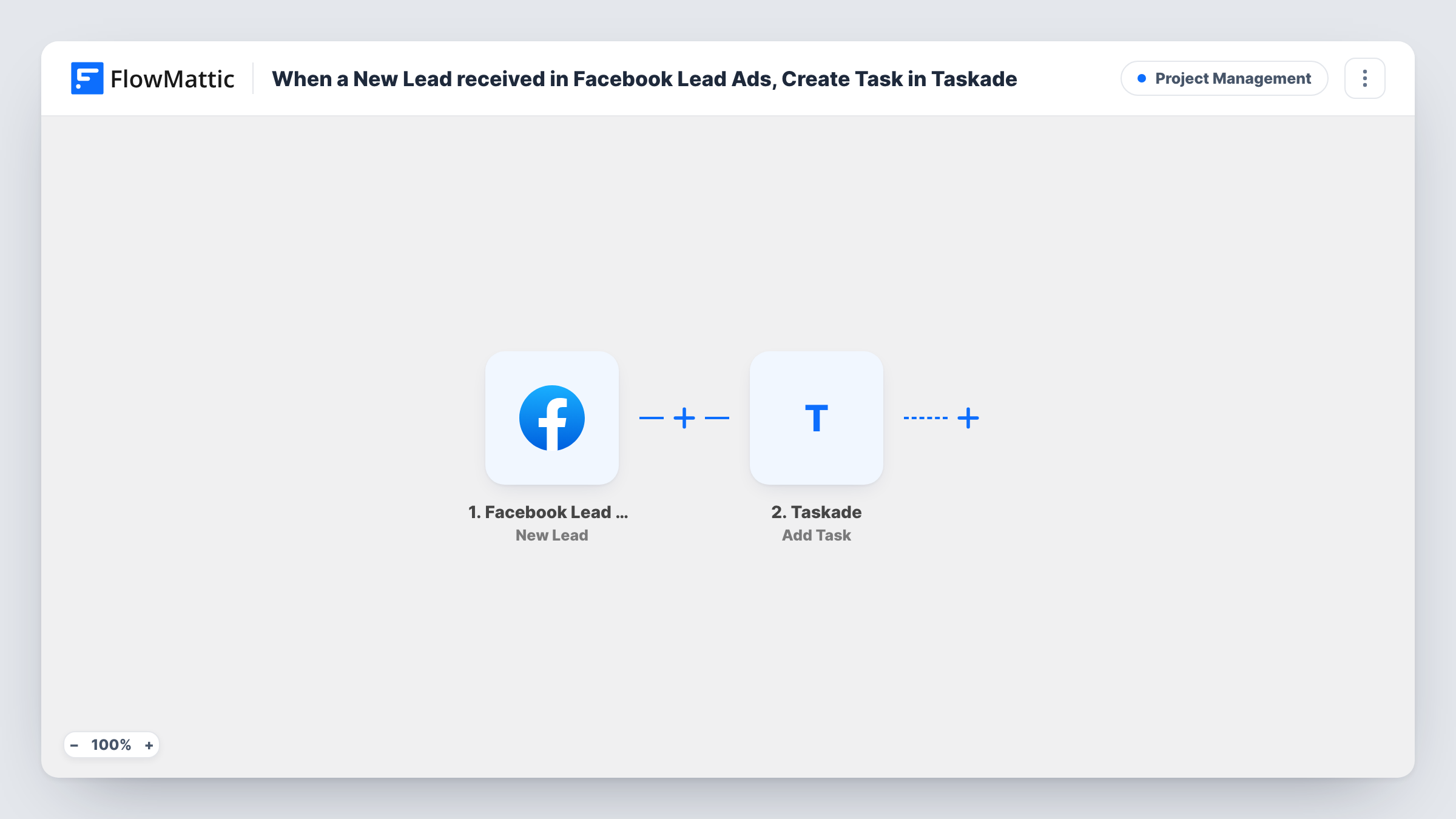
What this workflow does
Facebook Lead Ads collects leads inside Facebook, where they are easy to forget until someone downloads them. A task list makes each lead a piece of work with an owner. This workflow adds a Taskade task for every new lead your forms collect.
The Facebook Lead Ads trigger, New Lead, fires when a lead is created on the Page and form you connect. The answers the person gave, such as name, email or phone, become values you can map.
The Taskade step, Add Task, adds a task to the Taskade project you pick. You write the task text and fill it with lead details, for example "Call Priya about the kitchen quote" plus her number. There is no Filter, so each new lead becomes one task.
Callback list for a home services business
A renovation firm running lead ads gets a Taskade task per enquiry, with the phone number in it, and ticks it off once the call is made.
Small team sharing follow-up work
Leads land in a shared Taskade project where teammates pick tasks up, so two people don't phone the same prospect.
Tracking several ad campaigns
If the lead data names the form, put it in the task text, so the Taskade project shows which Facebook campaign each lead came from.
How this workflow runs
What happens at each step once the workflow is on, and what you need before you import it.
 Facebook Lead Ads New Lead
Starts a run for each lead Facebook Lead Ads collects. Connect the Facebook account and Page your ads run on, then submit a test lead so FlowMattic captures the answers.
- Taskade Add Task
Adds a new task to the Taskade project you select. Connect Taskade, pick the project, and write the task text using the lead's name, contact details and answers.
What you need
- FlowMatticCore
- Facebook Lead Ads AccountAccount
- Taskade AccountAccount
After importing, map your own data. To keep the template universal, not every step is pre-filled. Open each step in the builder and connect your accounts and fields (channels, lists, sheets, recipients) before you switch the workflow on.
Make it yours
Changes worth making after you import it.
- Put the lead's phone number or email at the start of the task text, so whoever opens it can reach the person without looking anything up.
- Add Taskade's Assign Task action after Add Task to hand each lead to a set teammate, using the task details Add Task returns. Check a test run to see which task values you can pass on.
- Only want leads that fit? Add a Filter after the trigger on one of the form's answers, such as a budget or location question, so other leads don't become tasks.
Questions about this workflow
Which Facebook Lead Ads forms create Taskade tasks?
Leads from the Facebook Page you connect in the trigger. Open the trigger after import to see how it selects forms, and send a test lead from each form you care about to confirm it starts a run.
Will leads collected before setup become tasks?
No. Only leads created after you turn the workflow on reach Taskade. Download older ones from Facebook if you need them.
Can the Taskade task include every answer from the lead form?
Yes, as long as you map each answer into the task text. A test lead after import shows all the values Facebook sends.
What if the Taskade step fails for a lead?
The lead still exists in Facebook. Task History shows the error on the Taskade step, so you can add that task by hand and fix the connection.
More Project Management workflows
Other ready-to-import templates from the same category.







Import this workflow into your WordPress site
Download the JSON, import it from the Workflows screen and connect your accounts. Every run stays on your server, with no per-task fees.
30-day money-back guarantee Unlimited workflows and runs Self-hosted