

When a new payment is captured in Stripe, send order to production in Printify
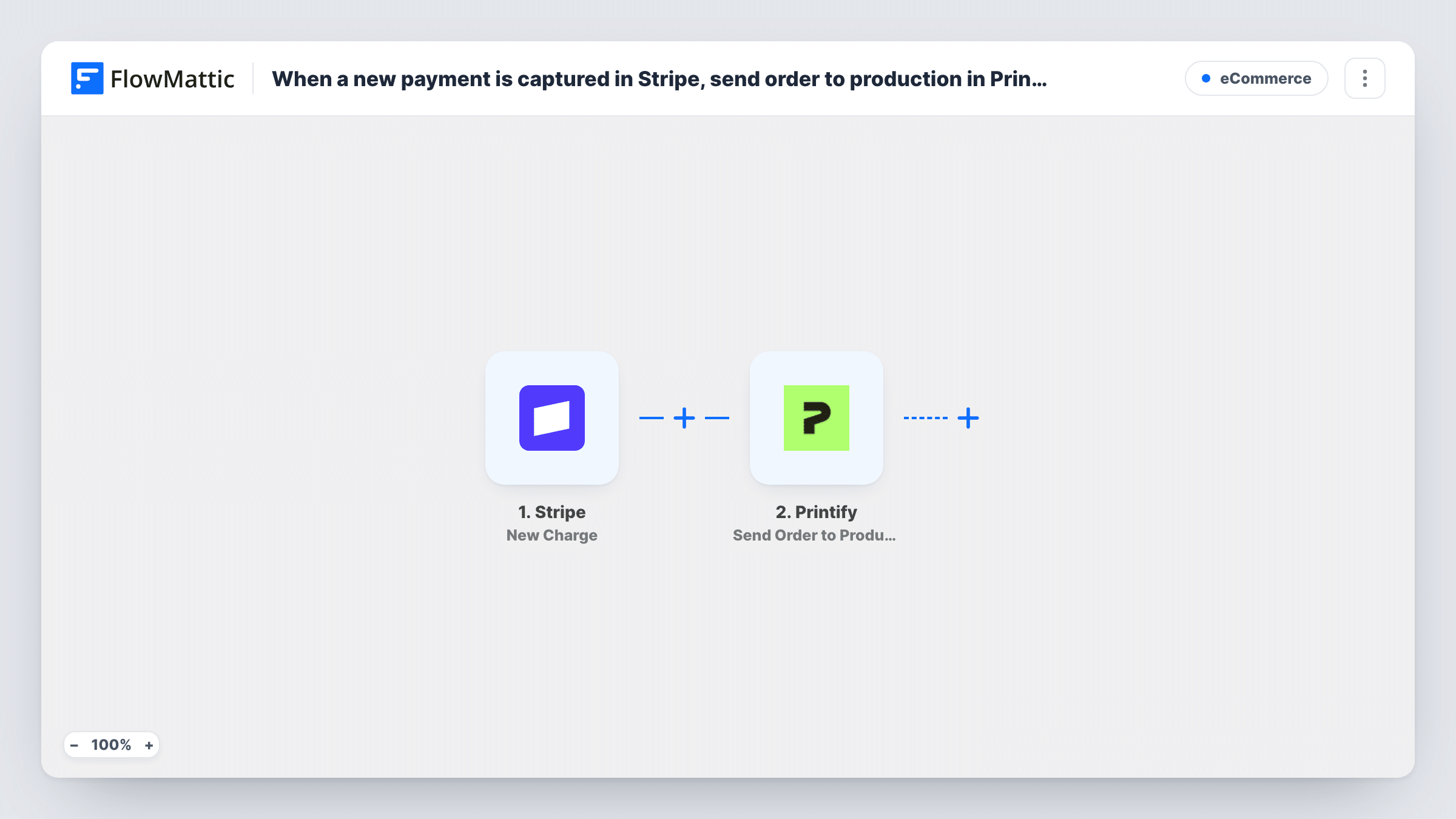
When a Stripe charge succeeds, FlowMattic submits an order to your Printify shop and then sends that order straight to production, so print-on-demand items go out without a manual step.
 Stripe
 Printify
3 steps Setup ~5 min Used on 2.8k sites Free to import
What this workflow does
If you sell print-on-demand products through Stripe payment links, a custom checkout or invoices instead of a store that Printify connects to, every sale means copying the order into Printify and pressing the production button. This workflow does both as soon as Stripe reports a successful charge.
The Stripe New Charge trigger starts a run each time Stripe records a successful charge on your account. It passes the charge's details on, such as the amount, description and the billing details Stripe holds. A charge doesn't carry a list of your Printify products, so plan how the order's product is chosen: a fixed product for a single-item offer, or a value you add to the charge's metadata.
The first Printify step submits a new order to your shop. It ships unmapped: after import you connect Printify and set the shop, the product and the shipping address, mapping the customer's details from the charge. The second step sends that order to production. Its order ID is already mapped from the order the first step created.
Every successful charge on your Stripe account runs the workflow, including charges that have nothing to do with printed products, and production starts without a review. Test with one order and check Task History to confirm the Printify order is correct before you rely on it.
Single-product merch sold by payment link
A podcast sells one T-shirt design through a Stripe payment link, and each successful charge becomes a Printify order sent to production with the buyer's shipping details.
Event prints for attendees
A photographer charges attendees through Stripe for a printed poster, and the poster order goes to Printify and into production after payment.
Fundraiser hoodies without a store
A school club takes payments in Stripe for a fundraiser hoodie and lets the workflow place and release each Printify order.
How this workflow runs
What happens at each step once the workflow is on, and what you need before you import it.
 Stripe New Charge
Starts whenever a charge is created and succeeds in your Stripe account. Every successful charge is one run, and its amount, description, metadata and billing details are passed on.
- Printify Submit Order
Submits a new order to your Printify shop. The step ships unmapped: connect Printify, set the shop and product, and map the customer's name and shipping address from the Stripe charge.
- Printify Send Order to Production
Sends the order to production in Printify. The order ID is already mapped from the order created in step 2, so the new order is released for printing right after it is submitted.
What you need
- FlowMatticCore
- Stripe AccountAccount
- Printify AccountAccount
After importing, map your own data. To keep the template universal, not every step is pre-filled. Open each step in the builder and connect your accounts and fields (channels, lists, sheets, recipients) before you switch the workflow on.
Make it yours
Changes worth making after you import it.
- Put a Filter between the Stripe trigger and the Submit Order step that checks the charge description or a metadata value, so only charges for printed products create a Printify order. Charges it stops never reach Printify.
- Add a Delay between Submit Order and Send Order to Production if you want a window to look over each Printify order before it is printed.
- Make sure your Stripe checkout collects a shipping address. Without one, the Printify order has nowhere to ship, and Task History will show Printify's response.
Questions about this workflow
Does every Stripe charge create a Printify order?
Yes, as imported. Any charge that succeeds on your Stripe account starts a run. Add a Filter on the charge description or metadata between the trigger and Submit Order if you take other payments through Stripe too.
How does Printify know which product to print?
You set it in the Submit Order step. A Stripe charge doesn't list your Printify products, so use a fixed product for a single offer or pass a product value in the charge's metadata and map it.
Can I check a Printify order before it goes to production?
Not as imported: the second step releases the order right after it is created. Add a Human in the Loop step between the two Printify steps to approve each order first. Set its timeout action to End Workflow, because by default an unanswered request lets the run continue.
Where does the shipping address come from?
From the Stripe charge, if your checkout collected one. Map the address values from the trigger into the Submit Order step and test with a real payment to confirm they arrive.
More E-Commerce workflows
Other ready-to-import templates from the same category.







Import this workflow into your WordPress site
Download the JSON, import it from the Workflows screen and connect your accounts. Every run stays on your server, with no per-task fees.
30-day money-back guarantee Unlimited workflows and runs Self-hosted