

When a new record is created in Airtable, list events in Demio
Every new Airtable record makes FlowMattic ask Demio for its list of events. The step only reads that list; no step uses it until you add one, such as registering the person for a webinar.
 Airtable
 Demio
2 steps Setup ~5 min Used on 870 sites Free to import
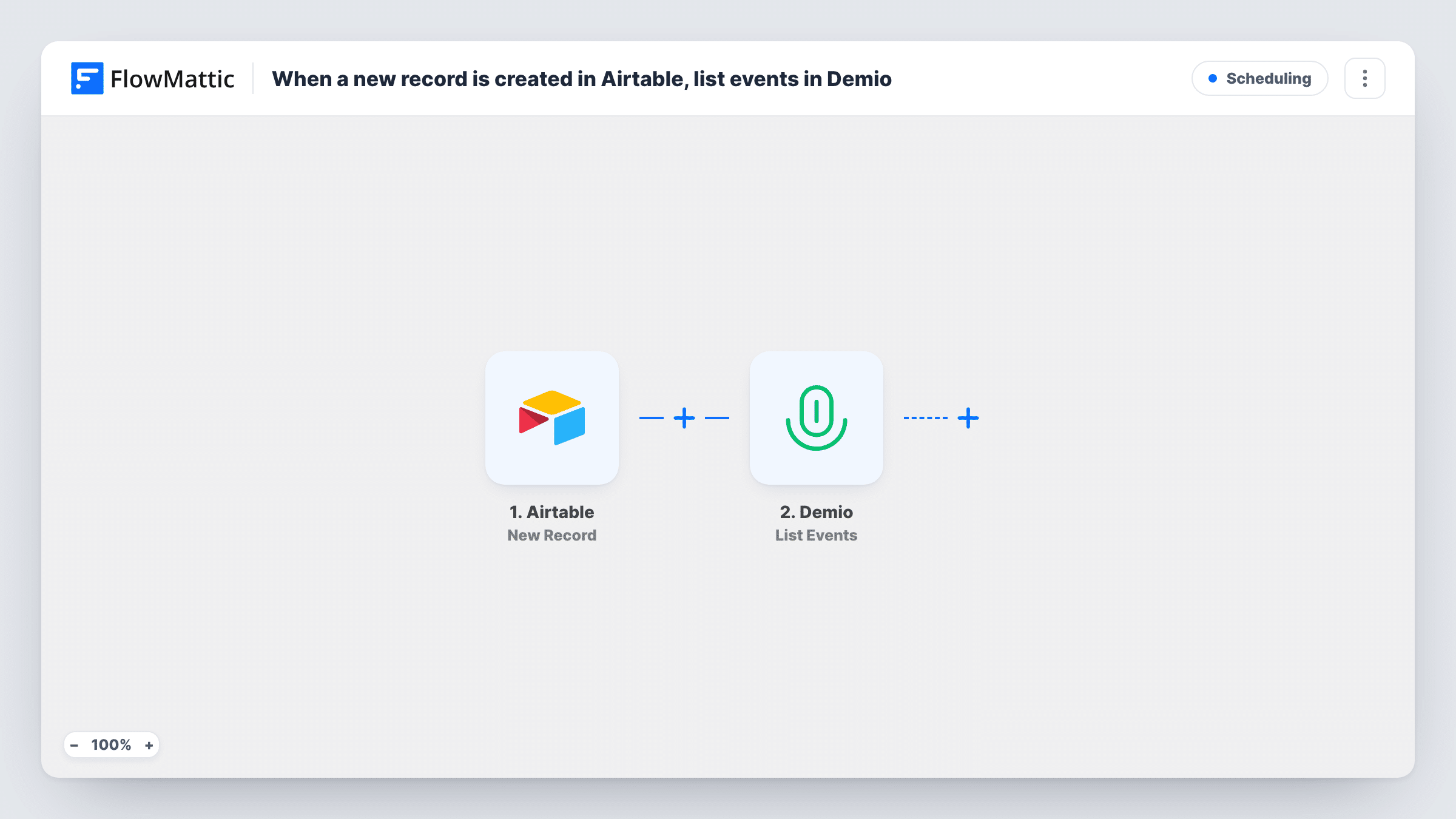
What this workflow does
This template connects a new record in Airtable to a single read from Demio. It is a base to build on. It does not register anyone or change anything in Demio.
When a record is created in your connected Airtable account, the trigger passes its fields into the workflow. The Demio step then runs List Events, which lists all events in your Demio account. That is a read: your webinars, their settings and their registrants stay as they were.
As shipped, the list of events is not used by anything. Each run fetches it, Task History records the response, and the run ends. To make it useful, add a step that acts on the record. Demio's Create Registration for Webinar action is the natural next step if your Airtable records hold people you want to sign up for a session. Note that List Events runs again for every new record, whether or not anything has changed in Demio.
Starting an Airtable-to-Demio sign-up flow
Your table collects webinar sign-ups. Import this to link the Airtable trigger and your Demio account, then add Create Registration for Webinar to register each person.
Seeing what Demio returns for your events
Add a test record in Airtable and open Task History to see how Demio lists your events, so you know what a later step can map.
Sending the event list somewhere you read it
Add a step that writes the returned events somewhere you read, such as a sheet or a message, each time a record is added to the Airtable table.
How this workflow runs
What happens at each step once the workflow is on, and what you need before you import it.
 Airtable New Record
Runs when a new record is created in Airtable. The record's fields are passed on for any step you add after the Demio lookup.
- Demio List Events
Lists all events in your Demio account. It only reads: no event, registration or setting changes. As imported, no step uses the list, so it ends up only in Task History.
What you need
- FlowMatticCore
- Airtable AccountAccount
- Demio AccountAccount
After importing, map your own data. To keep the template universal, not every step is pre-filled. Open each step in the builder and connect your accounts and fields (channels, lists, sheets, recipients) before you switch the workflow on.
Make it yours
Changes worth making after you import it.
- Add Demio's Create Registration for Webinar after List Events and map the person's details from the Airtable record, so each new record becomes a registration.
- Add a Filter after the Airtable trigger so only records with a value in a chosen field, such as a sign-up checkbox, go on to the Demio steps.
- Create one test record after import and check Task History to confirm Demio returned your events before you map anything from them.
Questions about this workflow
Does this register the Airtable contact for a Demio webinar?
No. List Events only reads your events. To register someone, add Demio's Create Registration for Webinar step and map the record's details into it.
Will Demio change when a record is added in Airtable?
No. Nothing in Demio is created, edited or deleted by this template. It only lists your events.
What happens to the list of Demio events?
It appears in Task History for each run. No later step reads it until you add one, so on its own the workflow has no visible result.
Do older Airtable records trigger the Demio lookup?
No. The trigger fires on records created after the workflow is on, so existing rows in your table do not start a run.
More Scheduling workflows
Other ready-to-import templates from the same category.






Import this workflow into your WordPress site
Download the JSON, import it from the Workflows screen and connect your accounts. Every run stays on your server, with no per-task fees.
30-day money-back guarantee Unlimited workflows and runs Self-hosted