

Send a Telegram message for each new Fantastical openings appointment requested
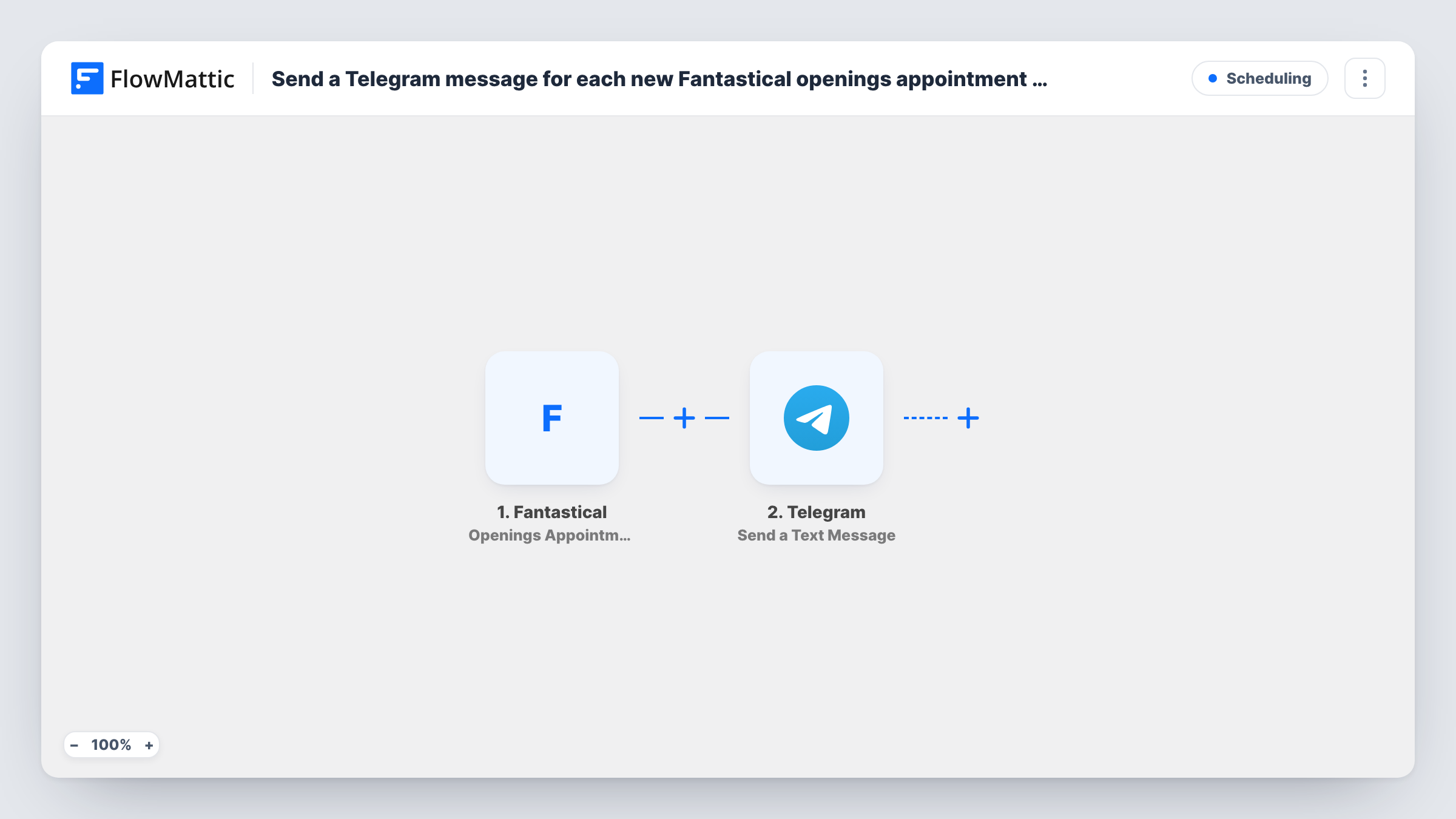
Each time someone requests an appointment through Fantastical Openings, this workflow sends you a Telegram text message with the request details, so you can respond without watching your calendar app.
 Fantastical
 Telegram
2 steps Setup ~5 min Used on 1.1k sites Free to import
What this workflow does
Fantastical Openings lets people request time with you from a booking link. Requests can need your attention, and if you are away from your Mac or phone calendar, they may sit there. Many people check Telegram more often than their calendar. This workflow sends each request there.
The Fantastical trigger is Openings Appointment Requested, which fires when someone requests an appointment in Fantastical Openings. FlowMattic passes the request data to Telegram, where Send a Text Message posts a message to the chat you set. The action supports markup, so you can format the text, and you map in the request details you want to see.
Only requests trigger it. Confirmed appointments are a separate Fantastical trigger, Openings Appointment Confirmed, so this workflow won't message you again when a booking is confirmed.
Freelancer away from the desk
A client requests a call through your Openings link while you're out. Telegram on your phone shows who asked and when they want to meet.
Small team sharing a booking link
Requests post to a Telegram group the team shares, so whoever is free can see a new appointment request has come in.
Coach with a busy week
Session requests from clients arrive as Telegram messages, letting you scan the week's demand in one chat.
How this workflow runs
What happens at each step once the workflow is on, and what you need before you import it.
 Fantastical Openings Appointment Requested
Starts the run each time a person asks for a slot via your Fantastical Openings link. The request's data becomes available to map into the Telegram message.
- Telegram Send a Text Message
Sends a text message to the Telegram chat you choose, with markup support for formatting. Connect your Telegram bot and map the Fantastical request details into the text.
What you need
- FlowMatticCore
- Fantastical AccountAccount
- Telegram AccountAccount
After importing, map your own data. To keep the template universal, not every step is pre-filled. Open each step in the builder and connect your accounts and fields (channels, lists, sheets, recipients) before you switch the workflow on.
Make it yours
Changes worth making after you import it.
- Use the markup support to put the requester and requested time in bold, so the key details stand out when the message arrives.
- Add a second workflow on Fantastical Openings Appointment Confirmed if you also want a Telegram message once a booking is confirmed.
- Request a test appointment through your own Openings link after import so FlowMattic captures the data, then map it into the message.
Questions about this workflow
Does this Telegram message fire when a Fantastical appointment is confirmed?
No. It only reacts to new requests. Fantastical has a separate Openings Appointment Confirmed trigger in FlowMattic for confirmations.
Can the Fantastical alert go to a Telegram group?
You pick the chat in the Send a Text Message step. Add your bot to the group first, then run a test request to check the message lands there.
Do I need a Telegram bot for this workflow?
Yes. FlowMattic's Telegram actions send through a bot you create with Telegram's BotFather and connect in FlowMattic.
More Scheduling workflows
Other ready-to-import templates from the same category.






Import this workflow into your WordPress site
Download the JSON, import it from the Workflows screen and connect your accounts. Every run stays on your server, with no per-task fees.
30-day money-back guarantee Unlimited workflows and runs Self-hosted