

Log every Beds24 booking and inventory update in a Google Sheets spreadsheet
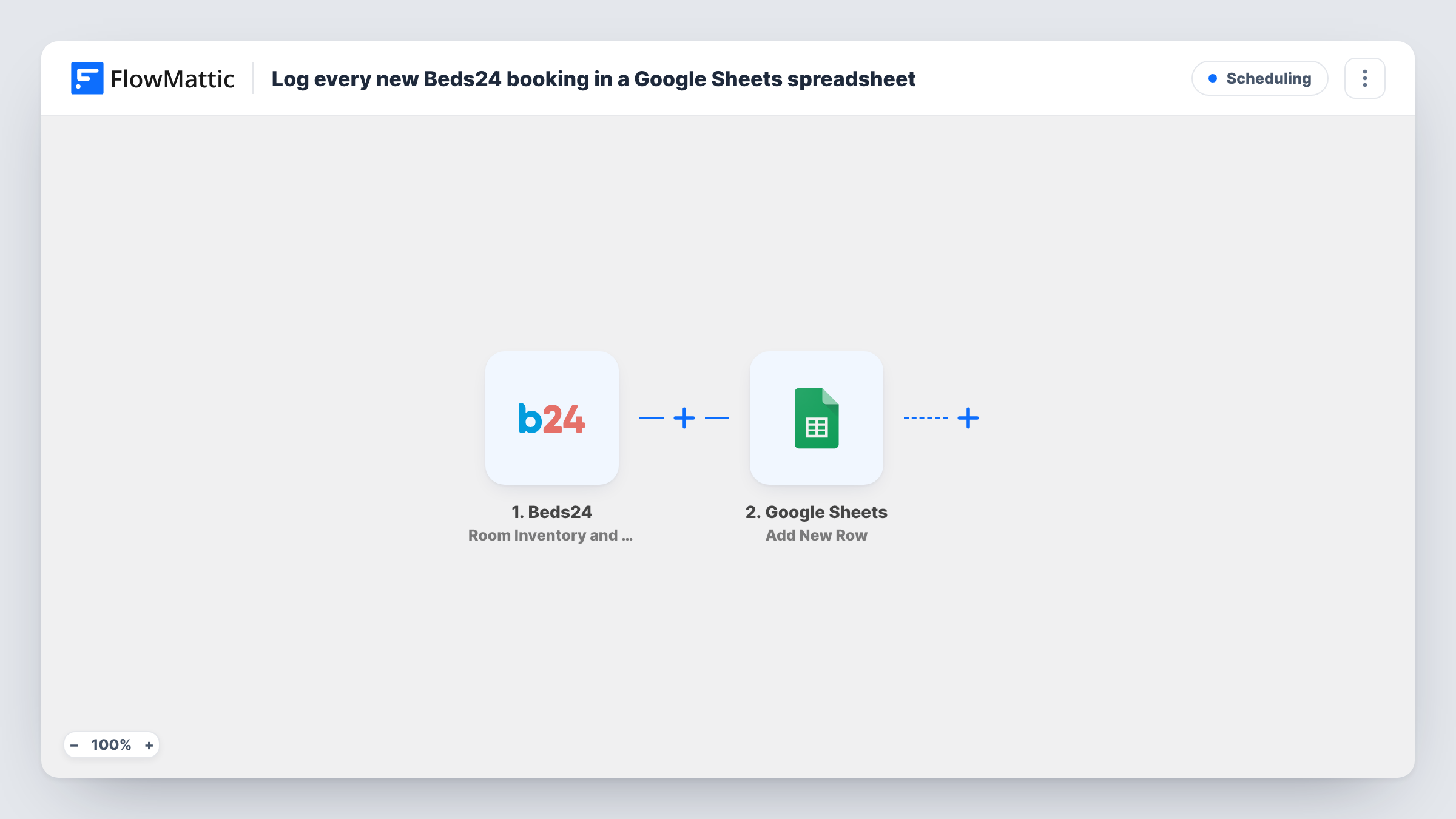
Every booking and room inventory change that Beds24 reports, from new reservations and cancellations to price and availability edits, is added to Google Sheets as a new row.
 Beds24
 Google Sheets
2 steps Setup ~5 min Used on 3.4k sites Free to import
What this workflow does
A property manager's channel manager changes all day: a guest books, another cancels, a rate goes up for a holiday weekend. Beds24 keeps the current state, but it is hard to look back and see what changed and when. This workflow writes each change to a Google Sheets spreadsheet, giving you a running history you can sort, filter and share with an owner or accountant.
The Beds24 trigger fires whenever room availability or price changes, a new booking arrives, a booking is modified, or one is cancelled. That is a broad event, so expect many runs on a busy property, and plan for rows of different kinds in the same sheet.
The Google Sheets step adds one new row per update. It isn't mapped in the template. After import, pick the spreadsheet and sheet, then map the Beds24 values you want into your columns, for example the booking ID, guest name, arrival date, room and price. A test update shows which fields Beds24 sends for each kind of change.
Because each change becomes its own row, a booking that is modified twice appears three times. That makes the sheet a change log, not a list of current bookings.
Audit trail for owners
A manager who runs holiday flats for several owners shares the change log so each owner can see when bookings, cancellations and rate edits happened.
Spotting cancellation patterns
A guesthouse filters the sheet to cancellations each month to see which arrival dates and rooms lose bookings most often.
Rate change history
A small hotel keeps a record of every price and availability edit, so the team can check what a room cost on a given night when a guest disputes a rate.
How this workflow runs
What happens at each step once the workflow is on, and what you need before you import it.
 Beds24 Room Inventory and Booking Updates
Fires for every room inventory or booking change in Beds24: availability or price edits, new bookings, booking modifications and cancellations. The change data is passed to Google Sheets.
- Google Sheets Add New Row
Adds a fresh row to your chosen sheet for each Beds24 update. Columns ship unmapped, so pick the spreadsheet and match fields such as booking ID, dates, room and price to your headers.
What you need
- FlowMatticCore
- Beds24 AccountAccount
- Google Sheets AccountAccount
After importing, map your own data. To keep the template universal, not every step is pre-filled. Open each step in the builder and connect your accounts and fields (channels, lists, sheets, recipients) before you switch the workflow on.
Make it yours
Changes worth making after you import it.
- Look in a test run for a date or time value in the Beds24 data and map it into the first column, so the log sorts in the order changes happened.
- If you only want bookings and not price edits, put a Filter between the Beds24 trigger and the Google Sheets step on a field that tells the kinds apart. Run a test of each kind first to find that field.
- Use a Router between the trigger and the Google Sheets step to send bookings and inventory changes to separate sheets, with conditions that can't both match and a Google Sheets step on each route.
Questions about this workflow
Which Beds24 changes add a row to the sheet?
All the ones the trigger covers: room availability or price changes, new bookings, booking modifications and cancellations. Each of them starts a run and adds a row.
Does the workflow update the existing row when a booking changes?
No. It only adds rows, so a modified or cancelled booking gets a new row next to the earlier ones. Read the sheet as a history of changes.
Which columns does the Beds24 data fill?
The ones you map. The Add New Row step ships empty, so after import you choose the sheet and match Beds24 fields to your column headers.
Will older Beds24 bookings be copied into the spreadsheet?
No. Only changes that happen after the workflow is on start a run. Export earlier bookings from Beds24 if you want them in the same sheet.
More Scheduling workflows
Other ready-to-import templates from the same category.





Import this workflow into your WordPress site
Download the JSON, import it from the Workflows screen and connect your accounts. Every run stays on your server, with no per-task fees.
30-day money-back guarantee Unlimited workflows and runs Self-hosted