

Create Agent in LatePoint when new Gravity Form submission is received
Each new Gravity Forms submission creates an agent account in LatePoint from the answers, so new staff, stylists or consultants can be added to your booking system through a form.
 Gravity Forms
 Latepoint
2 steps Setup ~5 min Used on 3.5k sites Free to import
What this workflow does
In LatePoint, agents are the people customers book with. Adding each one by hand in the admin area is fine for one or two, but slow when you onboard a group of new staff or let managers add people without full admin access. This workflow lets a Gravity Forms form do it.
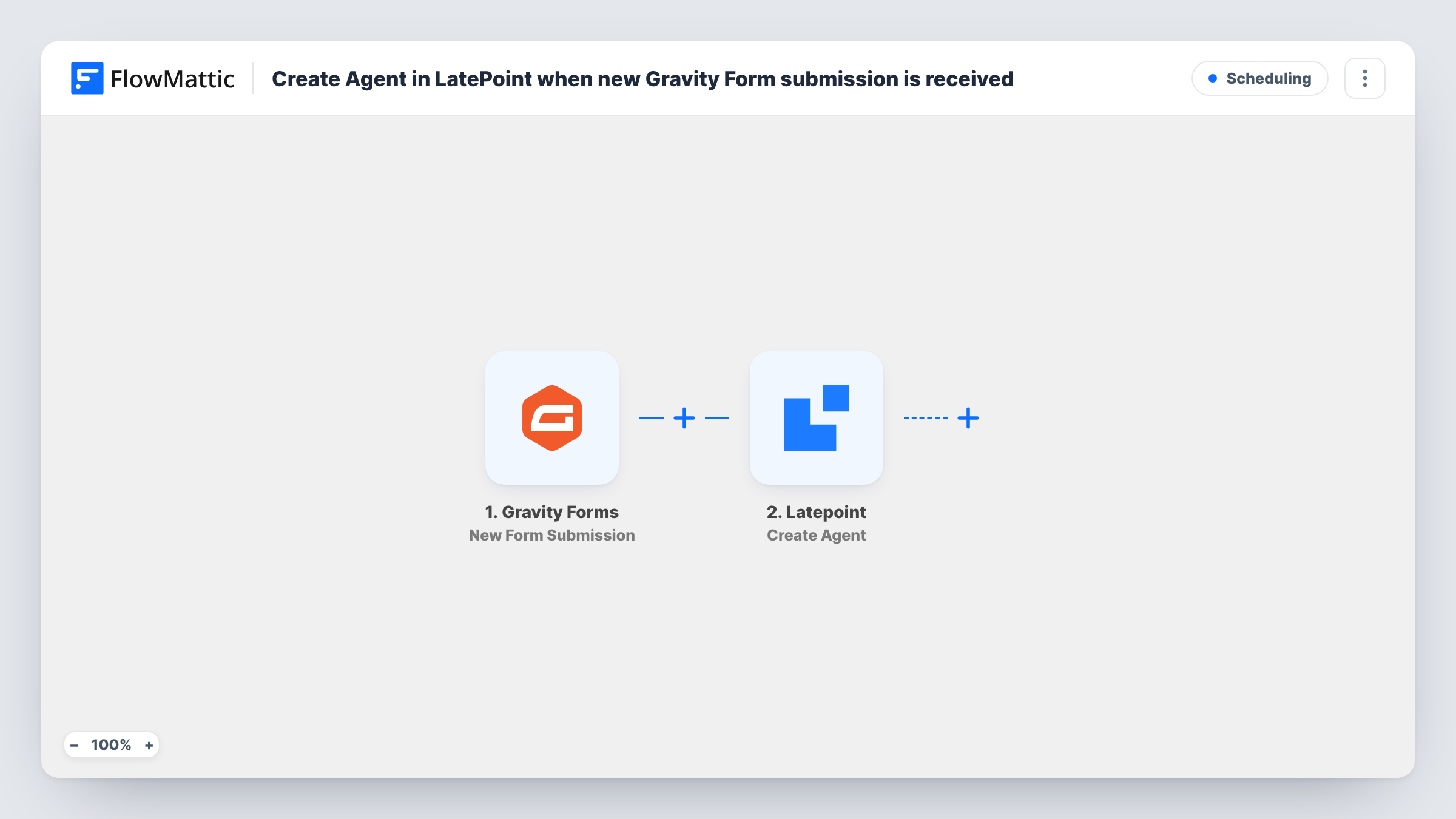
The Gravity Forms trigger fires when a new entry is submitted on your site. FlowMattic passes the answers to LatePoint, whose Create Agent action creates an agent account. You map the form's answers into that step, and opening it after import shows which details it takes.
Gravity Forms and LatePoint are both WordPress plugins, so nothing leaves your own site. Every submission creates an agent, so keep this form private, for example on a page only managers can reach. The template does not check whether an agent with that email already exists. Assigning services and working hours is still done in LatePoint afterwards. Task History shows each run and LatePoint's response.
Onboarding stylists at a salon group
A branch manager fills in a staff form for each new stylist, and they appear as LatePoint agents ready for the owner to assign services.
Adding tutors to a tutoring service
A coordinator enters new tutors through a Gravity Forms form, so they exist in LatePoint before their first lessons are scheduled.
Seasonal staff at a clinic
Temporary practitioners joining for a busy season are added as agents through one form instead of several admin screens.
How this workflow runs
What happens at each step once the workflow is on, and what you need before you import it.
 Gravity Forms New Form Submission
Fires when a new entry is submitted through Gravity Forms on your WordPress site. The answers are passed on so you can map them into LatePoint.
- Latepoint Create Agent
Creates an agent account in LatePoint from the mapped answers. Map the new agent's details from the form, then check the result in LatePoint with a test entry.
What you need
- FlowMatticCore
- Gravity Forms PluginPlugin
- LatePoint PluginPlugin
After importing, map your own data. To keep the template universal, not every step is pre-filled. Open each step in the builder and connect your accounts and fields (channels, lists, sheets, recipients) before you switch the workflow on.
Make it yours
Changes worth making after you import it.
- Add a LatePoint Get Agent by Email step before Create Agent, followed by a Filter, so the workflow stops when an agent with that email already exists.
- If the trigger reacts to more than one Gravity Forms form on your site, add a Filter right after it so only the staff onboarding form creates agents.
- Mark the key fields in the Gravity Forms form as required, so each submission carries the details the LatePoint step needs.
Questions about this workflow
Who should be able to use the Gravity Forms form that creates LatePoint agents?
Only people you trust to add staff. Every submission creates an agent, so place the form on a restricted page rather than a public one.
What happens if the LatePoint agent already exists?
The template does not check first. Submit a test with an existing email to see how LatePoint responds in Task History, or add a Get Agent by Email step to check before creating.
Does this set up the agent's services and schedule in LatePoint?
No. The step creates the agent account from the form answers. Services, working hours and other settings are still set in LatePoint.
Do Gravity Forms and LatePoint both need to be on the same site?
Yes. Both are WordPress plugins, and FlowMattic connects them on the site where all three are installed.
More Scheduling workflows
Other ready-to-import templates from the same category.






Import this workflow into your WordPress site
Download the JSON, import it from the Workflows screen and connect your accounts. Every run stays on your server, with no per-task fees.
30-day money-back guarantee Unlimited workflows and runs Self-hosted