

Add each new Timetics booking to Google Calendar automatically
Each booking created in Timetics becomes an event in the Google Calendar you choose, with the time and booking details mapped in, so your appointments sit beside the rest of your schedule.
 Timetics
 Google Calendar
2 steps Setup ~5 min Used on 2.1k sites Free to import
What this workflow does
If you take appointments through Timetics but plan your day in Google Calendar, a new booking means a second entry typed by hand. Miss one and you end up double-booked. This workflow creates the calendar event for you each time a booking comes in.
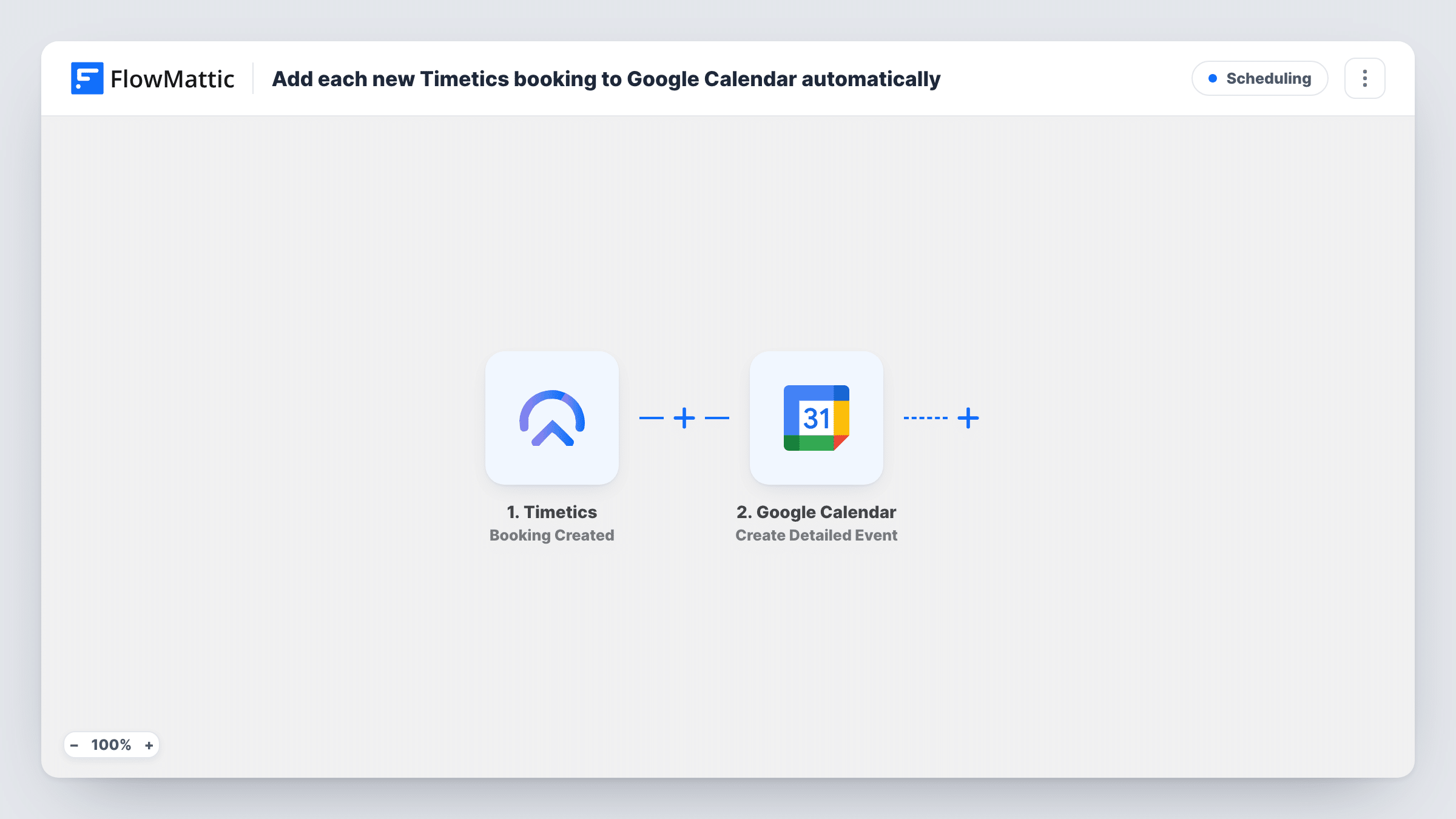
The Timetics trigger, Booking Created, fires when a booking is created. FlowMattic passes the booking data to Google Calendar, where Create Detailed Event adds a new event. Map the booking's start and end time, the customer's name and the service into the event, and choose the calendar it belongs in.
Nothing here edits a calendar entry after it's made. A booking that is later moved or cancelled in Timetics leaves its calendar event as it was, so update or remove that event yourself. Task History lists each run if you need to check which booking made which event.
Consultants who live in Google Calendar
Clients book discovery calls through Timetics, and each call appears in your main calendar next to personal plans, so you can see the slot is taken before you agree to anything else.
A shared studio calendar
A yoga or music studio takes bookings in Timetics and creates the events in a shared Google Calendar the whole team can see on their phones.
Sales calls visible to a manager
Prospect bookings land in a team calendar, so the sales lead can see each rep's upcoming calls without a Timetics login.
How this workflow runs
What happens at each step once the workflow is on, and what you need before you import it.
 Timetics Booking Created
Fires when a booking is created in Timetics. The booking's data, such as time, customer and service, is passed on for the calendar event.
- Google Calendar Create Detailed Event
Adds a new event to the Google Calendar you pick. Map the booking's start and end time and the details you want in the title and description, then connect your Google account.
What you need
- FlowMatticCore
- Timetics AccountAccount
- Google Calendar AccountAccount
After importing, map your own data. To keep the template universal, not every step is pre-filled. Open each step in the builder and connect your accounts and fields (channels, lists, sheets, recipients) before you switch the workflow on.
Make it yours
Changes worth making after you import it.
- Put the customer's name and the service in the event title, for example "Consultation: Jane Smith", so the calendar is readable at a glance.
- Make a test booking after import and compare the event time with the booking. If they differ, check the time zone of the booking data and the calendar.
- Use a separate Google Calendar for Timetics bookings, so you can show or hide them and share them with your team on their own.
Questions about this workflow
What happens to the Google Calendar event if a Timetics booking is rescheduled?
Nothing. This template only listens for new bookings, so the event keeps its original time. Change or delete it in Google Calendar yourself.
Are existing Timetics bookings added to Google Calendar?
No. Bookings made before the workflow is switched on stay out of Google Calendar; only new Timetics bookings from then on are copied.
Can the customer get the Google Calendar invite too?
Open the Create Detailed Event step after import to see whether it offers guest or attendee options. If it does, map the customer's email from the booking.
More Scheduling workflows
Other ready-to-import templates from the same category.






Import this workflow into your WordPress site
Download the JSON, import it from the Workflows screen and connect your accounts. Every run stays on your server, with no per-task fees.
30-day money-back guarantee Unlimited workflows and runs Self-hosted