

When meeting scheduled in Calendly, send email from Zoho Mail with agenda and preparation notes
When someone books a meeting through Calendly, this workflow sends them an email from your Zoho Mail account with the agenda and preparation notes you write, using their booking details.
 Calendly
 Zoho Mail
2 steps Setup ~5 min Used on 701 sites Free to import
What this workflow does
A booked meeting goes better when the other person knows what to expect and what to bring. Writing that note by hand for every booking is easy to forget. This workflow sends it from your own mailbox each time someone books.
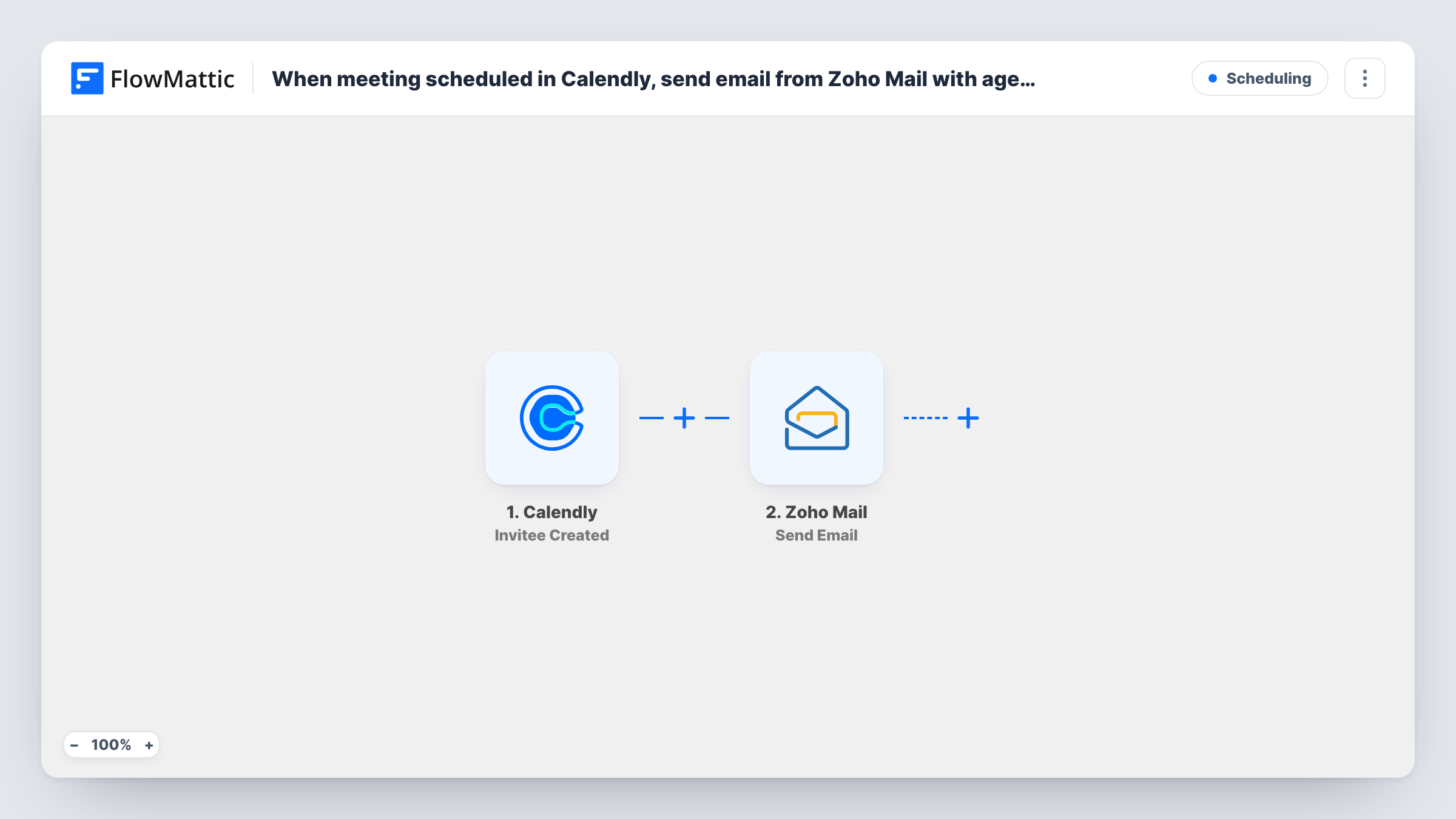
The Calendly trigger, Invitee Created, fires when someone books a meeting. FlowMattic receives the booking data, such as the invitee's name, email and the event, and passes it to Zoho Mail. The Send Email action sends a message from the account you select, to the invitee's address, with the subject and body you write.
The agenda and preparation notes are text you put in the email body, mixed with mapped booking fields. The workflow doesn't build an agenda for you. Every booking sends one email, so if you have several event types with different agendas, add a Router or Filter on the event name. Task History shows each send.
Discovery calls for a consultancy
Prospects who book a discovery call get an email listing the three questions you'll cover and asking them to bring their current numbers.
Onboarding sessions for new clients
Each booked onboarding session sends the client a short agenda and a checklist of logins to have ready, from your Zoho Mail address.
Interview scheduling
Candidates who book an interview slot receive an email with the interview format, who they'll meet and what to prepare.
How this workflow runs
What happens at each step once the workflow is on, and what you need before you import it.
 Calendly Invitee Created
Runs when someone books a meeting with you in Calendly. The invitee and event details are passed on for use in the email.
- Zoho Mail Send Email
Sends the invitee a message through your chosen Zoho Mail account. Map the invitee's email as the recipient and write the agenda and preparation notes in the body, with booking details mapped in.
What you need
- FlowMatticCore
- Calendly AccountAccount
- Zoho Mail AccountAccount
After importing, map your own data. To keep the template universal, not every step is pre-filled. Open each step in the builder and connect your accounts and fields (channels, lists, sheets, recipients) before you switch the workflow on.
Make it yours
Changes worth making after you import it.
- If you run several Calendly event types, add a Router on the event name with one Zoho Mail step per route, so each kind of meeting gets its own agenda.
- Map the meeting time and the invitee's answers to your booking questions into the email, if the trigger data carries them, so the notes match the booking.
- Add a Delay before the email if you'd rather the prep notes arrive later than the Calendly confirmation, but keep it short for meetings booked at late notice.
Questions about this workflow
Will the invitee still get Calendly's own booking confirmation?
Yes. This workflow doesn't change Calendly's notifications. The invitee gets your Zoho Mail message as well as Calendly's confirmation.
Is a rescheduled Calendly meeting emailed again?
Possibly. Calendly can treat a reschedule as a new booking, which fires Invitee Created again. Check a test reschedule in Task History.
Where do the agenda and preparation notes come from?
You write them in the Zoho Mail step's body. The workflow fills in booking details you map, but the agenda text is yours.
Which address does the email come from?
The Zoho Mail account you select in the step, so replies come back to that mailbox.
More Scheduling workflows
Other ready-to-import templates from the same category.







Import this workflow into your WordPress site
Download the JSON, import it from the Workflows screen and connect your accounts. Every run stays on your server, with no per-task fees.
30-day money-back guarantee Unlimited workflows and runs Self-hosted