

Create AddCal calendar entries from new Google Calendar events matching a search
When a new Google Calendar event matches the search text you set, FlowMattic creates a matching event in AddCal, ready to share with an add-to-calendar link.
 Google Calendar
 AddCal
2 steps Setup ~5 min Used on 2.6k sites Free to import
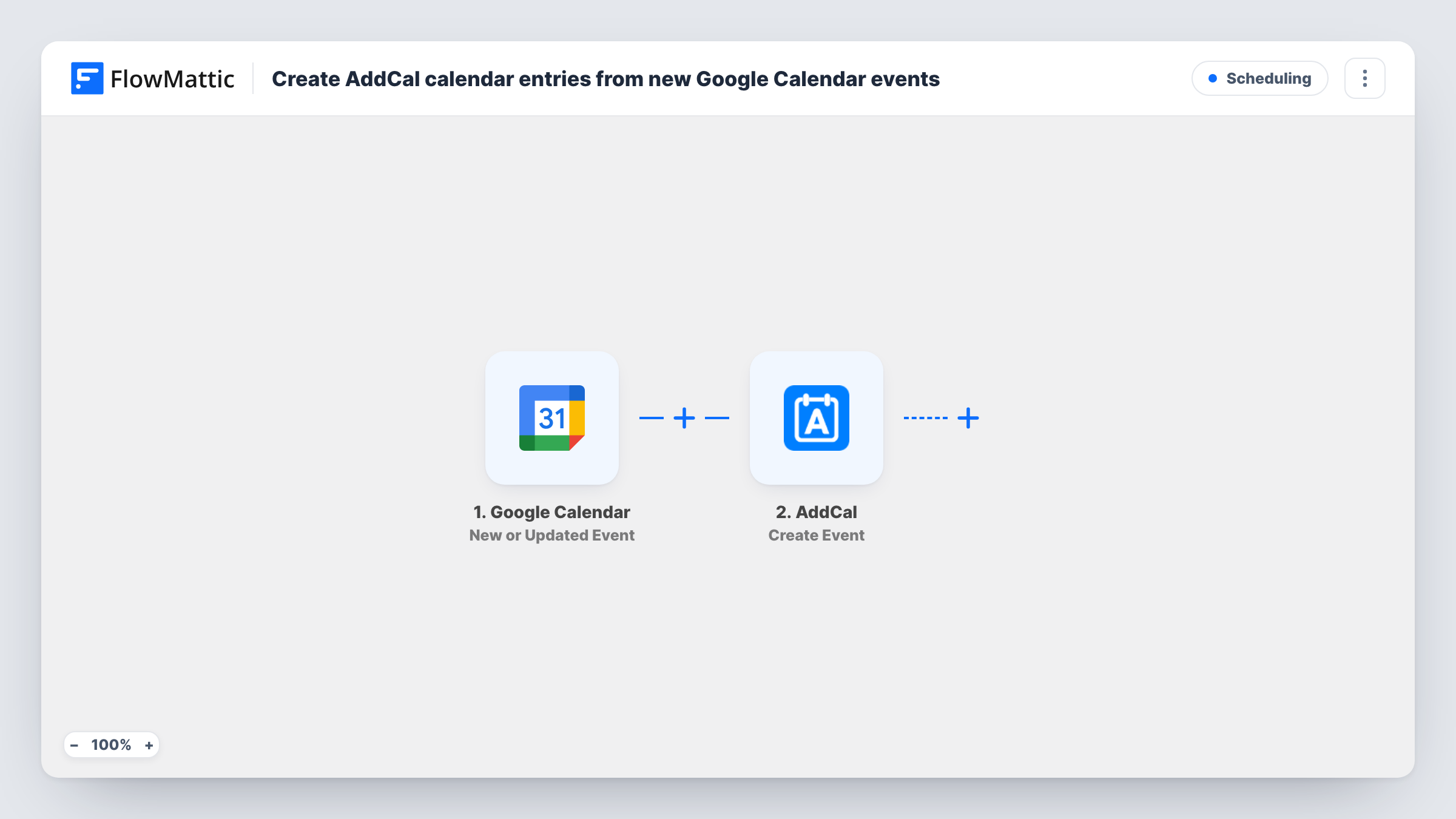
What this workflow does
Your own Google Calendar is where you plan webinars, open days and classes, but attendees need a way to save those dates to their calendars. AddCal handles that side. This workflow copies selected Google Calendar events into AddCal, so you schedule once and share from AddCal.
The Google Calendar New Event Matching Search trigger fires when an event is created that matches a search. You set the search text in the trigger, so only events that match it, such as "Webinar", start a run. Edits to an existing event don't count as new.
The AddCal Create Event step then creates the event. FlowMattic describes it as using smart defaults and automatic calendar management. It ships unmapped, so after import you map the Google event's title, start and end times, location and description into it.
Each matching event creates one AddCal event. Changing or deleting the Google event later doesn't change the AddCal copy, so update those by hand. Create a test event with your search text and check Task History for what AddCal returned.
Webinar dates attendees can save
A marketer adds every webinar to Google Calendar with "Webinar" in the title, and each one appears in AddCal ready to share on the registration page.
Public class schedule for a studio
A yoga studio keeps its timetable in Google Calendar and copies events tagged "Public class" to AddCal, so students can add sessions to their own calendars.
Community meetups from a team calendar
An organiser plans meetups in a shared Google Calendar and sends only events containing "Meetup" to AddCal, leaving internal meetings out.
How this workflow runs
What happens at each step once the workflow is on, and what you need before you import it.
 Google Calendar New Event Matching Search
Fires when a new event matching your search is created in Google Calendar. The event's title, times, location and description are passed to the AddCal step.
- AddCal Create Event
Creates an event in AddCal from the Google Calendar event. Unmapped in the template: after import, map the event title, start and end times and other details into it.
What you need
- FlowMatticCore
- Google Calendar AccountAccount
- AddCal AccountAccount
After importing, map your own data. To keep the template universal, not every step is pre-filled. Open each step in the builder and connect your accounts and fields (channels, lists, sheets, recipients) before you switch the workflow on.
Make it yours
Changes worth making after you import it.
- Pick a search word you only use for public events, such as a tag in brackets, so private meetings never match the trigger.
- Check the start time of the first AddCal event against Google Calendar, so a time zone mismatch shows up before attendees see it.
- Add an Email or Slack step after the AddCal step to send the new event's share link to your marketing team, if AddCal returns one in a test run.
Questions about this workflow
Which Google Calendar events are copied to AddCal?
Newly created events that match the trigger's search text. An event created without that text is ignored, and so is any older event already on the calendar.
If I edit the Google Calendar event, does AddCal update?
No. The trigger fires for newly created events only, and the AddCal step creates rather than updates. Change the AddCal event by hand after edits.
Do I need an AddCal account?
Yes. You connect your AddCal account to the Create Event step, along with the Google account that owns the calendar.
Could the workflow copy every Google Calendar event instead of matching ones?
FlowMattic's other Google Calendar event trigger is New or Updated Event, which also fires on edits and would create another AddCal event each time. Keeping the search and adding your search word to every event you want shared avoids that.
More Scheduling workflows
Other ready-to-import templates from the same category.



Import this workflow into your WordPress site
Download the JSON, import it from the Workflows screen and connect your accounts. Every run stays on your server, with no per-task fees.
30-day money-back guarantee Unlimited workflows and runs Self-hosted