

When a new response is submitted in Reform, send a notification to Slack
Post a message to a Slack channel each time someone submits a response to your Reform form, built from the answers you choose, so your team sees new responses where they already talk.
 Reform
 Slack
2 steps Setup ~5 min Used on 645 sites Free to import
What this workflow does
Responses to a Reform form are easy to miss if they only show up in the Reform dashboard or an inbox someone checks once a day. When a quick reply matters, such as a lead or a support request, the team needs to see each one where they work. This workflow posts every new Reform response to Slack.
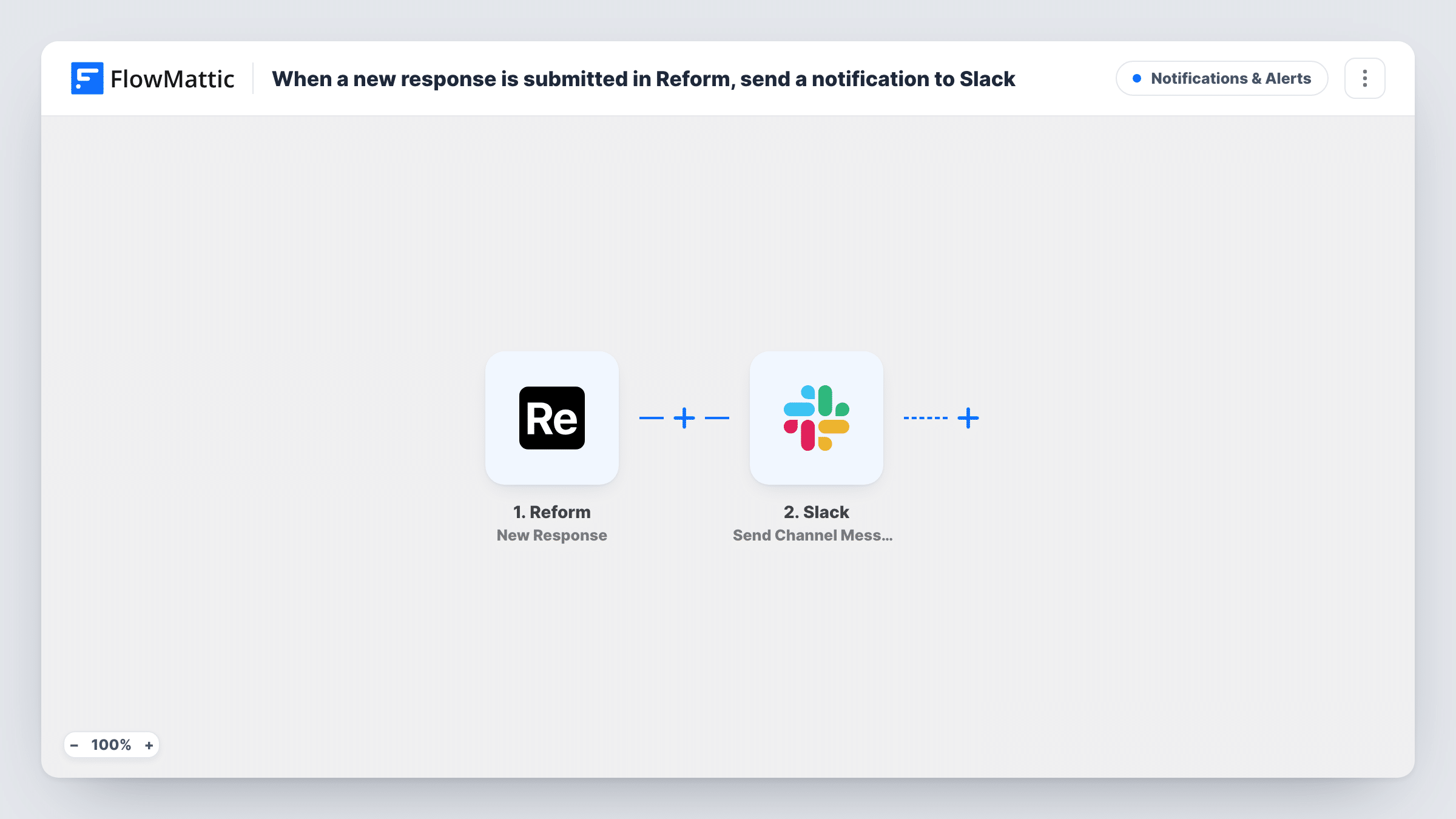
The Reform trigger fires on New Response and hands the submitted answers to FlowMattic. The second step uses Send Channel Message in Slack to post into a channel of your workspace.
The Slack message is not written yet. After import, submit a test response so FlowMattic captures the form's fields, then compose the message from them, for example the name, email and the answer your team acts on. Only the answers you place in the message reach Slack. There is no condition between the steps, so each response produces one post, and Task History lists every run.
Demo or quote requests from a Reform form
Sales sees each request in its Slack channel with the prospect's name and company, and someone claims it in the thread.
Bug reports from a product feedback form
Each report posts to the product channel with the steps the user described, so whoever is on duty can pick it up.
Event or waitlist sign-ups
A launch team watches sign-ups arrive in Slack during a campaign, one post per response, without logging into Reform.
How this workflow runs
What happens at each step once the workflow is on, and what you need before you import it.
 Reform New Response
Runs each time a response is submitted to your Reform form. The answers become available to place in the Slack message.
- Slack Send Channel Message
Sends the response to your chosen Slack channel as a message. The text is empty in the template, so after a test response write it using the Reform answers you want your team to see.
What you need
- FlowMatticCore
- Reform AccountAccount
- Slack AccountAccount
After importing, map your own data. To keep the template universal, not every step is pre-filled. Open each step in the builder and connect your accounts and fields (channels, lists, sheets, recipients) before you switch the workflow on.
Make it yours
Changes worth making after you import it.
- Put the most useful answer first in the Slack message, such as the request type, so people can tell what it is from the notification preview.
- Add a Filter after the trigger so only certain responses post, for example when a budget or urgency answer equals a value you choose.
- Use a Router to post to different Slack channels depending on a choice in the form, giving each route a condition on one distinct option.
Questions about this workflow
What does the Slack post show about each Reform response?
Whatever you write into the message after import. The template leaves the text empty, so you pick which answers appear.
Does every Reform response create a Slack message?
Yes, as imported. Each new response runs the workflow once and posts once. A Filter after the trigger can hold back the ones you don't need.
Can the alert go to a direct message instead of a channel?
This template uses Send Channel Message. To message a person directly, replace that step with a different Slack action if one suits your setup.
Will responses from before I turn the workflow on be posted to Slack?
No. The trigger reacts to new responses only, so earlier ones stay in Reform.
More Notifications & Alerts workflows
Other ready-to-import templates from the same category.





Import this workflow into your WordPress site
Download the JSON, import it from the Workflows screen and connect your accounts. Every run stays on your server, with no per-task fees.
30-day money-back guarantee Unlimited workflows and runs Self-hosted