

When a new row is added in Google Sheets, create an affiliate in FluentAffiliate
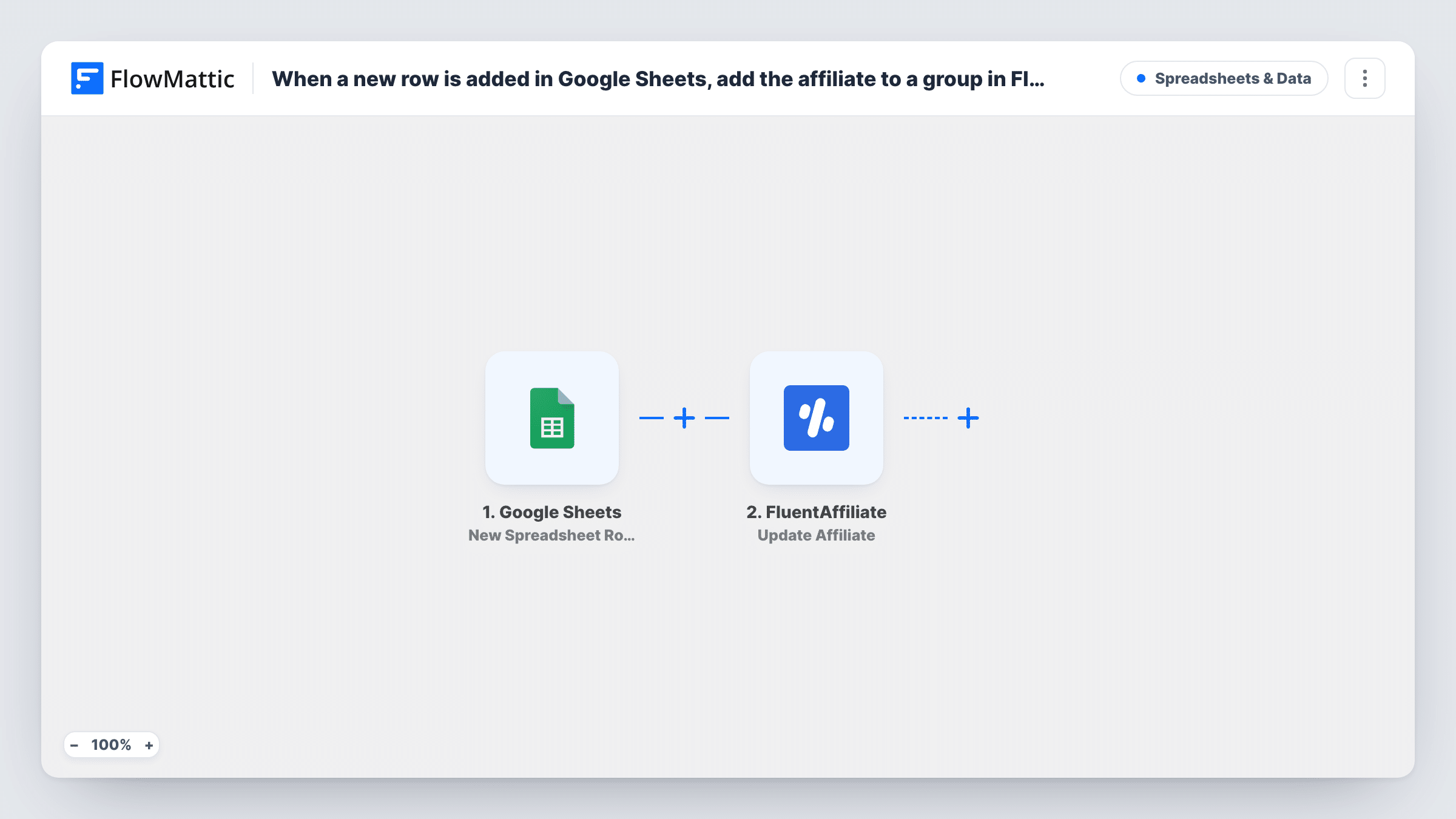
Each new row added to your Google Sheets spreadsheet creates an affiliate in FluentAffiliate on your WordPress site, using the details from the row’s columns that you map.
 Google Sheets
 FluentAffiliate
2 steps Setup ~5 min Used on 659 sites Free to import
What this workflow does
Partner programmes often start in a spreadsheet: applications collected by a form, a list from a sales call, or partners an agency signs up for you. Entering each one into FluentAffiliate by hand is slow and invites typos. This workflow creates the affiliate as soon as a new row appears in the sheet.
The Google Sheets trigger watches the sheet you connect and starts a run for each row added to it. Each column in that row, such as the partner's name, email or payment details, becomes a value you can map. FluentAffiliate then creates a new affiliate from those values on your WordPress site.
Both steps ship unmapped. After import, pick the spreadsheet and sheet for the trigger, then map each column into the Create Affiliate step.
Rows that were in the sheet before you switch the workflow on are left alone. Add one test row and check Task History to confirm what FluentAffiliate returned, including any message about details it needs.
Approved applications from a review sheet
A course creator copies approved partner applications into a dedicated sheet, and each new row becomes an affiliate ready to share links.
Agency-sourced partners
An outside agency adds the influencers it signs to a shared Google Sheet, and the store owner never re-types them into WordPress.
Event sign-ups for a referral scheme
A software company collects referral partners at a trade show in a spreadsheet, then adds each row so the partners get set up in FluentAffiliate.
How this workflow runs
What happens at each step once the workflow is on, and what you need before you import it.
 Google Sheets New Spreadsheet Row
Starts a run for each row newly added to your partner sheet in Google Sheets. Every column in that row becomes a value you can map into FluentAffiliate.
- FluentAffiliate Create Affiliate
Creates a new affiliate in FluentAffiliate from the row's details. Map the name, email and other columns into the step after import, then add a test row.
What you need
- FlowMatticCore
- Google Sheets AccountAccount
- FluentAffiliate PluginPlugin
After importing, map your own data. To keep the template universal, not every step is pre-filled. Open each step in the builder and connect your accounts and fields (channels, lists, sheets, recipients) before you switch the workflow on.
Make it yours
Changes worth making after you import it.
- Use a sheet that only holds approved partners, since every new row creates an affiliate.
- Add a Filter between the Google Sheets trigger and the Create Affiliate step that continues only when an Approved column says yes, if your sheet also holds pending applications. The column and value are examples to change.
- Keep an email column filled in for every row, so each affiliate can be matched to the right person later.
Questions about this workflow
Will rows already in my Google Sheet become FluentAffiliate affiliates?
No. The trigger reacts to rows added after the workflow is active. Add existing partners to FluentAffiliate yourself, or paste them into the sheet as new rows.
What if the person in the row is already a FluentAffiliate affiliate?
The step is Create Affiliate, so FluentAffiliate decides what happens with a person it already has. Test with an existing affiliate's details and check Task History for the response.
Which columns should my partner sheet have for FluentAffiliate?
Whatever the Create Affiliate step asks for when you open it, plus anything else you track. Match each column to a field in that step after import.
More Spreadsheets & Data workflows
Other ready-to-import templates from the same category.




Import this workflow into your WordPress site
Download the JSON, import it from the Workflows screen and connect your accounts. Every run stays on your server, with no per-task fees.
30-day money-back guarantee Unlimited workflows and runs Self-hosted