

When a new submission is added in FormDesigner, create a new task in Todoist
Each new FormDesigner submission creates a Todoist task, so enquiries, requests and sign-ups from your forms land on your to-do list with the submitted answers in the task.
 FormDesigner
 Todoist
2 steps Setup ~5 min Used on 2.4k sites Productivity Free to import
What this workflow does
Form submissions that need a follow-up are easy to leave in an inbox. If you already plan your work in Todoist, the simplest fix is for each submission to arrive there as a task. This workflow does that for FormDesigner forms.
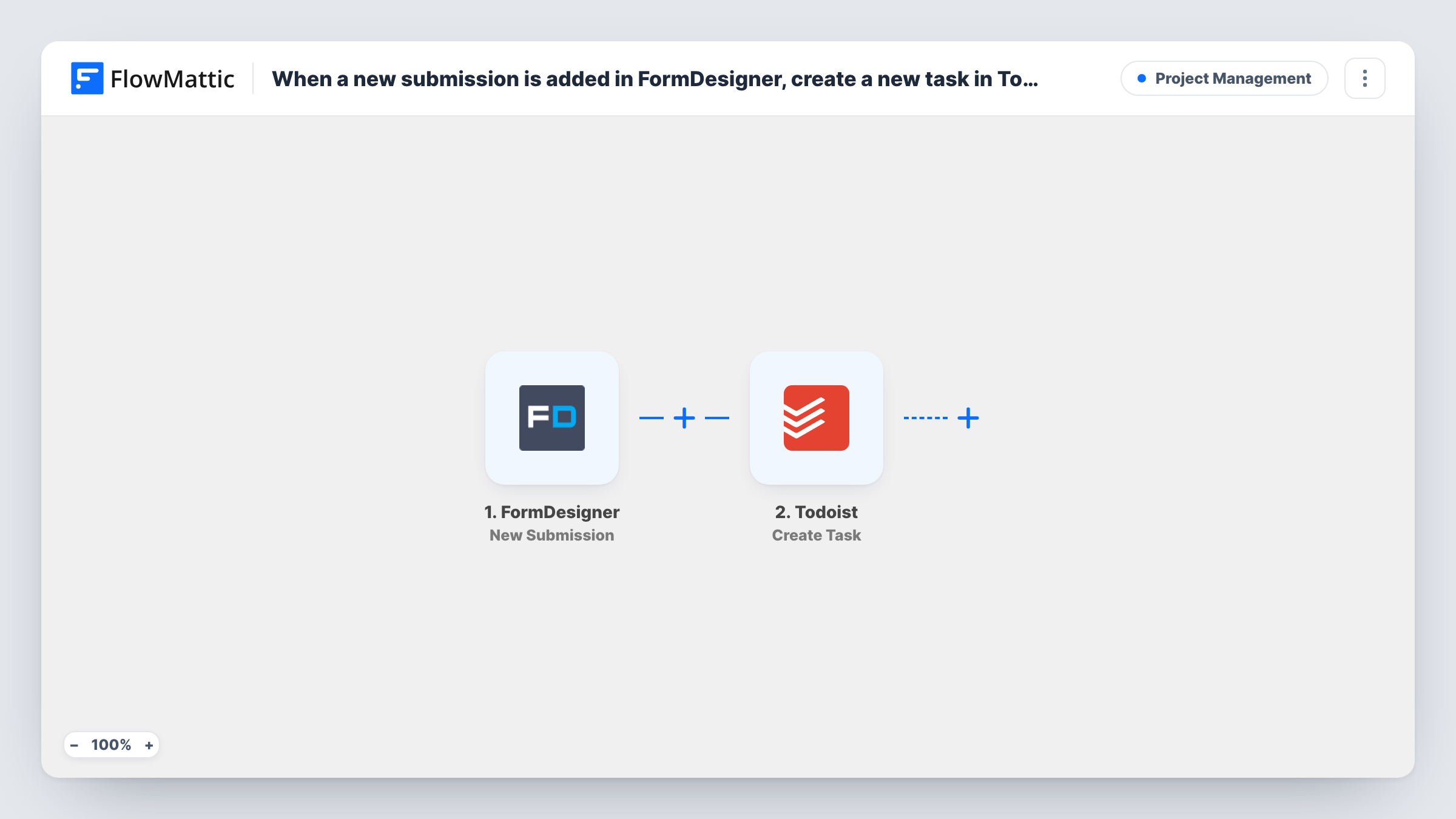
The FormDesigner trigger, New Submission, fires when a submission is added for a form. Each answer in the FormDesigner entry is then available to map. The Todoist step, Create Task, then creates a new task that you build from those answers, such as a task name made from the person's name and request.
Each submission makes one task, with no filtering in the template. Spam or test entries become tasks too, unless you add a Filter. Completing the task in Todoist doesn't change anything in FormDesigner. Every FormDesigner run appears in Task History.
Callback requests for a freelancer
A Call me back form in FormDesigner creates a Todoist task with the person's name and number, so the callback sits next to the rest of the day's work.
Quote requests from a calculator form
When a visitor submits a FormDesigner price calculator, a Todoist task holds their answers so you can prepare a proper quote.
Internal requests from staff
Colleagues use a FormDesigner form to ask for design or IT help, and each request becomes a task in the team's Todoist project.
How this workflow runs
What happens at each step once the workflow is on, and what you need before you import it.
 FormDesigner New Submission
Runs when a submission is added for a FormDesigner form. The submitted answers are passed to the Todoist step for mapping.
- Todoist Create Task
Creates a Todoist task from the FormDesigner submission. Connect your Todoist account, then build the task text from the answers, for example a name and what they asked for.
What you need
- FlowMatticCore
- FormDesigner AccountAccount
- Todoist AccountAccount
After importing, map your own data. To keep the template universal, not every step is pre-filled. Open each step in the builder and connect your accounts and fields (channels, lists, sheets, recipients) before you switch the workflow on.
Make it yours
Changes worth making after you import it.
- Put the most useful answer in the task name, such as the request type, so you can scan your Todoist list without opening each task.
- Add a Filter after the trigger on a form answer if only some submissions need follow-up, for example a Contact me option.
- Use several FormDesigner forms? Add a Router with one route per form, each with its own Todoist step, if the submission carries a value that identifies the form.
Questions about this workflow
Does every FormDesigner submission become a Todoist task?
As imported, yes. Each submission starts a run and creates a task. Add a Filter after the trigger if you only want some.
Which FormDesigner answers can go into the Todoist task?
Any value the New Submission event carries. Submit a test entry after import and look at the trigger step's captured data to see what you can map.
Can the FormDesigner tasks go into a specific Todoist project?
Check the options in the Create Task step after import, then send a test submission to confirm where the task appears.
Are FormDesigner submissions from before import turned into tasks?
No. Only submissions added while the workflow is on start a run.
More Project Management workflows
Other ready-to-import templates from the same category.






Import this workflow into your WordPress site
Download the JSON, import it from the Workflows screen and connect your accounts. Every run stays on your server, with no per-task fees.
30-day money-back guarantee Unlimited workflows and runs Self-hosted