

When a new submission is received in Formspark, create a new event in SavvyCal
Each Formspark form submission creates an event in SavvyCal on the scheduling link you choose, so a booking request sent through your static site’s form becomes a meeting on your calendar.
 Formspark
 SavvyCal
2 steps Setup ~5 min Used on 1.5k sites Free to import
What this workflow does
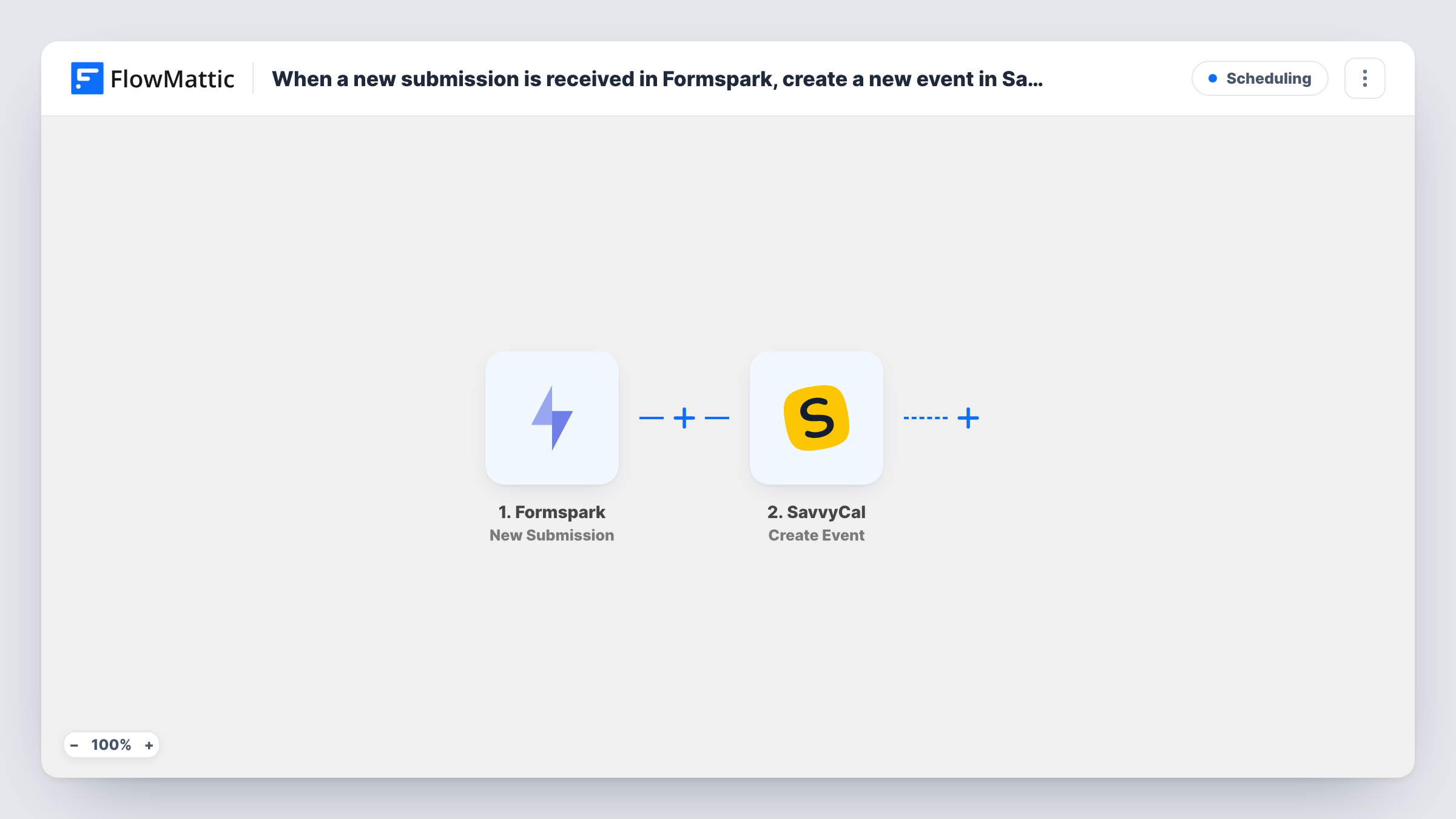
Formspark handles forms on static sites and landing pages, and SavvyCal holds your scheduling links and booked meetings. When people request a call through a Formspark form, someone usually has to read the request and enter the meeting in SavvyCal. This workflow creates the SavvyCal event straight from the submission.
The Formspark trigger fires when someone submits to your form. FlowMattic receives the submitted fields and passes them to SavvyCal, where the Create Event action creates an event for a given scheduling link. You map the requester's details, and the time they asked for, from the form into the event.
Every submission creates an event, since there is no check in between. An event needs a time, so the form should collect one in a format SavvyCal accepts. Run a test submission after import to see which values the SavvyCal step needs and whether the event appears as you expect.
Discovery calls from a landing page
Your static landing page uses a Formspark form where prospects pick a preferred slot. Each submission creates the call in SavvyCal under your discovery link.
Consultation requests for freelancers
A designer's portfolio site has a Formspark contact form with a date field. Requests become SavvyCal events, so you see them alongside the rest of your schedule.
Demo bookings for a product site
Visitors ask for a product demo through a Formspark form. The workflow places each demo on the SavvyCal scheduling link your sales team uses.
How this workflow runs
What happens at each step once the workflow is on, and what you need before you import it.
 Formspark New Submission
Fires when someone submits to your Formspark form. The submitted fields, such as name, email and the requested time, are passed to the SavvyCal step for mapping.
- SavvyCal Create Event
Creates an event in SavvyCal for the scheduling link you select. Map the requester's details and requested time from the Formspark fields, and connect your SavvyCal account on import.
What you need
- FlowMatticCore
- Formspark AccountAccount
- SavvyCal AccountAccount
After importing, map your own data. To keep the template universal, not every step is pre-filled. Open each step in the builder and connect your accounts and fields (channels, lists, sheets, recipients) before you switch the workflow on.
Make it yours
Changes worth making after you import it.
- Use a date and time input in your Formspark form rather than free text, so the value you map into SavvyCal is consistent from one submission to the next.
- Add a Filter after the trigger that continues only when the time field is not empty, so incomplete requests don't reach SavvyCal.
- If one form serves several meeting types, put a Router after the trigger and give each route its own SavvyCal step pointed at a different scheduling link, with conditions on distinct form values.
Questions about this workflow
Does Formspark need to collect a meeting time for SavvyCal?
Yes. An event is set at a time, so the form has to supply one. Run a test after import to check which values the Create Event step needs and the format SavvyCal accepts.
Will the SavvyCal event clash with existing bookings?
The workflow does not check your availability before it creates the event. If double bookings are a concern, review new events in SavvyCal or ask people to book through the scheduling link itself.
What happens if SavvyCal rejects the event?
Task History shows the error SavvyCal returned on that step, along with the submitted data, so you can see which value caused it.
Are older Formspark submissions turned into events?
No. Only submissions made after you turn the workflow on create SavvyCal events.
More Scheduling workflows
Other ready-to-import templates from the same category.






Import this workflow into your WordPress site
Download the JSON, import it from the Workflows screen and connect your accounts. Every run stays on your server, with no per-task fees.
30-day money-back guarantee Unlimited workflows and runs Self-hosted