

Create a ClickUp task for each new NeetoCal booking requested
When a visitor requests a booking in NeetoCal, this workflow opens a ClickUp task for it, so pending requests sit on your team’s task list until someone reviews and answers them.
 NeetoCal
 ClickUp
2 steps Setup ~5 min Used on 1.3k sites Free to import
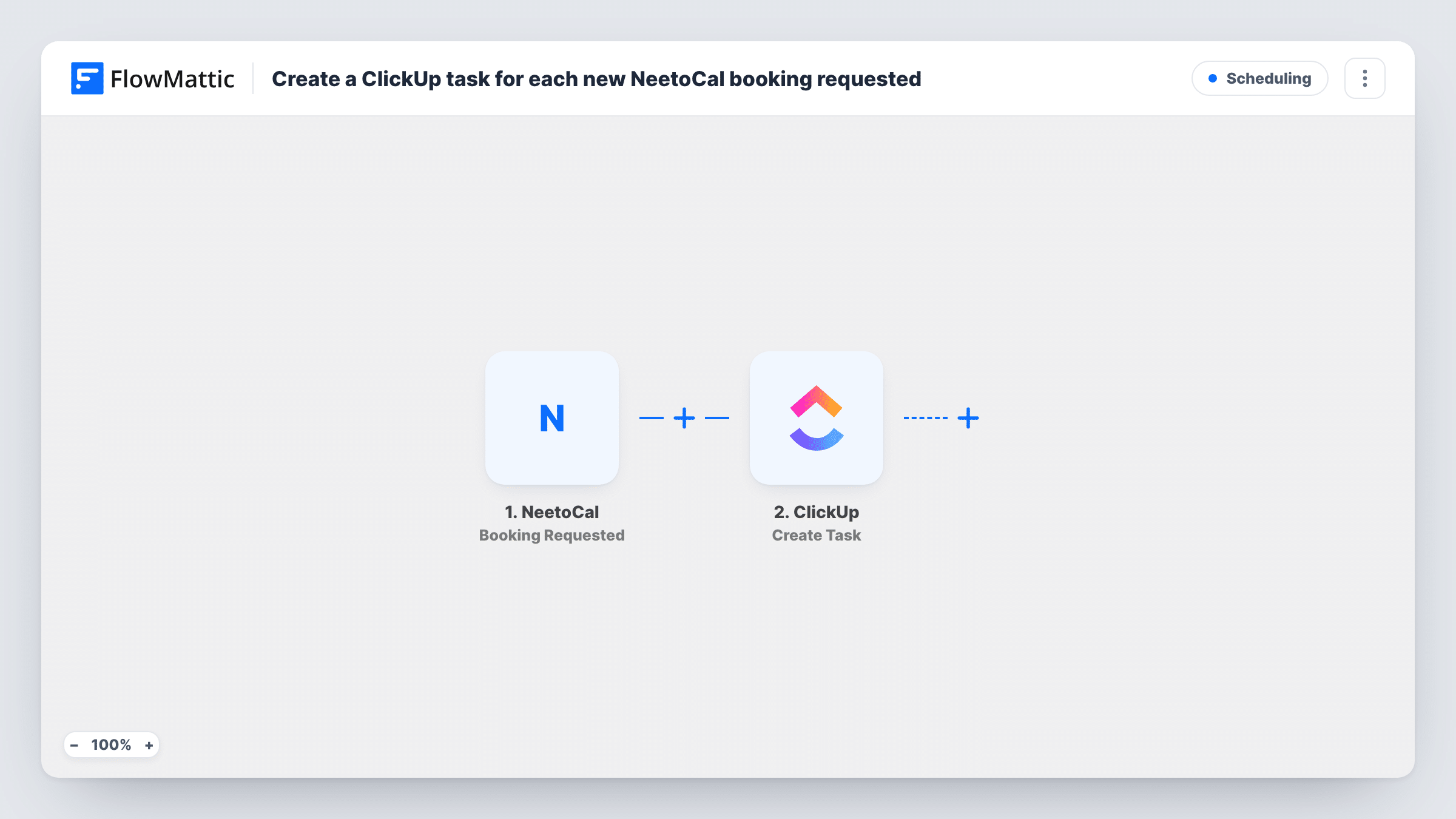
What this workflow does
Some NeetoCal meeting types ask for a request first, and someone has to decide whether to accept it. If those requests only show up in email, they can sit unanswered. This workflow puts each request into ClickUp, where your team already tracks who does what.
The NeetoCal trigger runs when a booking is requested. FlowMattic sends the request details to ClickUp, and the Create Task action adds a task where you point it. You might use the guest's name and requested time for the task name and paste their answers into the description.
The workflow does not accept or decline anything in NeetoCal. It creates the task, and your team handles the request from there. Task History records each run along with ClickUp's response.
Approving discovery calls
Prospects request a call on your NeetoCal page. A ClickUp task appears for the sales lead, who checks fit and responds to the request.
Clinic appointment requests
Patients ask for a slot through NeetoCal. The front desk works through the ClickUp tasks and confirms each request with the right practitioner.
Studio or equipment hire
Customers request a studio session. Each request becomes a ClickUp task so staff can check availability before replying.
How this workflow runs
What happens at each step once the workflow is on, and what you need before you import it.
 NeetoCal Booking Requested
Runs when someone requests a booking in NeetoCal. The request's details, such as the guest and the requested time, are available for the ClickUp task.
- ClickUp Create Task
Opens a task in ClickUp for the NeetoCal request. Connect ClickUp, choose where the task should be created, and map request details into its name and description.
What you need
- FlowMatticCore
- NeetoCal AccountAccount
- ClickUp AccountAccount
After importing, map your own data. To keep the template universal, not every step is pre-filled. Open each step in the builder and connect your accounts and fields (channels, lists, sheets, recipients) before you switch the workflow on.
Make it yours
Changes worth making after you import it.
- Put the requested date and time in the ClickUp task name, so your team can see at a glance which requests are most pressing.
- Submit a test request on your NeetoCal page after import. The captured data shows which request fields you can use in the task.
- Add a Filter after the trigger if only some NeetoCal meeting types need a ClickUp task, using the meeting name from the test data.
Questions about this workflow
Does the ClickUp task confirm the NeetoCal booking?
No. The task is a reminder for your team. Accepting or declining the request still happens in NeetoCal.
Which NeetoCal event starts this workflow?
A booking request. Bookings created without a request step use a different NeetoCal trigger and do not start this workflow.
Is a ClickUp task created for every NeetoCal request?
Yes, as imported. Nothing checks the request first, so each one creates a single task.
More Scheduling workflows
Other ready-to-import templates from the same category.







Import this workflow into your WordPress site
Download the JSON, import it from the Workflows screen and connect your accounts. Every run stays on your server, with no per-task fees.
30-day money-back guarantee Unlimited workflows and runs Self-hosted