

Create new booking in Latepoint when new booking is received in NewOaks AI
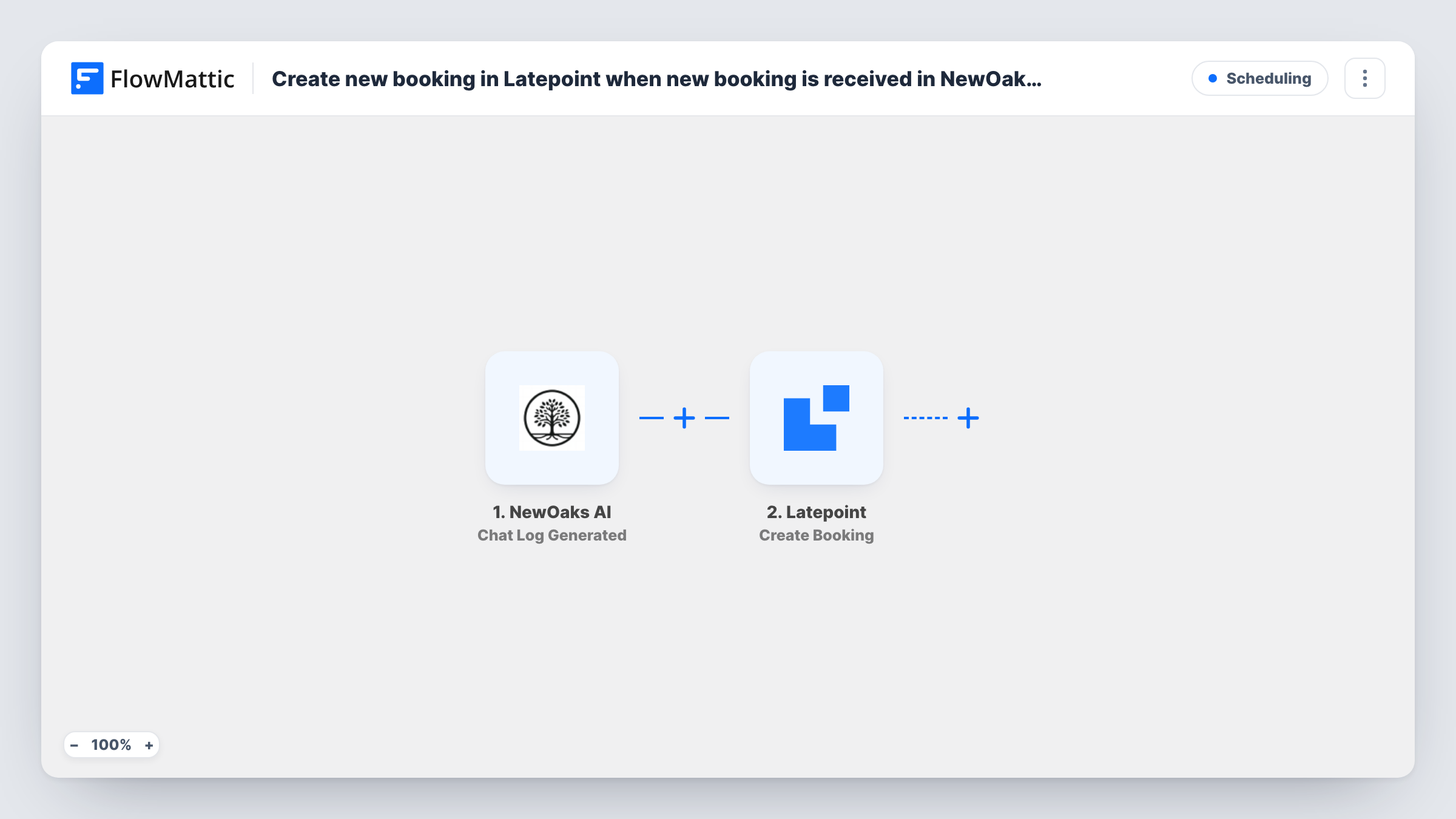
When your NewOaks AI chatbot books an appointment, FlowMattic creates a booking in LatePoint on your WordPress site, so appointments made in chat show up in your LatePoint calendar.
 NewOaks AI
 Latepoint
2 steps Setup ~5 min Used on 2.9k sites Free to import
What this workflow does
A NewOaks AI chatbot can take appointment requests from visitors, but if your schedule lives in LatePoint, those bookings sit in a different system and staff have to re-enter them. This workflow copies each one into LatePoint as it is made, so your agents work from a single calendar.
The NewOaks AI trigger fires when an appointment is booked and passes the booking details on. Check a test booking to see exactly which details arrive, such as the visitor's name, contact details and the requested time.
The LatePoint Create Booking step then adds a booking on your site. It ships unmapped, so after import you open the step and map the NewOaks AI details into what LatePoint asks for. LatePoint ties each booking to its own services and agents, so check in the step how those are set for chat bookings.
Every appointment the chatbot books starts a run. LatePoint applies its own rules when the booking is created, so book a test appointment through the chatbot and check Task History for LatePoint's response before you go live.
Chatbot bookings for a clinic
A physiotherapy practice lets its NewOaks AI chatbot book first consultations after hours, and each one appears in the LatePoint calendar the front desk already uses.
Sales demos booked in chat
A software company's website bot books product demos, and the sales team sees them as LatePoint bookings next to the demos people book through the site's booking form.
Salon appointments from a website assistant
A salon's chatbot answers questions and books appointments, which land in LatePoint so stylists see one schedule.
How this workflow runs
What happens at each step once the workflow is on, and what you need before you import it.
 NewOaks AI Appointment Booked
Starts a run whenever NewOaks AI books an appointment. The appointment's details from NewOaks AI are passed to LatePoint; run a test booking to see which fields arrive.
- Latepoint Create Booking
Creates a new booking in LatePoint on your WordPress site. Nothing is mapped in the template, so map the appointment details from NewOaks AI into the step, then confirm with a test run that the booking lands where you expect.
What you need
- FlowMatticCore
- NewOaks AI AccountAccount
- LatePoint PluginPlugin
After importing, map your own data. To keep the template universal, not every step is pre-filled. Open each step in the builder and connect your accounts and fields (channels, lists, sheets, recipients) before you switch the workflow on.
Make it yours
Changes worth making after you import it.
- Add a Google Sheets Add New Row step after Create Booking if you want a running list of the appointments your chatbot booked.
- Compare a test booking's time in NewOaks AI with the booking LatePoint created, to confirm the hour and time zone line up.
- Add an Email step after Create Booking to send your team a note with the visitor's details, so someone can confirm the appointment personally.
Questions about this workflow
Do I need the LatePoint plugin on my WordPress site?
Yes. The Create Booking step adds the booking through LatePoint, so the plugin must be installed and set up with your services before you test.
Which NewOaks AI booking details reach LatePoint?
Only the ones you map. The template leaves the LatePoint step empty, so you match the appointment fields NewOaks AI sends to the booking details LatePoint expects.
What if the requested slot is already taken in LatePoint?
LatePoint decides how to handle the booking. Try a test booking for a busy slot and check Task History to see what the Create Booking step returned.
Does cancelling in NewOaks AI remove the LatePoint booking?
No. This workflow only reacts to new appointments booked in NewOaks AI and creates bookings. Cancellations need to be handled separately.
More Scheduling workflows
Other ready-to-import templates from the same category.








Import this workflow into your WordPress site
Download the JSON, import it from the Workflows screen and connect your accounts. Every run stays on your server, with no per-task fees.
30-day money-back guarantee Unlimited workflows and runs Self-hosted