

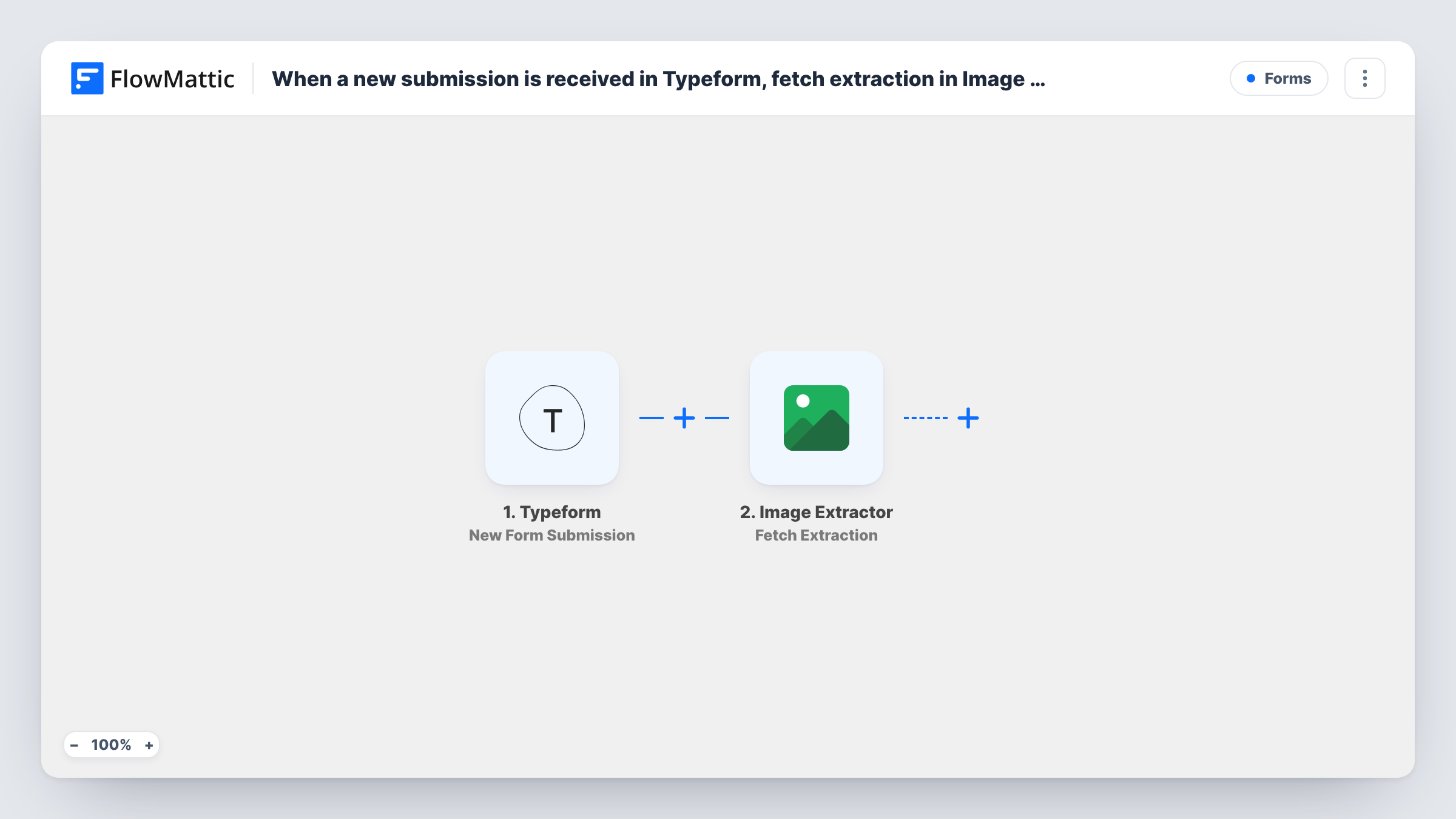
When a new submission is received in Typeform, extract images in Image Extractor
Each new Typeform submission sends the web address from the answers to Image Extractor, which starts an extraction of the images on that page for you to use in later steps.
 Typeform
 Image Extractor
2 steps Setup ~5 min Used on 851 sites Free to import
What this workflow does
Some forms ask people for a link: a product page to review, a listing to feature, a portfolio to assess. Often what you need from that link is its pictures. This workflow passes the URL from each Typeform response to Image Extractor, the Extract.pics integration, so collecting the images starts without anyone opening the page.
The Typeform trigger runs when a new submission is received on the form you choose. Each answer becomes a value you can map.
The Image Extractor step then runs Extract Images, which FlowMattic describes as extracting images from one or more URLs. It ships unmapped: after import, connect your account and map the Typeform answer that holds the page address into the step.
The imported workflow stops after the extraction. No step saves, sends or shows the images, so the result sits in Task History until you add a step that uses it. Image Extractor also has a Fetch Extraction action that reads an existing extraction by its ID, which helps if the first step returns an ID rather than finished images. Run a test submission to see what comes back, then add the next step to suit.
Product submissions for a review site
A gadget blog asks makers to submit a product page through Typeform. The images on that page are pulled for the editor choosing photos for the review.
Property listings sent by agents
A local property newsletter collects listing links from agents and extracts the photos from each listing page to pick a cover image.
Portfolio links from applicants
A design studio's application form asks for a portfolio URL, and the images on it are extracted for the reviewer's shortlist.
How this workflow runs
What happens at each step once the workflow is on, and what you need before you import it.
 Typeform New Form Submission
Starts the workflow when a new response is submitted to your Typeform form. Each answer, including the one where the person enters a URL, becomes available to the next step.
- Image Extractor Extract Images
Sends the URL to Image Extractor to extract the images on that page. The step ships unmapped: map the Typeform answer that holds the link. Nothing in the template uses the result yet, so add a step for it.
What you need
- FlowMatticCore
- Typeform AccountAccount
- Image Extractor AccountAccount
After importing, map your own data. To keep the template universal, not every step is pre-filled. Open each step in the builder and connect your accounts and fields (channels, lists, sheets, recipients) before you switch the workflow on.
Make it yours
Changes worth making after you import it.
- Use Typeform's Website question type for the link, so people enter a full web address the Image Extractor step can open.
- Log the outcome by adding a Google Sheets Add New Row step after the extraction step, mapping the submitted URL and what Image Extractor returned.
- If the extraction step returns an ID before the images are ready, add a Delay after it and then Image Extractor's Fetch Extraction action with that ID to read the results.
- Put a Filter between the Typeform trigger and the Image Extractor step that continues only when the URL answer is not empty, if the question is optional.
Questions about this workflow
Where do the extracted images go after the Typeform submission?
Nowhere yet. The template only runs the extraction, and the result appears in Task History. Add a step after it, such as a Google Sheets row or an email, to save or share what Image Extractor returns.
Do I need an Image Extractor account?
Yes. The step connects to Image Extractor, the Extract.pics service, with your own account. Connect it in the step after import.
Can one Typeform response send more than one page?
FlowMattic describes Extract Images as working on one or more URLs. Map each URL answer into the step, then check a test run to see how Image Extractor handled them.
More Forms workflows
Other ready-to-import templates from the same category.







Import this workflow into your WordPress site
Download the JSON, import it from the Workflows screen and connect your accounts. Every run stays on your server, with no per-task fees.
30-day money-back guarantee Unlimited workflows and runs Self-hosted