

When a new subscriber is added in Mailchimp, create text-to-speech welcome message in Murf AI
When someone joins your Mailchimp audience, FlowMattic sends a welcome script with their details to Murf AI, which turns it into a spoken voiceover you can then use in a follow-up step.
 Mailchimp
 Murf AI
2 steps Setup ~5 min Used on 3.5k sites Free to import
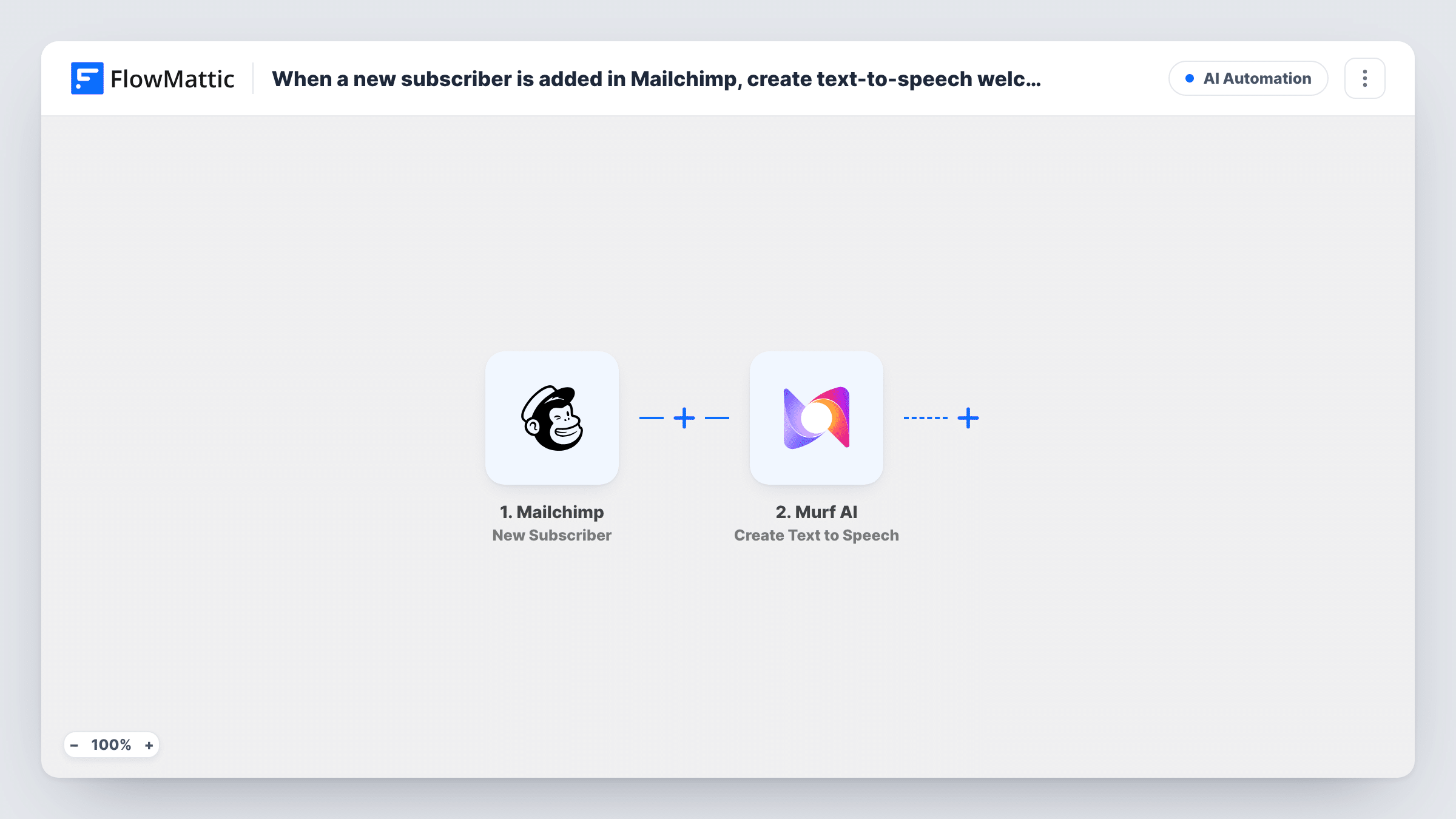
What this workflow does
A short spoken greeting with the subscriber's name feels more personal than another text email. Recording one for each person is not practical, though. This workflow has Murf AI produce the audio for you whenever your Mailchimp list grows.
The Mailchimp trigger New Subscriber fires when a new subscriber is added. FlowMattic receives that subscriber's details and passes them to Murf AI, whose Create Text to Speech action turns text into speech. You write the welcome script once and map Mailchimp data into it, such as the first name, so each subscriber gets their own version.
Be clear about where the workflow stops. As imported it only creates the audio in Murf AI. Nothing sends it to the subscriber or stores it anywhere else. Murf's response becomes data in FlowMattic, so add a step after it to deliver or save the result. Run a test to see exactly what that response contains. Task History records each generation.
Personal welcome for a coaching list
A coach greets each new Mailchimp subscriber by name in a short spoken clip, then adds an email step that links to the audio.
Podcast or audio brand
A show that grows its list through Mailchimp produces a voiced welcome in the host's chosen Murf AI voice for every new listener who signs up.
Testing a voice script
A marketer generates the greeting for each new subscriber and reviews the clips before deciding whether to send them as part of the onboarding sequence.
How this workflow runs
What happens at each step once the workflow is on, and what you need before you import it.
 Mailchimp New Subscriber
Starts the run as soon as Mailchimp reports a new subscriber on your audience. The person's details, such as email address and any merge fields, are passed on for the Murf AI step.
- Murf AI Create Text to Speech
Sends your welcome script to Murf AI and has it converted to speech. Write the text, map the subscriber's details into it, and connect your Murf AI account. The response is available to any step you add next.
What you need
- FlowMatticCore
- Mailchimp AccountAccount
- Murf AI AccountAccount
After importing, map your own data. To keep the template universal, not every step is pre-filled. Open each step in the builder and connect your accounts and fields (channels, lists, sheets, recipients) before you switch the workflow on.
Make it yours
Changes worth making after you import it.
- Add a step after Murf AI to deliver the audio, for example an email to the subscriber with the result mapped into the message. Run a test first to see what Murf returns.
- Keep the script short and fill only fields every subscriber has. If a first name merge field is often blank, write the greeting so it still reads well without it.
- Log each result to Google Sheets with the subscriber's email next to it, so you keep a list of generated greetings you can check later.
Questions about this workflow
Does the Mailchimp subscriber receive the Murf AI audio?
Not as imported. The workflow creates the speech in Murf AI and stops. Add an email or messaging step after Murf AI and map the result into it if you want the audio delivered.
Can the welcome message include the subscriber's name?
Yes, if Mailchimp has it. Map the name field from the trigger into the script text. Subscribers who signed up without a name will get whatever the text reads with that part empty.
Do I need a Murf AI account for this workflow?
Yes. The text-to-speech step runs through your Murf AI account, which you connect on import. Check your Murf AI plan for how much audio it allows.
Will people already on my Mailchimp list get a greeting?
No. The trigger fires for new subscribers only, so the workflow covers people added after you turn it on.
More AI Automation workflows
Other ready-to-import templates from the same category.








Import this workflow into your WordPress site
Download the JSON, import it from the Workflows screen and connect your accounts. Every run stays on your server, with no per-task fees.
30-day money-back guarantee Unlimited workflows and runs Self-hosted