

When a new subscriber is added in MailerLite, create registration for webinar in Demio
Each time a subscriber is added to your MailerLite account, this workflow registers them for a Demio webinar using their name and email, so new subscribers have a seat without signing up twice.
 MailerLite
 Demio
2 steps Setup ~5 min Used on 1.0k sites Free to import
What this workflow does
Webinars are a common welcome for new subscribers, but asking people to fill in a second registration form loses some of them. If every MailerLite subscriber should be signed up for a Demio session, this workflow does the registration for them.
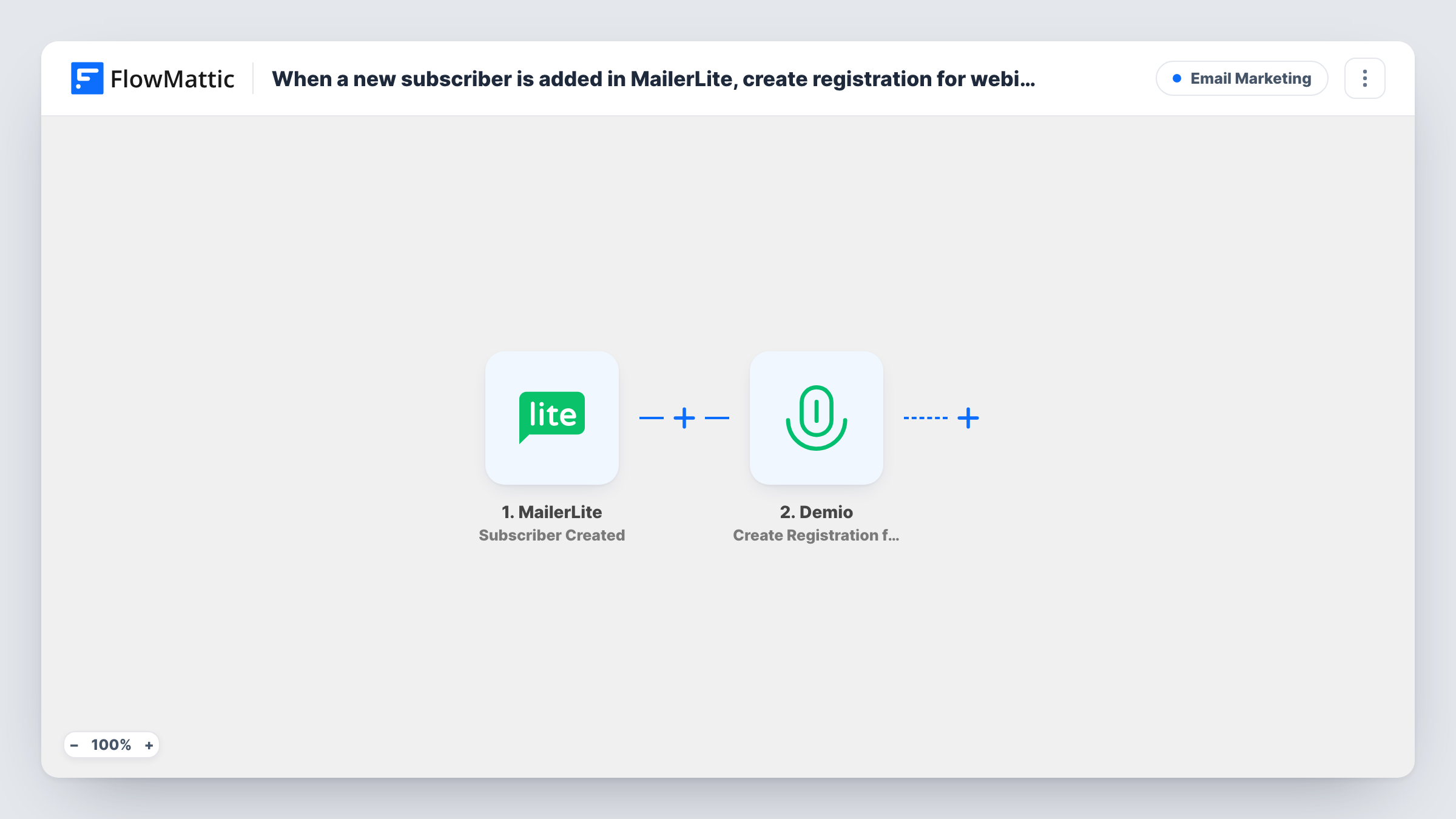
The MailerLite trigger runs when a new subscriber is added to your account. FlowMattic takes the subscriber's details and passes them to Demio, where Create Registration for Webinar registers that person. You map their email and name into the step.
The trigger covers any subscriber added to the account, not one group, so every new subscriber is registered. If only people from a particular sign-up form or group should attend, add a Filter. Demio takes over after the registration. Task History shows each run, which is where you will see if Demio rejected a registration.
Welcome webinar for new subscribers
You run a recurring intro session in Demio. Everyone who subscribes in MailerLite is registered for it, and your welcome email can mention the session.
Lead magnet that includes a live session
Your opt-in offer promises a live training. The subscriber is registered in Demio as soon as MailerLite adds them.
Course pre-launch webinar
During a launch, new MailerLite subscribers are registered for the pre-launch webinar where you present the course.
How this workflow runs
What happens at each step once the workflow is on, and what you need before you import it.
 MailerLite Subscriber Created
Fires when a new subscriber is added to your MailerLite account. Their email and other subscriber fields become available to map.
- Demio Create Registration for Webinar
Registers the subscriber for a Demio webinar. Connect Demio, map the MailerLite email and name, and add a test subscriber to check the registration in Demio.
What you need
- FlowMatticCore
- MailerLite AccountAccount
- Demio AccountAccount
After importing, map your own data. To keep the template universal, not every step is pre-filled. Open each step in the builder and connect your accounts and fields (channels, lists, sheets, recipients) before you switch the workflow on.
Make it yours
Changes worth making after you import it.
- Add a Filter after the MailerLite trigger if only some subscribers should be registered, for example those who joined through a specific form or group, when that detail is in the trigger data.
- When your recurring webinar moves to a new event, update the Demio step so new subscribers are registered for the right session.
- Map a name field if your MailerLite form collects one. A registration with a real name is easier to recognise in Demio's attendee list.
Questions about this workflow
Which MailerLite subscribers are registered in Demio?
Every subscriber added to your MailerLite account after the workflow is turned on. Existing subscribers are not registered.
What if a MailerLite subscriber has no name?
The Demio step receives whatever you map. If Demio needs a name and the field is empty, the registration may fail, and Task History will show Demio's reply. Test with a subscriber who has no name.
Does registering in Demio send an email to the subscriber?
Any confirmation comes from Demio and depends on your webinar settings there. The workflow sends no email of its own.
Can new MailerLite subscribers go to different Demio webinars?
Not as imported. Add a Router with exact conditions, for example on a group or form value, and give each route its own Demio step.
More Email Marketing workflows
Other ready-to-import templates from the same category.




Import this workflow into your WordPress site
Download the JSON, import it from the Workflows screen and connect your accounts. Every run stays on your server, with no per-task fees.
30-day money-back guarantee Unlimited workflows and runs Self-hosted